 Skill
 Free
Blender Scene Assistant
- Escreva o brief de cena em texto simples
- Execute o gerador sobre o brief
- Leia o relatório antes de confiar na cena
- Renderize no Blender, sem interface ou no viewport
- Corrija os erros e execute novamente
Blender is where 3D scenes get built — and most of the setup is the same every time: add the objects, size them, place them, make the materials, add the lights, aim the camera. The Blender Scene Assistant replaces the clicking with a checked brief: describe the scene in plain text, and a script validates it before Blender builds anything.
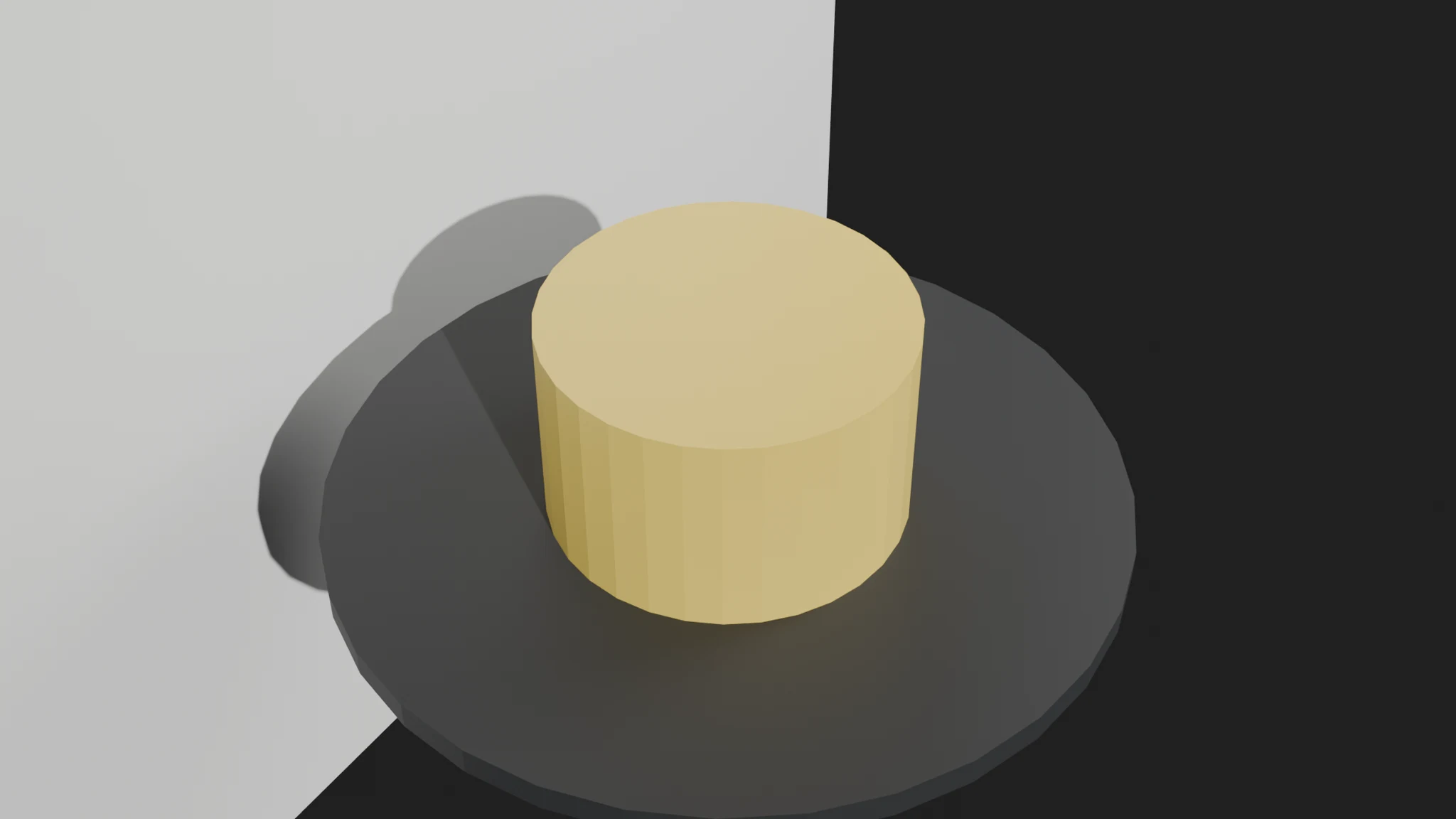
The skill below is the first Blender skill on SkillU. It ships with a real brief, a working generator, evals, and a frame rendered in Blender from that brief — install it and build your own turntable.
A real skill with a working script, evals and a rendered frame — install it and build your own scene.
FreeAn Agent Skill that turns a plain-text scene brief into a validated Blender scene. You describe objects, lights, camera and render settings; a script checks the brief — unknown types dropped, duplicates rejected, bad sizes named — then generates a Blender Python script that builds the scene and renders it.
No. Write the brief in plain text, run one command, and Blender renders the frame. The skill's SKILL.md walks through every step, and the report tells you exactly what was wrong if the brief has an error.
Blender 4.2+ and Python 3.8+ (standard library only for the generator). The generated script renders with EEVEE by default and supports Cycles on CPU — set engine cycles in the [render] section.