 Skill
SkillChangelog Composer
Commits in, release notes out — grouped, plain-language, ready to publish.
Works with: Claude Code, Codex, Cursor, Muse · Version 1.0 · Needs: A commit range or merged-PR list to work from.
Get this Skill with Premium See plans
Preview
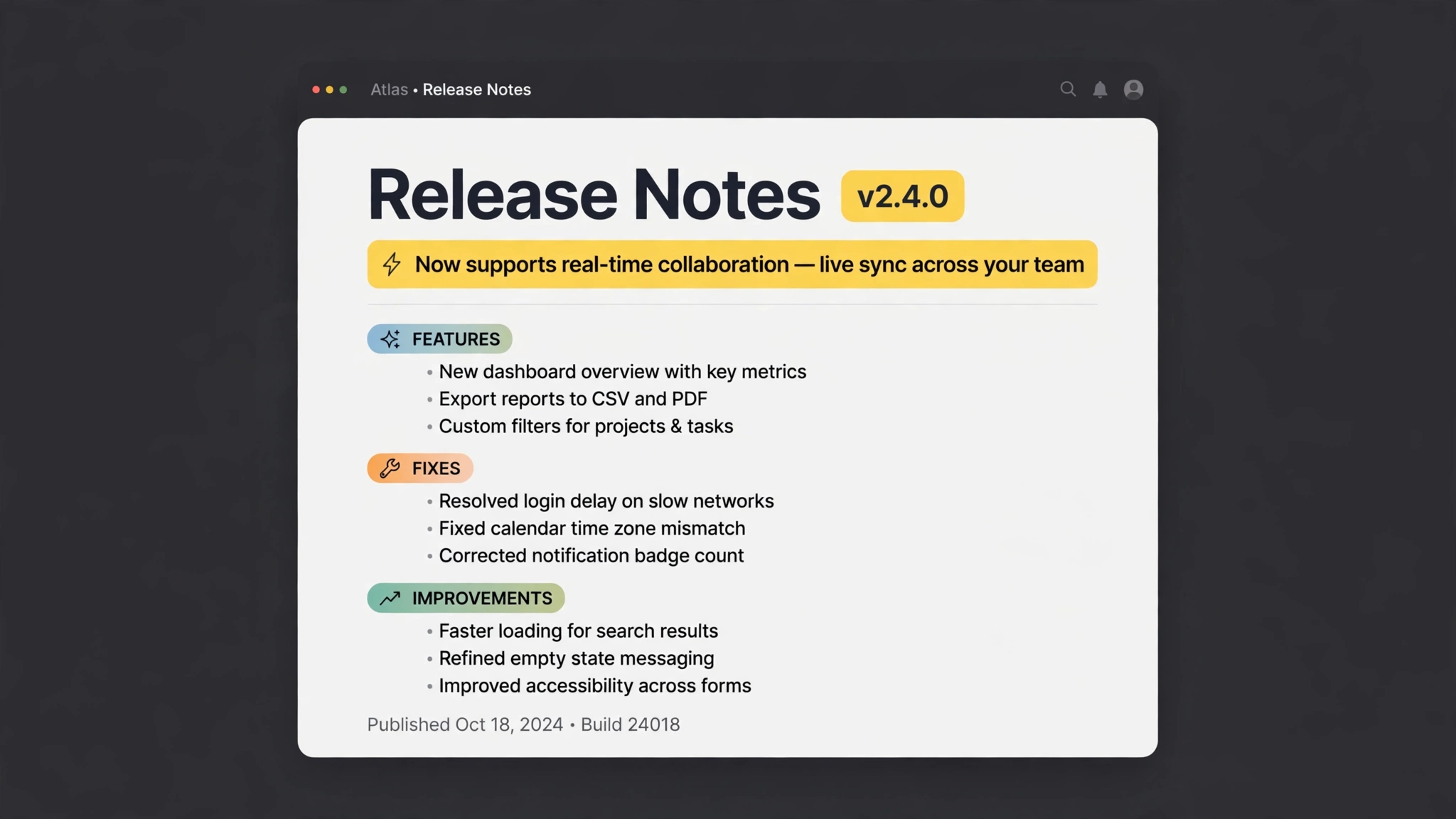
Sample output
An example of what this Skill produces. Sample content, shown for illustration.
Release notes — v2.4.0

HIGHLIGHT
Exports now finish up to 2x faster on large projects.

FEATURES
• Real-time sync across devices
• Export any report to CSV

FIXES
• Resolved the login timeout after long idle periods
• Fixed panel alignment on mobile view

IMPROVEMENTS
• Load time reduced by about 30%
• Settings menu reorganized around the tasks people actually use
What you get
- Grouping rules that separate features, fixes, and improvements
- Jargon-to-benefit rewriting pass for every entry
- A one-line highlight pick with the reasoning kept
- Markdown output ready for your site, app, or email
About this Skill
Turns a pile of commit messages and merged pull requests into release notes people actually read. Changes are grouped into features, fixes, and improvements; internal jargon is rewritten as user-facing benefits; the single most important change is pulled out as the highlight. You review the draft, not a raw git log.
Try it
Compose release notes for v2.4.0 from all commits merged since the v2.3.0 tag. Audience: non-technical customers.Good fit
- Indie developers shipping weekly
- Teams whose changelog is a git log today
Not for
- Legal or compliance release documentation
How to install
- Copy the install prompt into your agent:
Read https://skillu.dev/install/agent.md, then install the Changelog Composer skill (changelog-composer). - Or download the Skill package from this page after launch and place its folder in your agent's skills directory.
- Call it with a slash command, e.g.
/changelog-composer, and describe what you want in plain words.
FAQ
What input does it need?
A commit range, a merged-PR list, or a pasted git log — anything with change descriptions and dates.
Does it invent changes?
No. Every line traces to an input change; anything ambiguous is flagged for you instead of smoothed over.