← All agents
Agent Skills for Codex
Codex works from the same SKILL.md format: a folder of instructions, templates and checks your agent loads for a specific kind of work. SkillU skills are written to that shared format, with automation skills leading the catalog.
Get Premium access Browse all skills
How installing works in Codex
- Place the Skill folder in the skills directory Codex documents for your setup.
- Invoke the Skill by name inside Codex, or describe the outcome you want in plain words.
- Check the result against the Skill page example, then iterate in the same session.
Start with automation
The catalog leads with automation, then video, image and writing skills. These are the skills Codex users reach for first:
 Premium
- Read full threads
- Sort into 3 buckets
- Draft in your voice
- Approve & send
 Premium
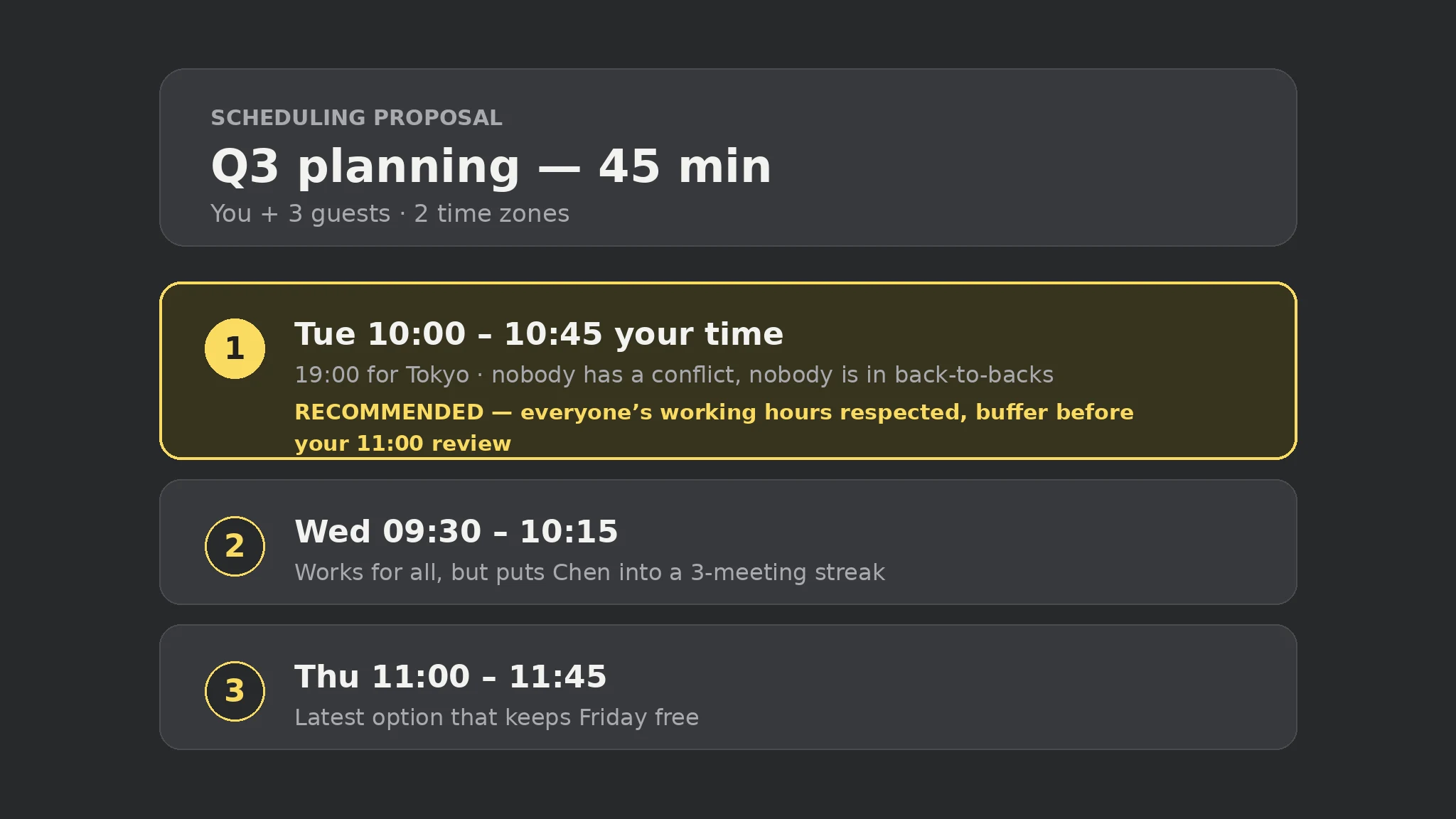
- Gather constraints
- Check all calendars
- Offer local times
- Hold or invite
 Free
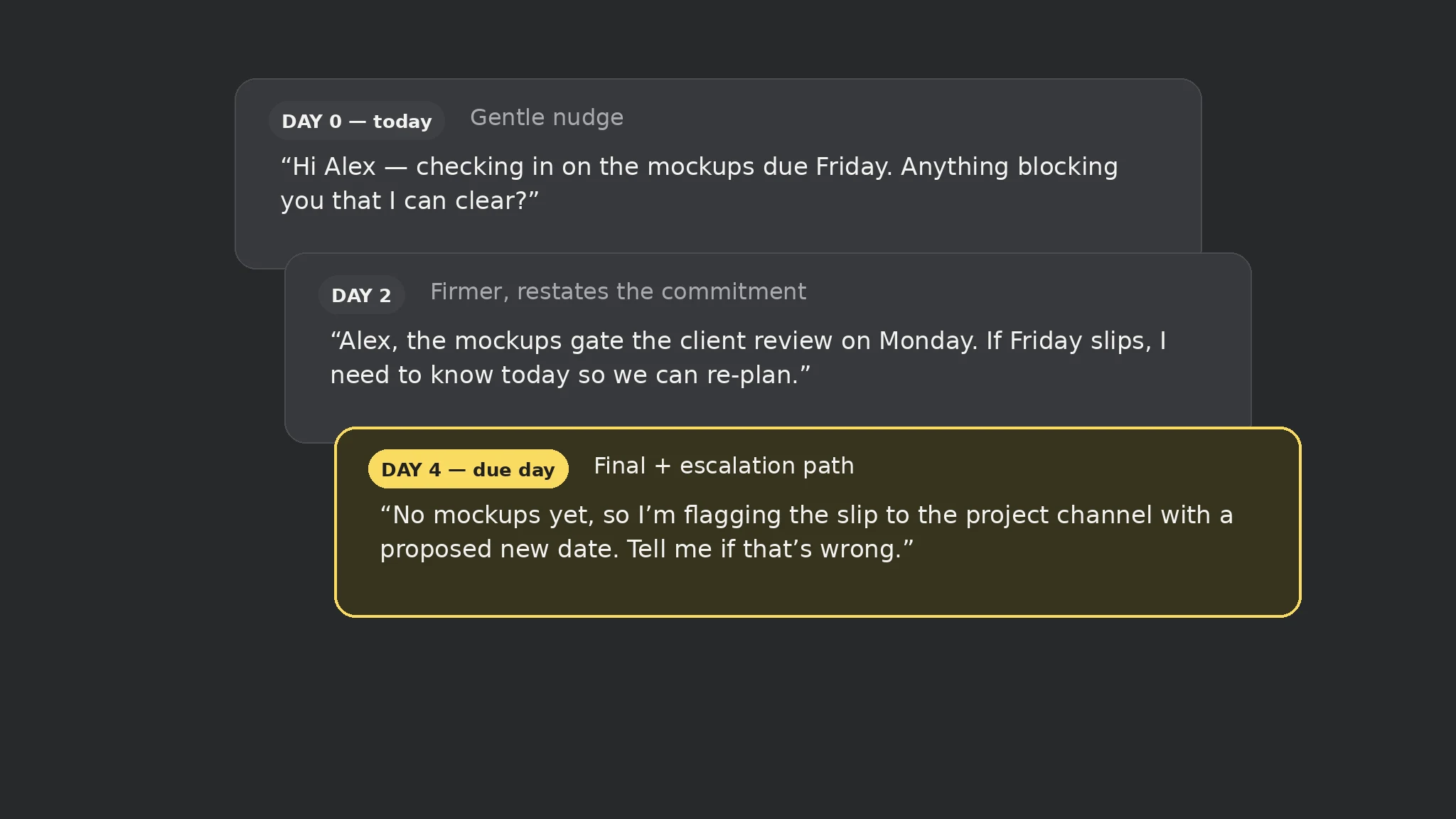
Free- Capture the cutoff
- Watch for stalls
- Nudge at 3 points
- Close the loop
 Premium
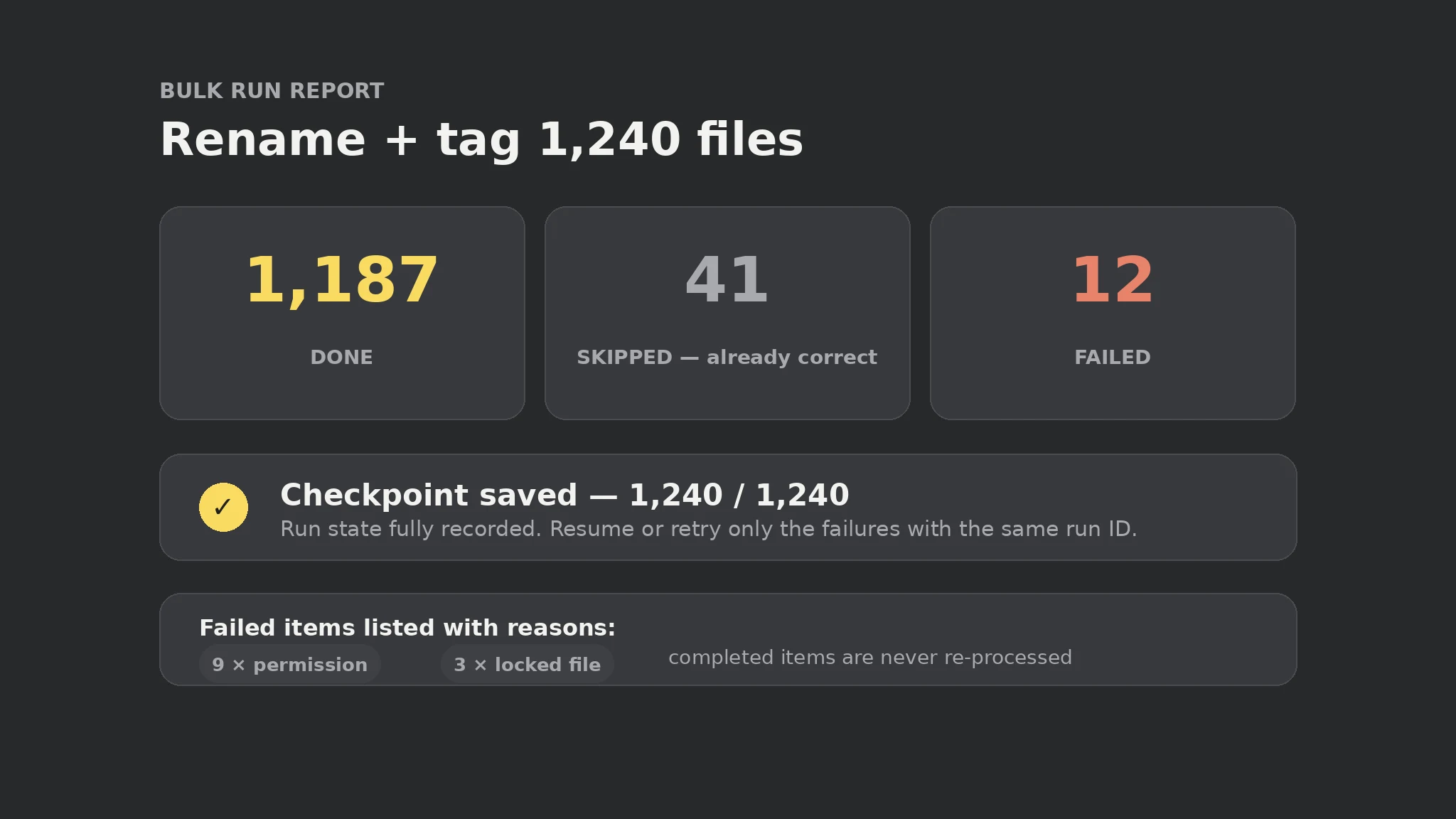
- Shard the list
- Checkpoint each item
- Idempotent runs
- Verify completion
 Premium
- Read the transcript
- Extract decisions
- Assign owners
- Send the recap
 Free
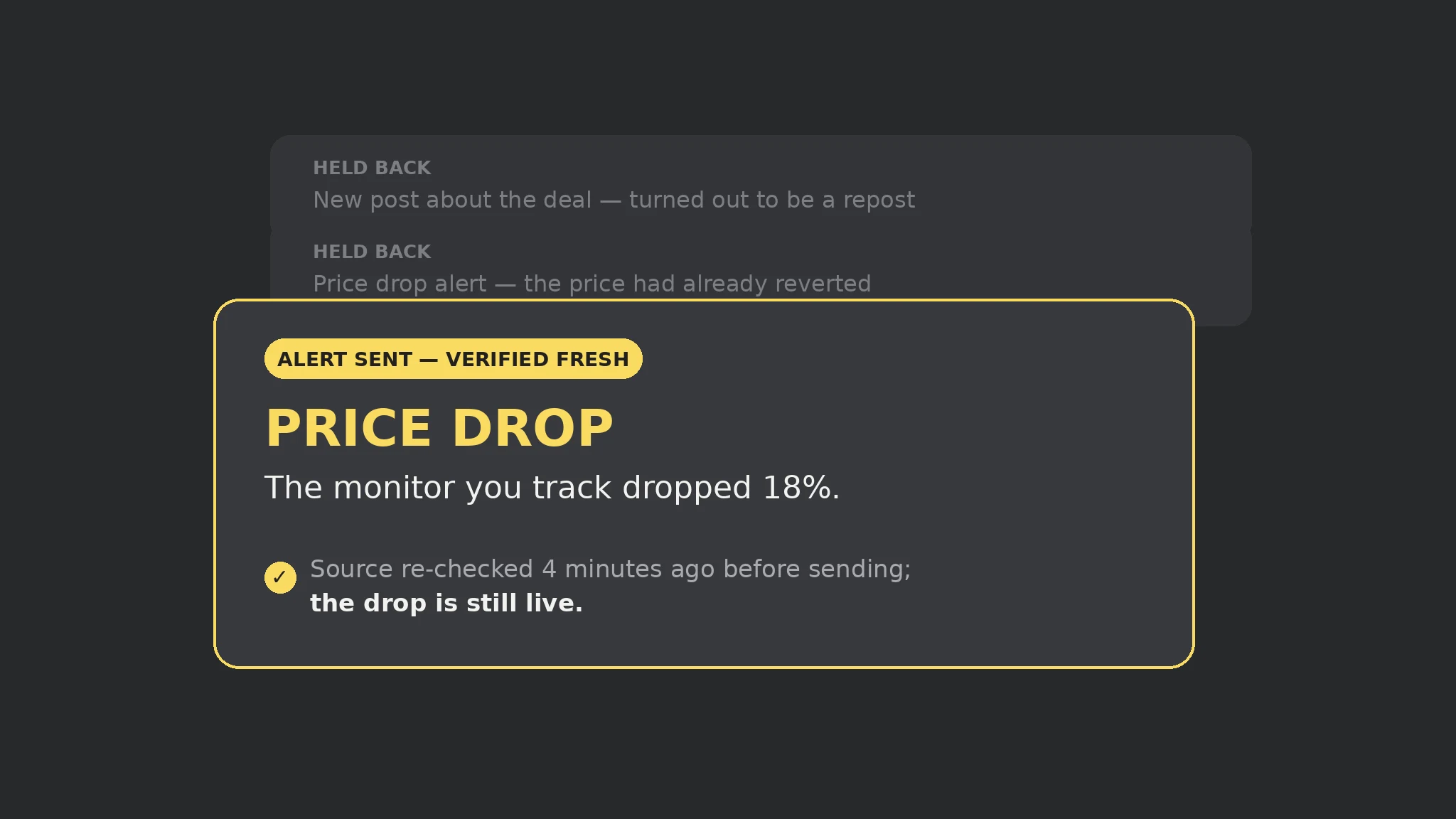
Free- Parse validity
- Gate expired out
- Lead with time left
- Push the alert
All skills for Codex
 Premium
 Free
Free Premium
 Premium
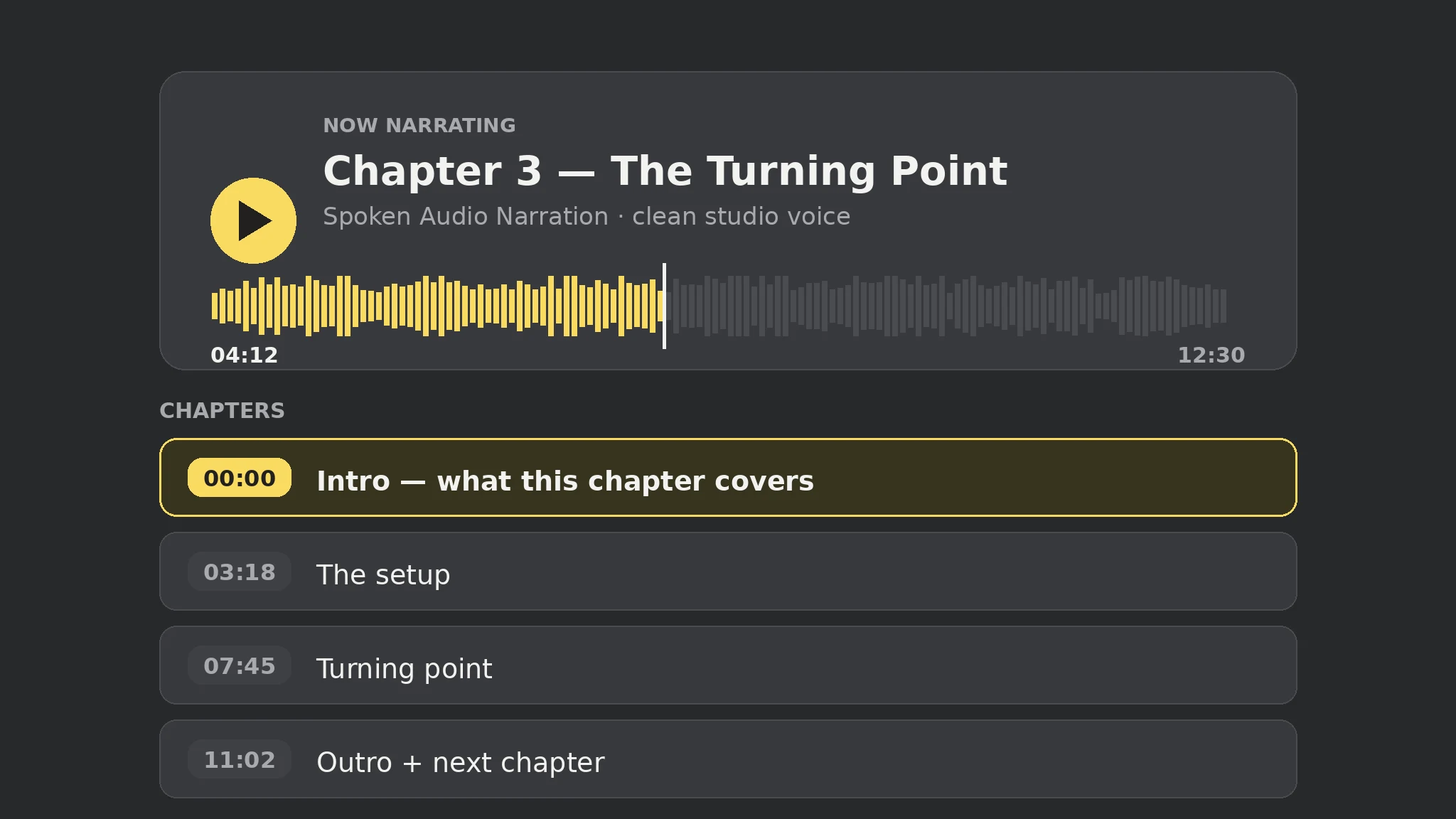
- Research the topic
- Script for the ear
- Cast stable voices
- Produce & check
 Premium
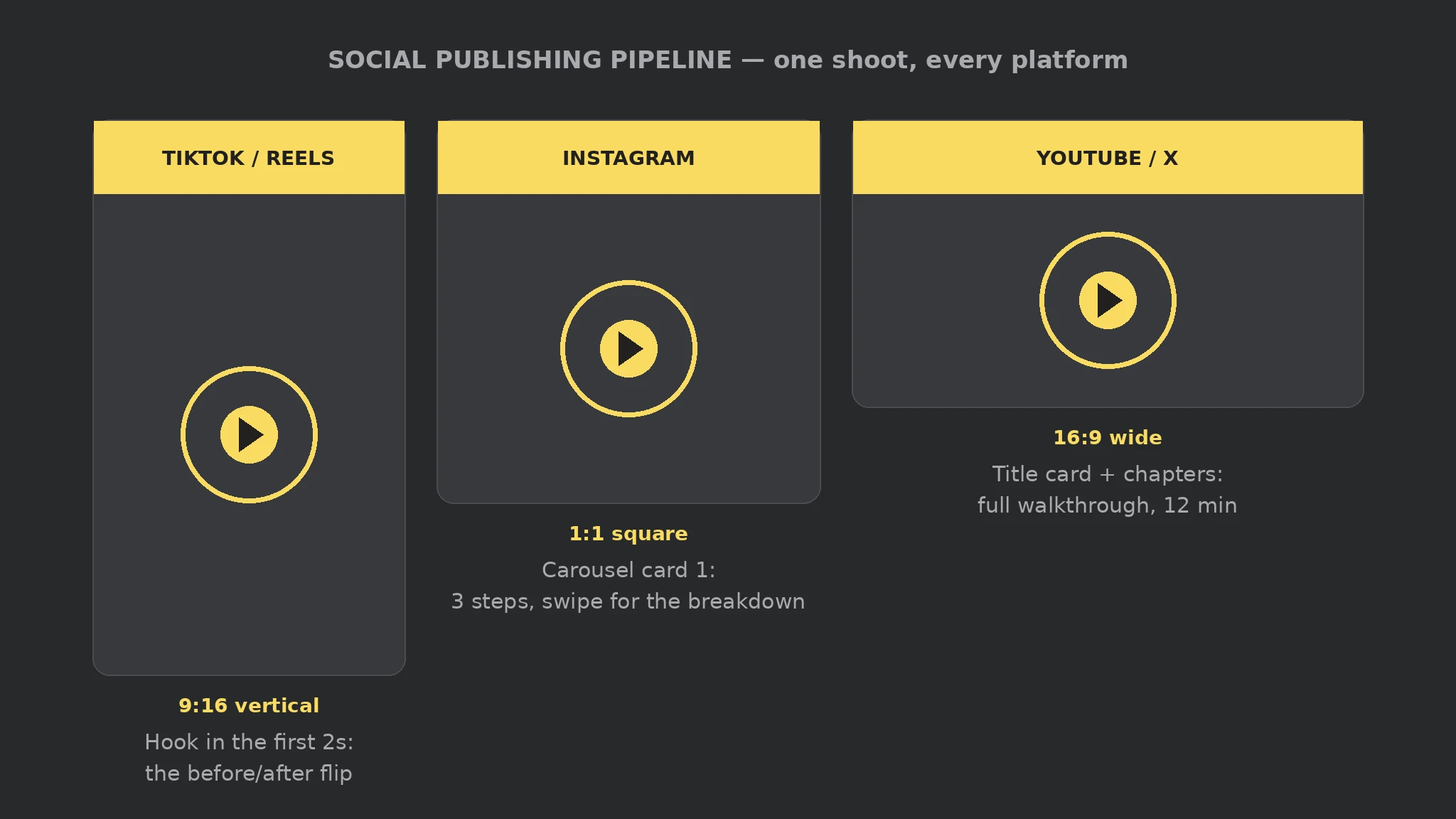
- Format per platform
- Adapt & caption
- Approve exact post
- Publish & verify
 FreeFreeFreeFreeFree
 Premium
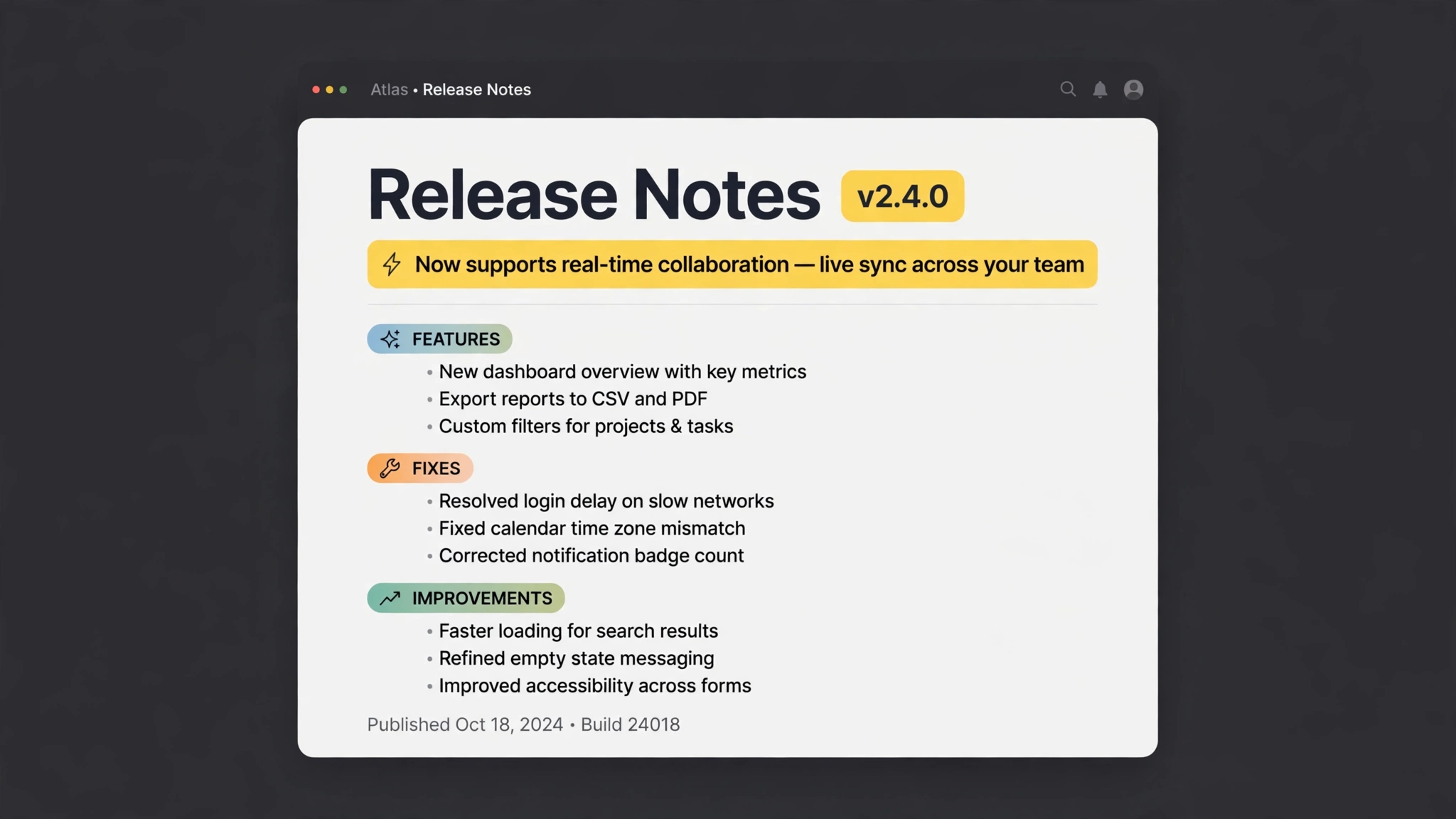
- Collect commits
- Group the changes
- Jargon → benefits
- Ready to publish
 Free
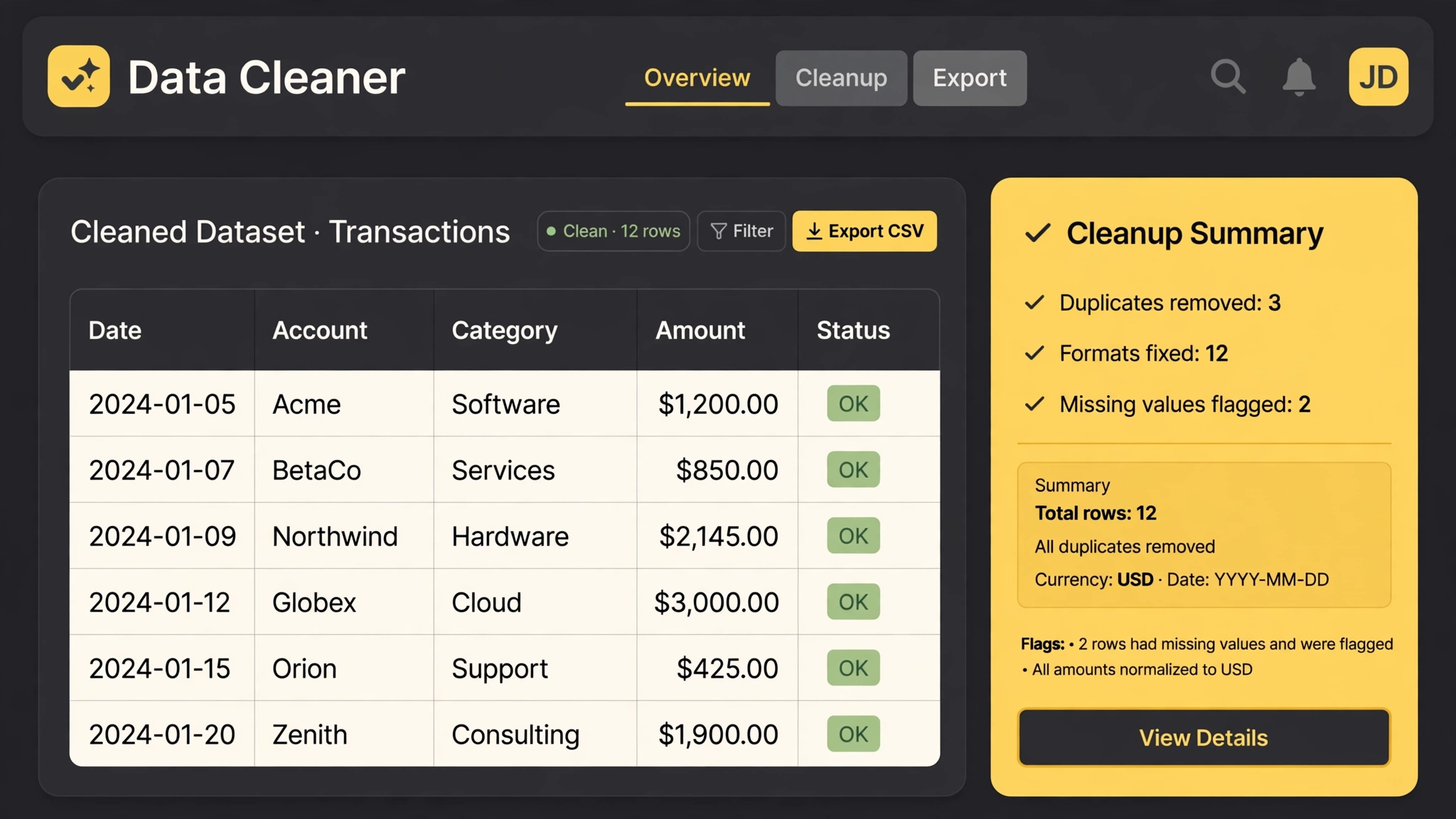
Free- Dedupe rows
- Normalize formats
- Flag the gaps
- Cleanup report
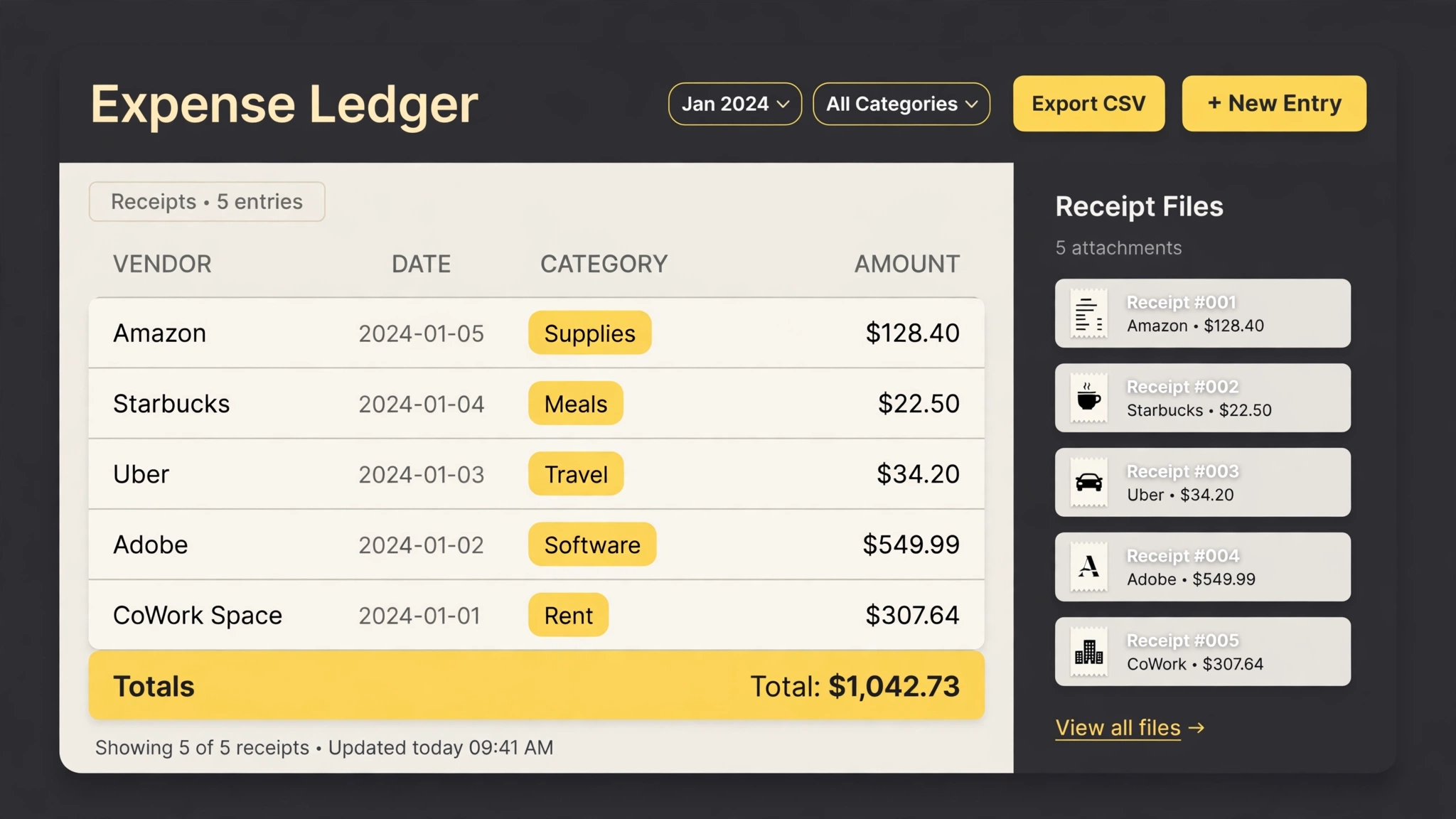 Premium
- Read receipts
- Rename & file
- Build the ledger
- Category totals
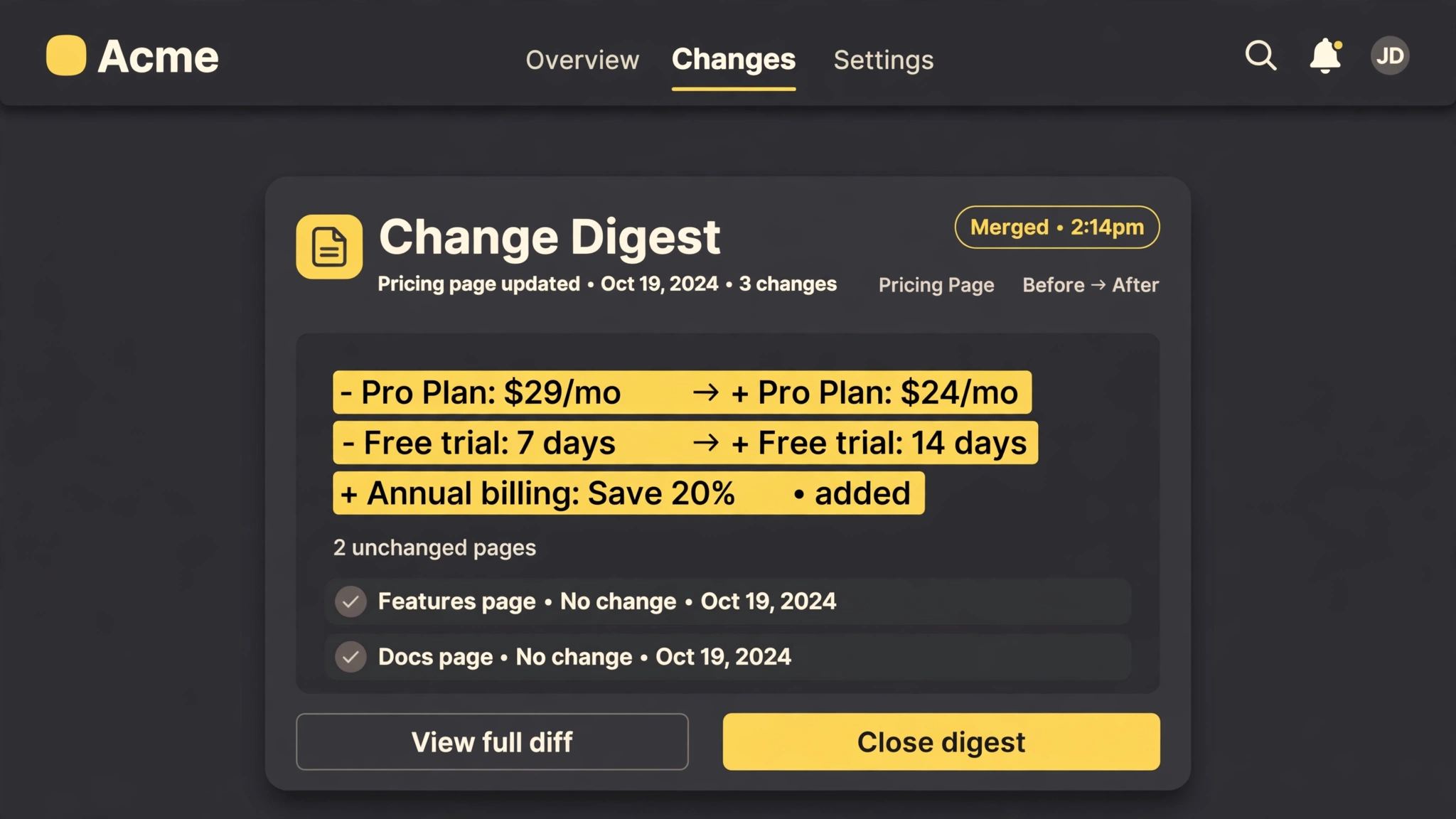 Premium
- Watch your pages
- Diff the changes
- Filter the noise
- One batched digest
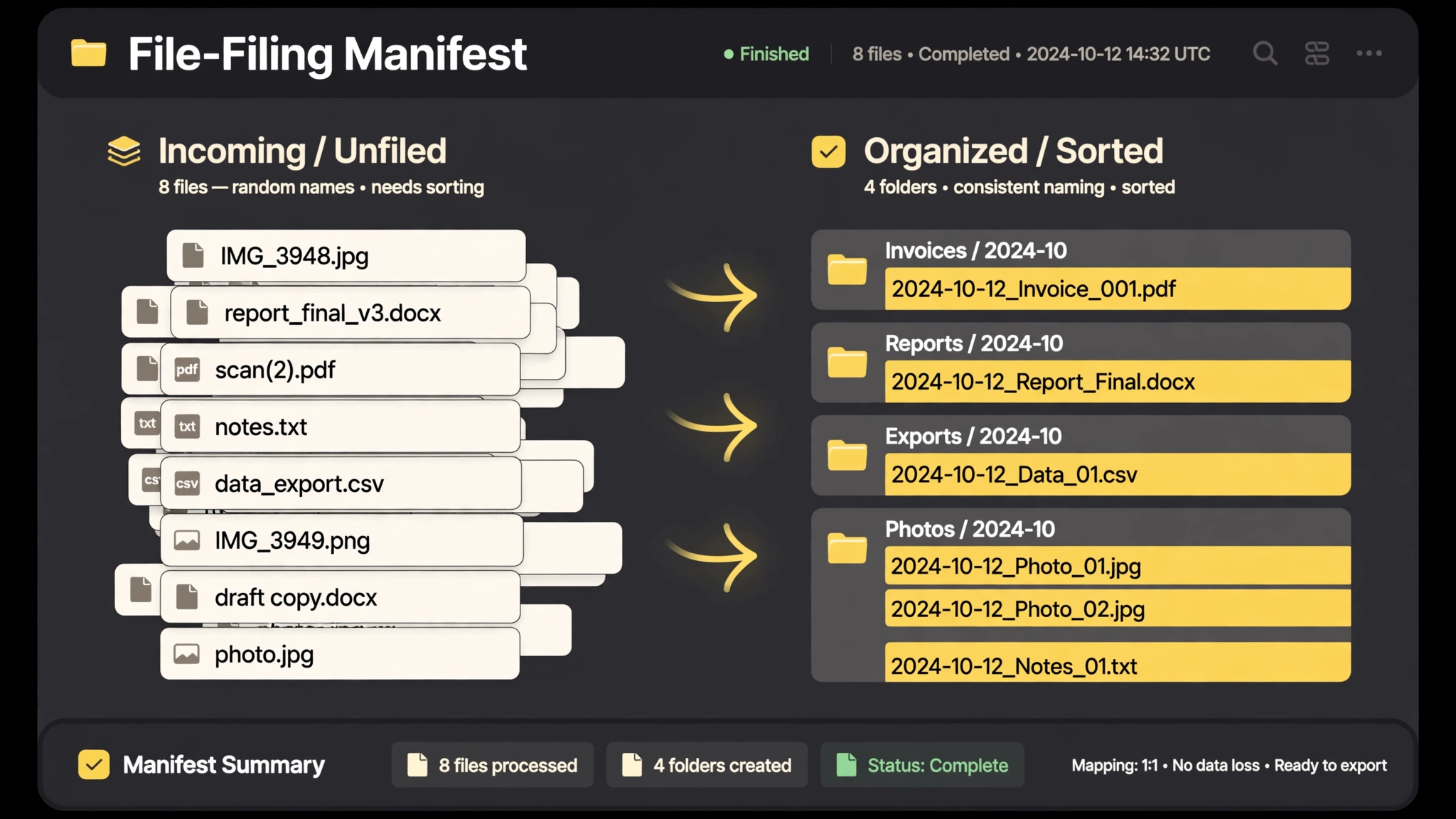 Premium
- Approve the plan
- Rename by pattern
- Sort into folders
- Manifest & undo
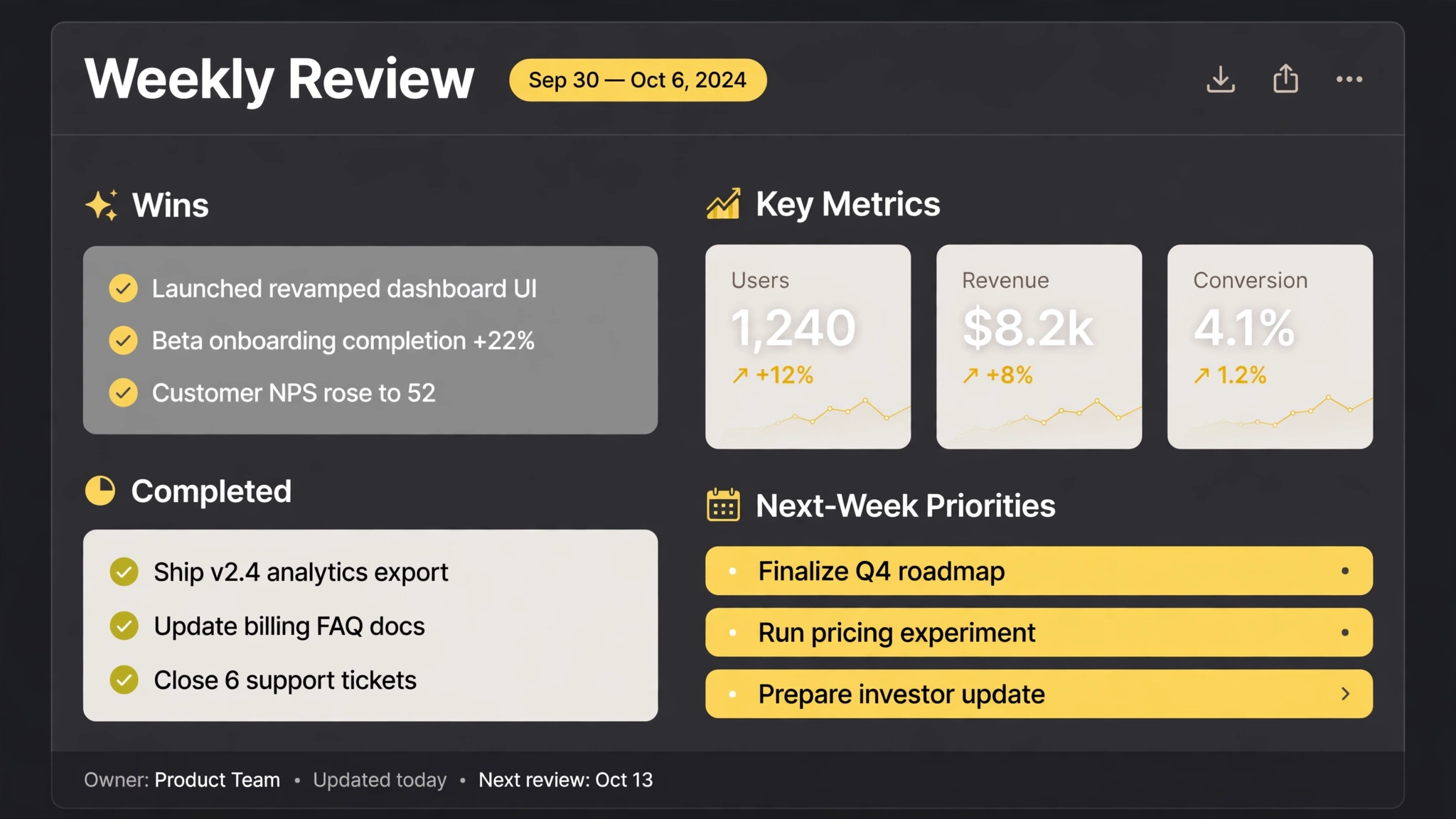 Free
Free- Gather the week
- Wins & metrics
- Surface what slipped
- 3 priorities
FAQ
Do all SkillU skills work in Codex?
The catalog targets the shared SKILL.md format Codex reads. Each skill page lists the agents it supports, and anything a skill needs (an account, a key, a connected app) is stated on its page before you install it.
How do I install a SkillU skill in Codex?
Place the Skill folder in the skills directory Codex documents for your setup. Invoke the Skill by name inside Codex, or describe the outcome you want in plain words. Check the result against the Skill page example, then iterate in the same session.
Are SkillU skills free?
Skills marked Free are free. Premium skills are included in a SkillU plan — Monthly, Yearly or Founding Lifetime — and free skills remain a good way to feel the format before upgrading.
Get Premium access Browse automation skills
 Skill
Skill