 Skill
SkillSpreadsheet Cleanup Automation
Messy CSV in, analysis-ready table out — with a report of every fix.
Works with: Claude Code, Codex, Cursor, Muse · Version 1.0 · Needs: A CSV or spreadsheet export to clean.
Free skill Unlock all Premium Skills
Preview
Sample output
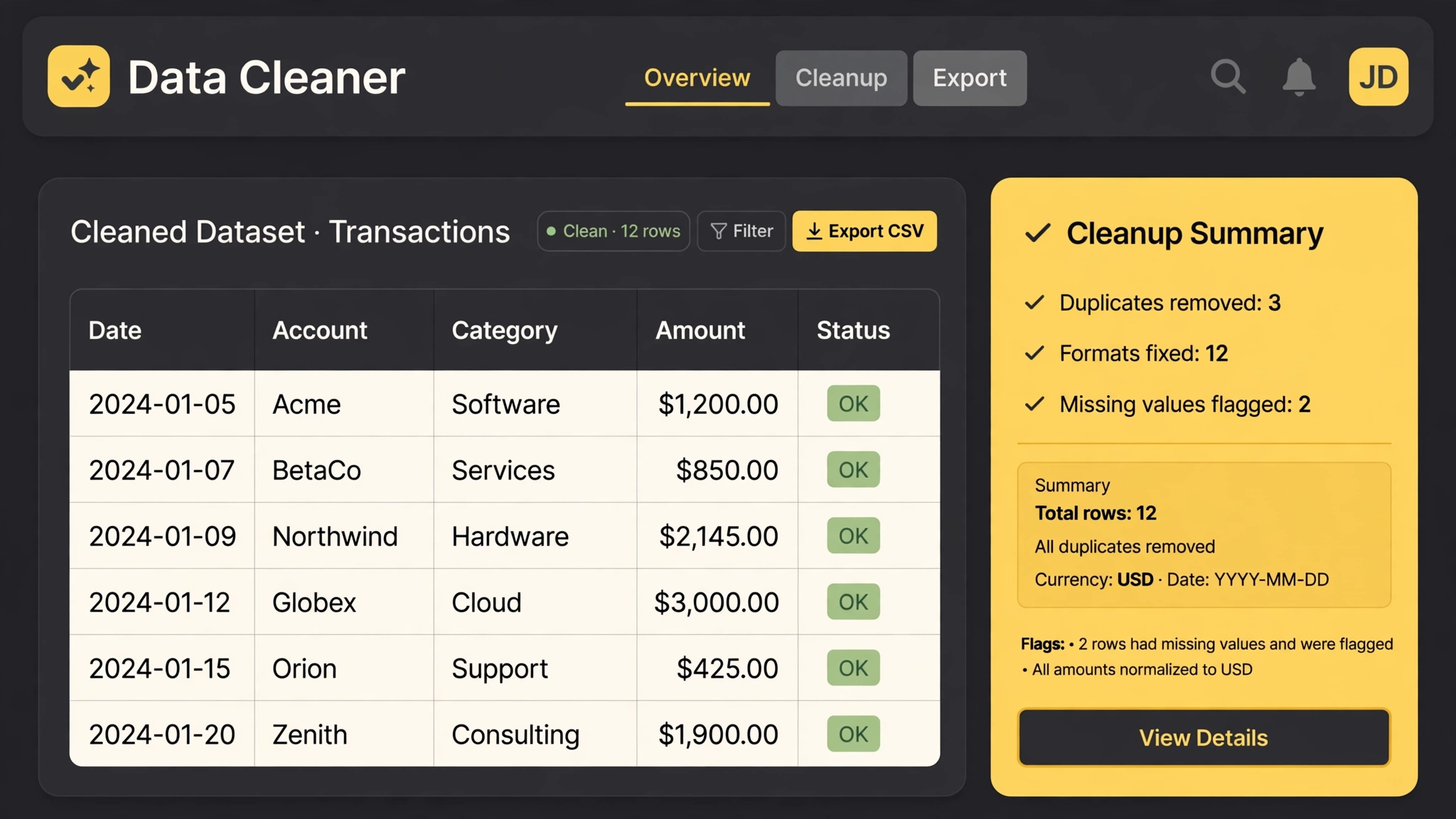
An example of what this Skill produces. Sample content, shown for illustration.
Cleanup report — customers.csv (4,812 rows in, 4,377 out)

Duplicates removed: 391 (kept the most recently updated row each time)
Dates normalized to ISO: 3,204 (mixed MM/DD/YYYY, DD Mon YYYY, and timestamps)
Currency values unified to USD numbers: 2,930
Casing fixed in names and cities: 1,105

FLAGGED FOR YOU (not guessed):
• 46 rows missing a plan value
• 12 rows with emails that fail validation
What you get
- Duplicate detection with the kept row explained
- Format normalization for dates, money, phones, and casing
- Missing-value flags — never silent invention
- A cleanup report listing every class of fix and its count
About this Skill
Cleans the spreadsheet you have been avoiding: duplicate rows removed, dates and currencies normalized to one format, stray whitespace and casing fixed, missing values flagged instead of silently filled. Every change lands in a cleanup report, so the before and after are fully auditable.
Try it
Clean customers.csv: dedupe by email, normalize signup dates to ISO, flag rows missing a plan value. Give me the cleaned file and the report.Good fit
- Ops and marketing lists that grew organically
- Anyone merging exports from two systems
Not for
- Financial records requiring certified audit trails
How to install
- Copy the install prompt into your agent:
Read https://skillu.dev/install/agent.md, then install the Spreadsheet Cleanup Automation skill (spreadsheet-cleanup-automation). - Or download the Skill package from this page after launch and place its folder in your agent's skills directory.
- Call it with a slash command, e.g.
/spreadsheet-cleanup-automation, and describe what you want in plain words.
FAQ
Will it change the meaning of my data?
It normalizes formats and removes true duplicates; anything ambiguous is flagged in the report, not guessed.
How big a file can it handle?
It is designed for the thousands-of-rows range typical of exports and lead lists.