 Skill
SkillWeekly Review Compiler
Your week, compiled: wins, metrics, and next week's priorities in one brief.
Works with: Claude Code, Codex, Cursor, Muse · Version 1.0 · Needs: Access to (or a paste of) your calendar and completed tasks for the week.
Free skill Unlock all Premium Skills
Preview
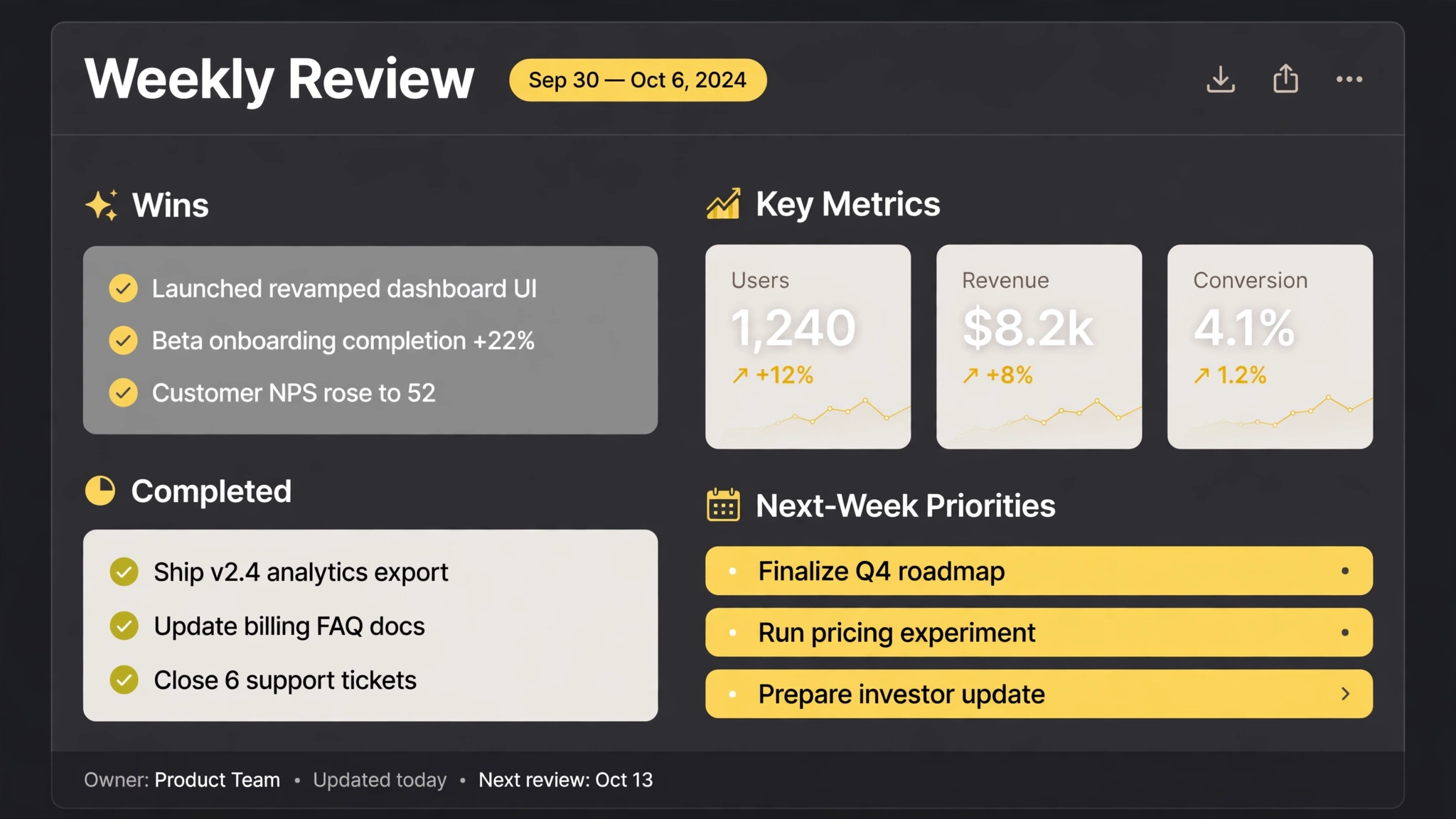
Sample output
An example of what this Skill produces. Sample content, shown for illustration.
Weekly review — Oct 13–19

WINS
• Shipped the onboarding redesign
• Closed 5 customer feedback loops
• Load time improved 32%

METRICS
Revenue 24.8k (+12%) · Active users 1.2k (+8%) · Churn 2.1% (−0.5)

SLIPPED
• Pricing test — moved to next week (waiting on the new paywall build)

NEXT WEEK (proposed)
1. Q4 roadmap draft
2. User interview batch
3. Payment integration test
What you get
- A wins-first brief assembled from your calendar and task sources
- Your tracked metrics with week-over-week movement
- Slipped items surfaced with their stated reason, not hidden
- Three proposed priorities for next week, ready to edit
About this Skill
Assembles your Friday review from the week that actually happened: calendar, completed tasks, shipped work, and the numbers you track. It drafts the brief — wins first, metrics with their movement, what slipped and why — and proposes next week's three priorities for you to confirm, so the review takes ten minutes instead of an hour.
Try it
Compile my weekly review for Oct 13-19 from my calendar and completed tasks. Metrics: revenue, active users, churn.Good fit
- Founders and leads writing a Friday update
- Anyone who wants a weekly rhythm without the blank page
Not for
- Formal board reporting with audited figures
How to install
- Copy the install prompt into your agent:
Read https://skillu.dev/install/agent.md, then install the Weekly Review Compiler skill (weekly-review-compiler). - Or download the Skill package from this page after launch and place its folder in your agent's skills directory.
- Call it with a slash command, e.g.
/weekly-review-compiler, and describe what you want in plain words.
FAQ
Where does it get the data?
From the sources you connect or paste — calendar, task list, and any metrics you give it. It compiles; it does not peek.
Does it send the review anywhere?
Only where you tell it. The default is a draft for you.