 Skill
SkillFile Filing Automation
Downloads-folder chaos, filed: one naming pattern, real folders, a manifest.
Works with: Claude Code, Codex, Cursor, Muse · Version 1.0 · Needs: A folder path and your approval of the proposed plan.
Get this Skill with Premium See plans
Preview
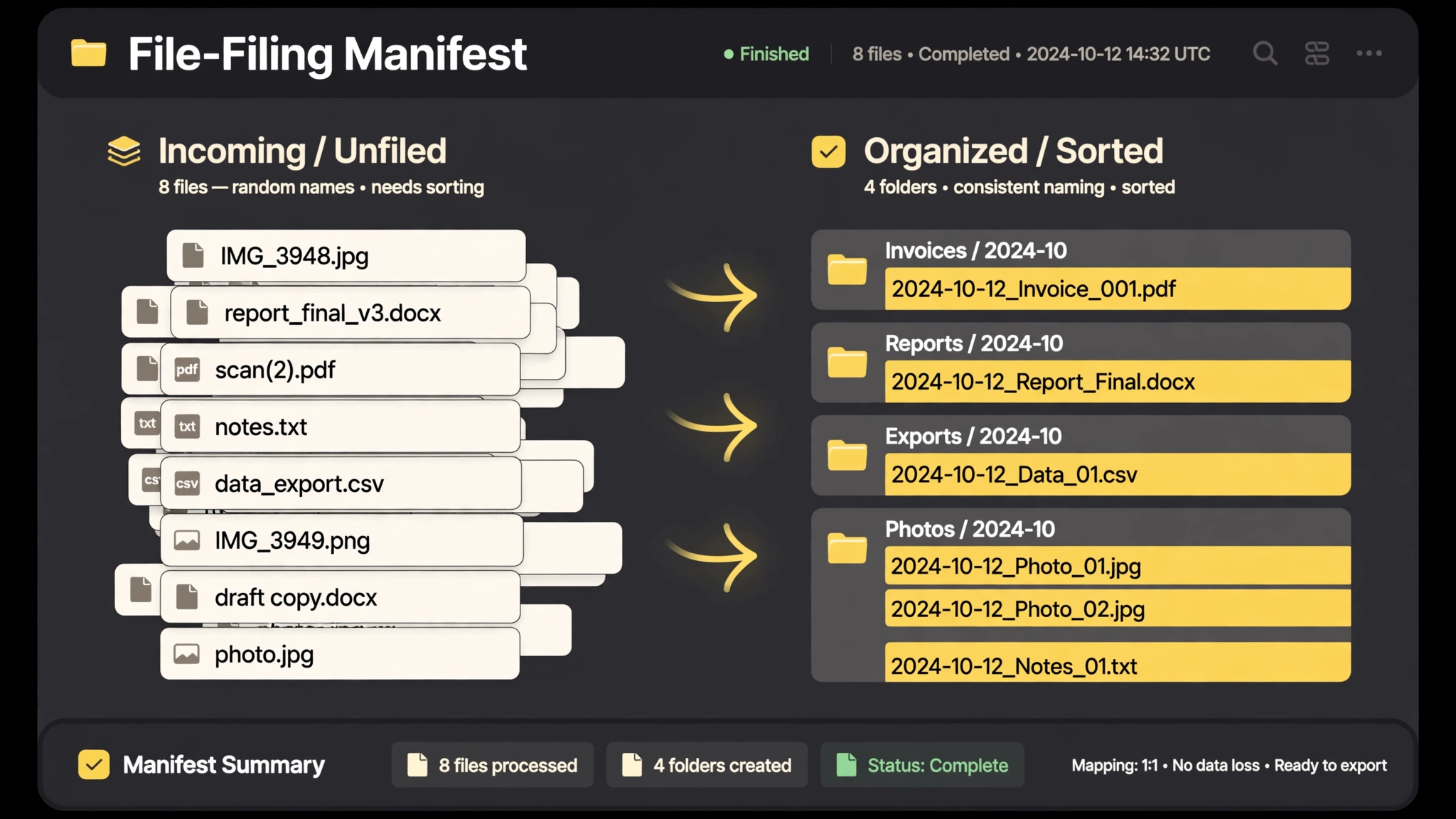
Sample output
An example of what this Skill produces. Sample content, shown for illustration.
Filing manifest — Downloads (63 files)

IMG_4021.png        → 2026-10-02_launch-screenshot_final.png → /Launch/
final_v3_REAL.docx  → 2026-10-11_contract_acme_signed.docx → /Contracts/
untitled (7).pdf    → 2026-09-28_invoice_cloudhost.pdf → /Invoices/
...

Plan: 63 renamed, 63 filed into 6 folders, 0 deleted.
3 exact duplicates found — listed, left in place for your call.
What you get
- A rename plan you approve before anything moves
- One naming pattern (date_project_type) applied consistently
- Folder structure by project, type, or month — your choice
- A manifest of every change, doubling as an undo map
About this Skill
Renames and files a chaotic folder using one consistent pattern you approve first: dates normalized, project and document type in the name, everything sorted into a folder structure that mirrors how you think. It produces a manifest of every move before applying anything, and can undo the whole run from that manifest.
Try it
File my Downloads folder: propose the naming pattern and folder plan first, show me the manifest, then apply.Good fit
- Anyone whose Downloads folder is a black hole
- Project folders assembled from many collaborators
Not for
- System directories or shared drives you do not own
How to install
- Copy the install prompt into your agent:
Read https://skillu.dev/install/agent.md, then install the File Filing Automation skill (file-filing-automation). - Or download the Skill package from this page after launch and place its folder in your agent's skills directory.
- Call it with a slash command, e.g.
/file-filing-automation, and describe what you want in plain words.
FAQ
Can it undo a run?
Yes. The manifest records every original path, so the run can be reversed.
Does it delete anything?
Never. It renames and moves only; duplicates are reported, not removed.