 Skill
Onboarding Sequence Writer
Turn a list of new-user milestones into a timed onboarding email sequence: one email per milestone, each with its own day, goal, and call to action, on a documented cadence.
Works with: Claude Code, Codex, Cursor, Muse · Version 1.0.0 · Needs: Your milestones: onboarding.txt (Product + Audience lines, then one Milestone block per step with Day / Goal / CTA lines).
Get this Skill with Premium See plans
Preview
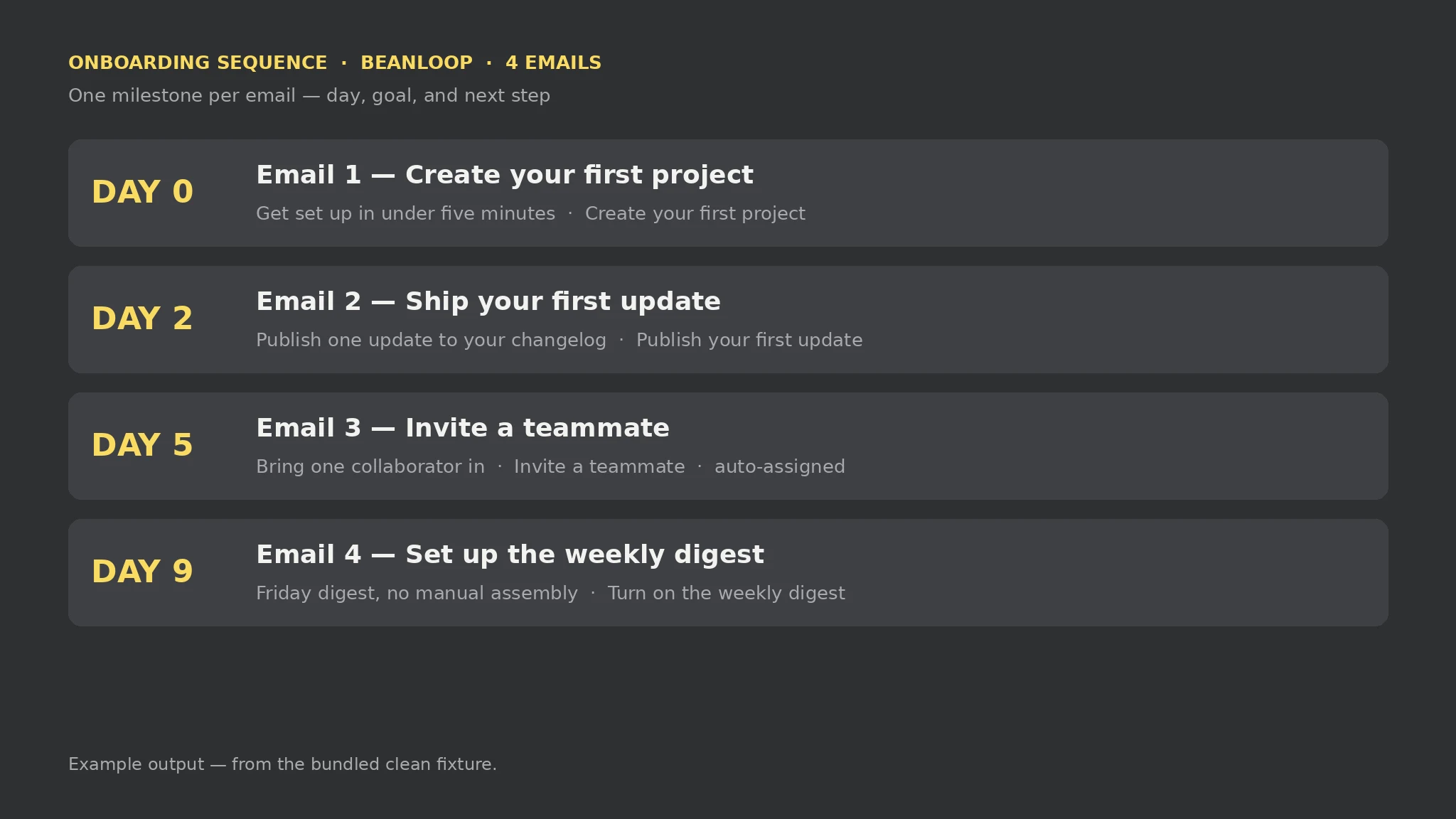
Sample output
An example of what this Skill produces. Sample content, shown for illustration.
Onboarding Sequence Writer report — sample

Emails: 4 | Gaps: 0 | Errors: 0 | Warnings: 0

Sequence: BeanLoop for solo founders who ship weekly — Day 0 Create your first project, Day 2 Ship your first update, Day 5 Invite a teammate (auto-assigned), Day 9 Set up the weekly digest. Each email carries its milestone goal and next step in your words.

Gaps: None.
What you get
- A timed email sequence: one draft per milestone, in milestone order
- A schedule table up front: day, email number, milestone, and status
- Auto-assigned cadence days, marked as such, for milestones with no day
- Every gap, input error, and warning named in the report
About this Skill
Reads one plain-text file you write — onboarding.txt, with a Product and Audience line plus one block per milestone (Milestone / Day / Goal / CTA lines) — and produces sequence.md: a schedule table plus one email draft per milestone. An explicit day is used as given; a milestone with no day gets the next cadence day (0, 2, 5, 9, 14, 21, 28, then +7) later than the previous email, marked auto-assigned. Local-only, standard library only; a milestone missing a goal or a call to action is a gap marked “Needs input” — never filled with invented copy — and every input error and warning is named. The output is a draft for your own mail tool: this skill connects to nothing and sends nothing.
Try it
Turn these new-user milestones into a timed onboarding email sequence — one email per milestone, each with its day, goal, and call to action.Good fit
- Giving new users one clear next step at a time instead of a feature dump
- Turning a product tour into emails a new user can follow in order
- Checking a half-written milestone list for exactly what is still missing
Not for
- Sending mail — drafts only, through your own mail tool
- Writing marketing copy for steps you have not described
- Proving users reach each milestone — that is product analytics, not this draft
How to install
- Copy the install prompt into your agent:
Read https://skillu.dev/install/agent.md, then install the Onboarding Sequence Writer skill (onboarding-sequence-writer). - Or download the Skill package from this page after launch and place its folder in your agent’s skills directory.
- Call it with a slash command, e.g.
/onboarding-sequence-writer, and describe what you want in plain words.
FAQ
How are days assigned when I leave Day out?
The next value from the cadence 0, 2, 5, 9, 14, 21, 28 that is later than the previous email's day (then previous day + 7). The schedule table marks such days auto-assigned, so you can see what you chose and what the script chose.
What happens to a milestone with no goal or call to action?
It stays in the sequence as a “Needs input” draft with no goal sentence or call to action beyond the template frame, and it is listed as a gap. The script never invents copy to complete it.