 Skill
Skill Automation Premium
Meeting Follow-Up Automation
Turn notes, transcripts or recordings into decisions, owned action items and the recap people actually read.
Works with: Claude Code, Codex, Cursor, Muse · Version 1.0.0
Between five and fifty people, a team is too big for memory and too small for an ops department. Meetings blur, scheduling eats afternoons, and the shared drive becomes archaeology. These Skills install the lightweight operating system: decisions written down, times proposed, files findable, data clean.
For teams of 5–50 who need operating rhythm without hiring an operations manager.
Automation PremiumTurn notes, transcripts or recordings into decisions, owned action items and the recap people actually read.
Works with: Claude Code, Codex, Cursor, Muse · Version 1.0.0
 Automation Premium
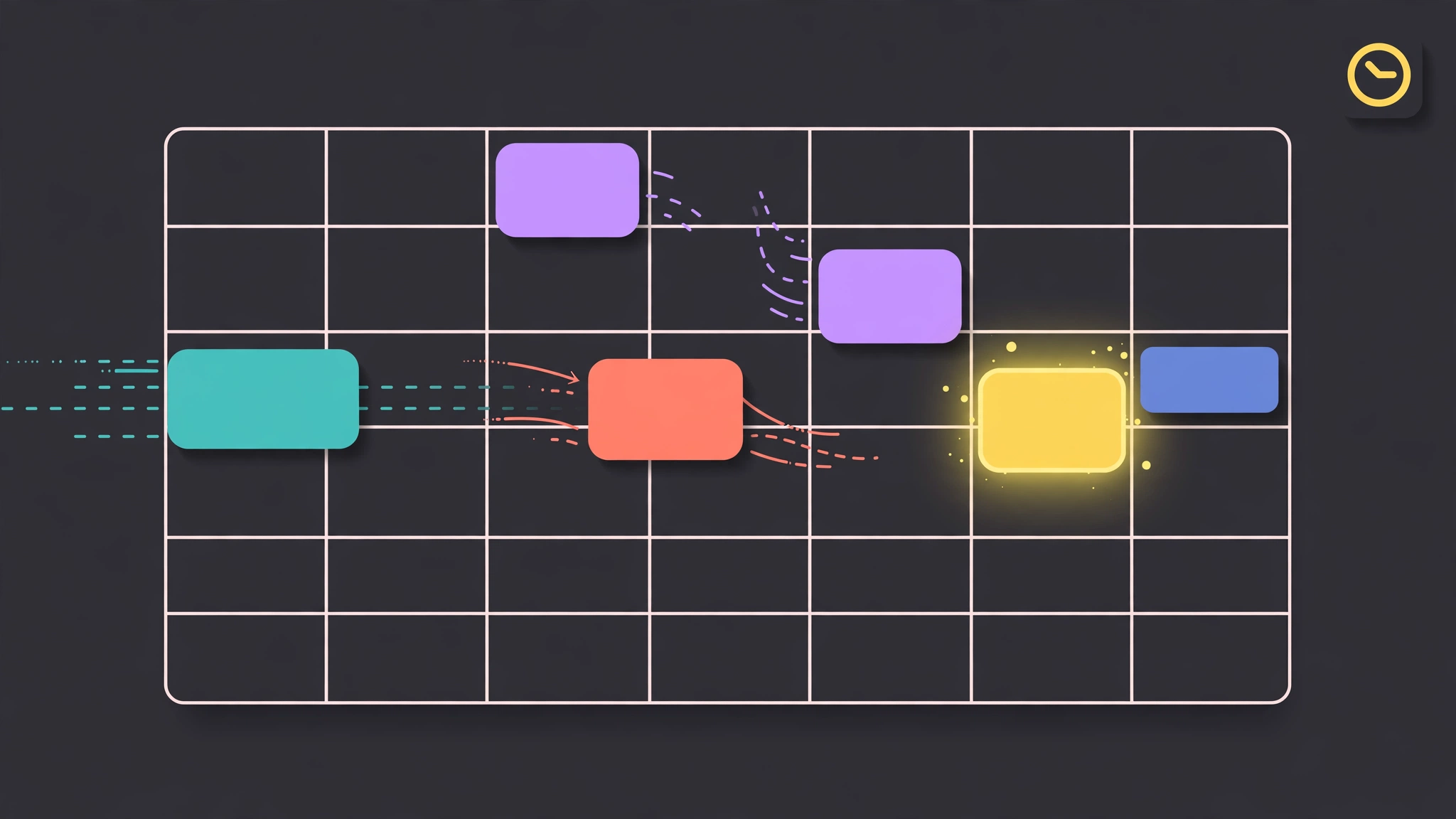
Find times that actually work across calendars and timezones, then hold, invite or share a booking link.
Works with: Claude Code, Codex, Cursor, Muse · Version 1.0.0
 Automation Free
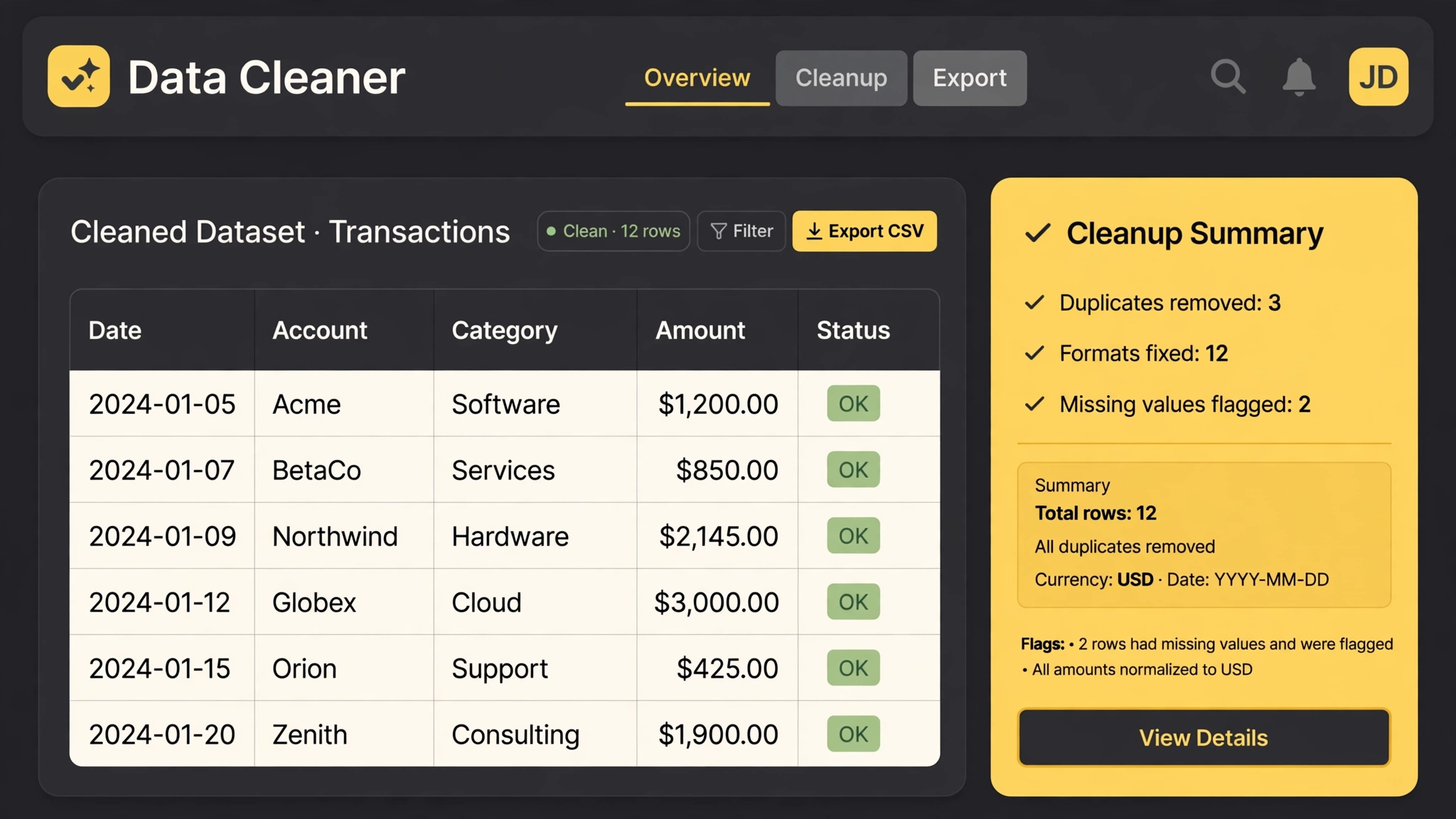
Messy CSV in, analysis-ready table out — with a report of every fix.
Works with: Claude Code, Codex, Cursor, Muse · Version 1.0
 Automation Premium
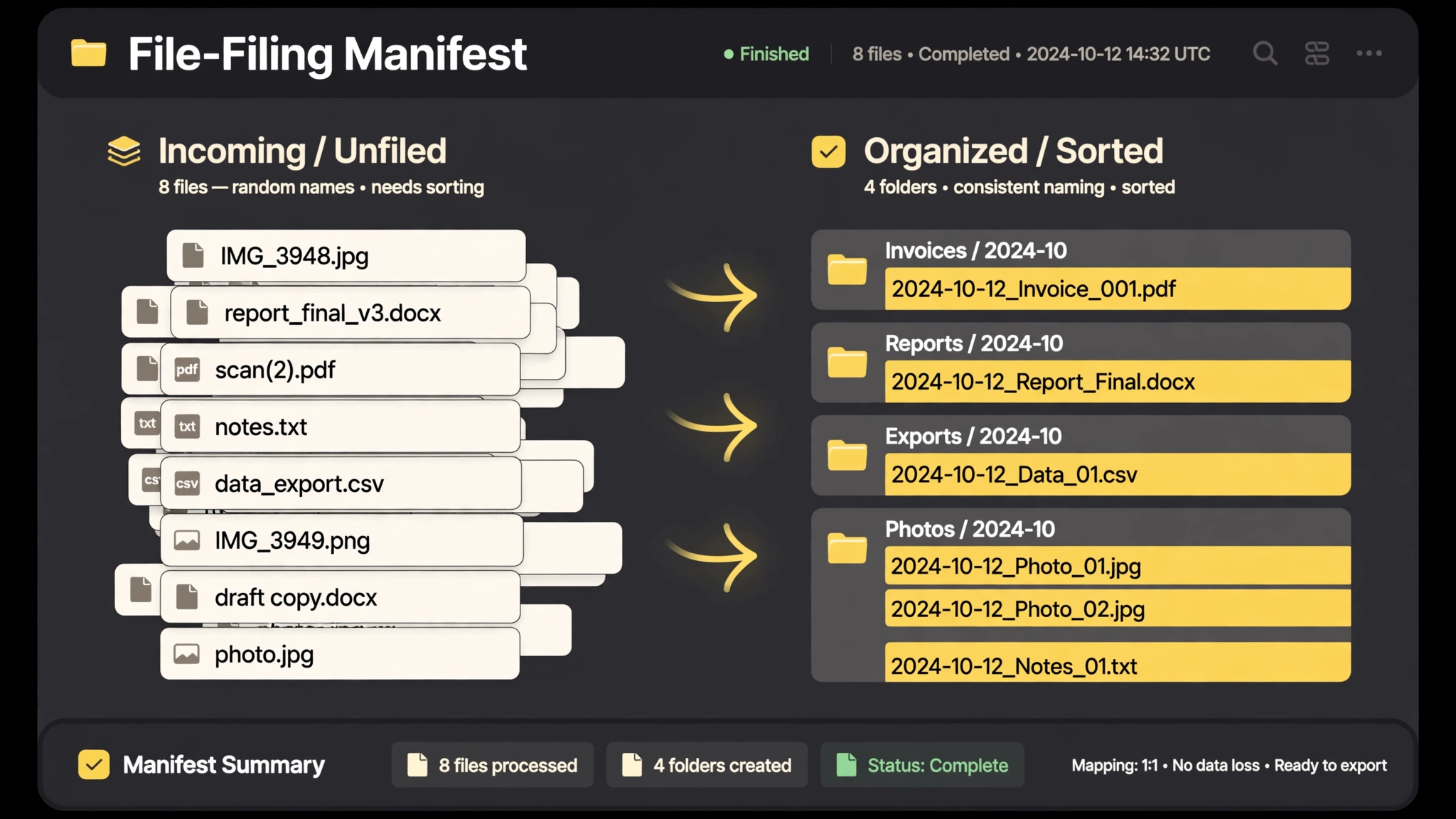
Downloads-folder chaos, filed: one naming pattern, real folders, a manifest.
Works with: Claude Code, Codex, Cursor, Muse · Version 1.0
 Automation Free
Never let an offer, coupon or application window expire quietly while it waits on you.
Works with: Claude Code, Codex, Cursor, Muse · Version 1.0.0
Give the agent the folder or the export. It proposes the plan first — nothing moves or changes until you approve it.
They are. A meeting produces owned action items; the scheduling Skill proposes times across time zones; the follow-up Skill chases owners so you do not have to.
Flags, not guesses. Ambiguous rows and unreadable receipts are listed for a human decision, with the rest completed.