


← All skills · 3D · 3D Product Turntable Brief

3D Product Turntable Brief — finished output
Runs inClaude Code Codex Cursor Muse Dot Grok Bot Cue OpenClaw Hermes
Needs:The product as text: brief.txt (a Product line, optional Style and Background lines, one Angle line per stop on the spin in 'Degrees | height | note' form — degrees is a whole number from 0 to 359 — and Light lines in 'Name | type | note' form).

Similar Skills

Blender Scene Assistant previewFree

Blender Scene Assistant

  1. Write the scene brief in plain text
  2. Run the generator on the brief
  3. Read the report before trusting the scene
  4. Render in Blender, headless or in the viewport
Three.js Scene Builder previewFree

Three.js Scene Builder

  1. Write the scene brief in plain text
  2. Run the generator on the brief
  3. Read the report before trusting the scene
  4. Open scene.html in a browser and orbit it
3D Exploded View Brief previewPremium

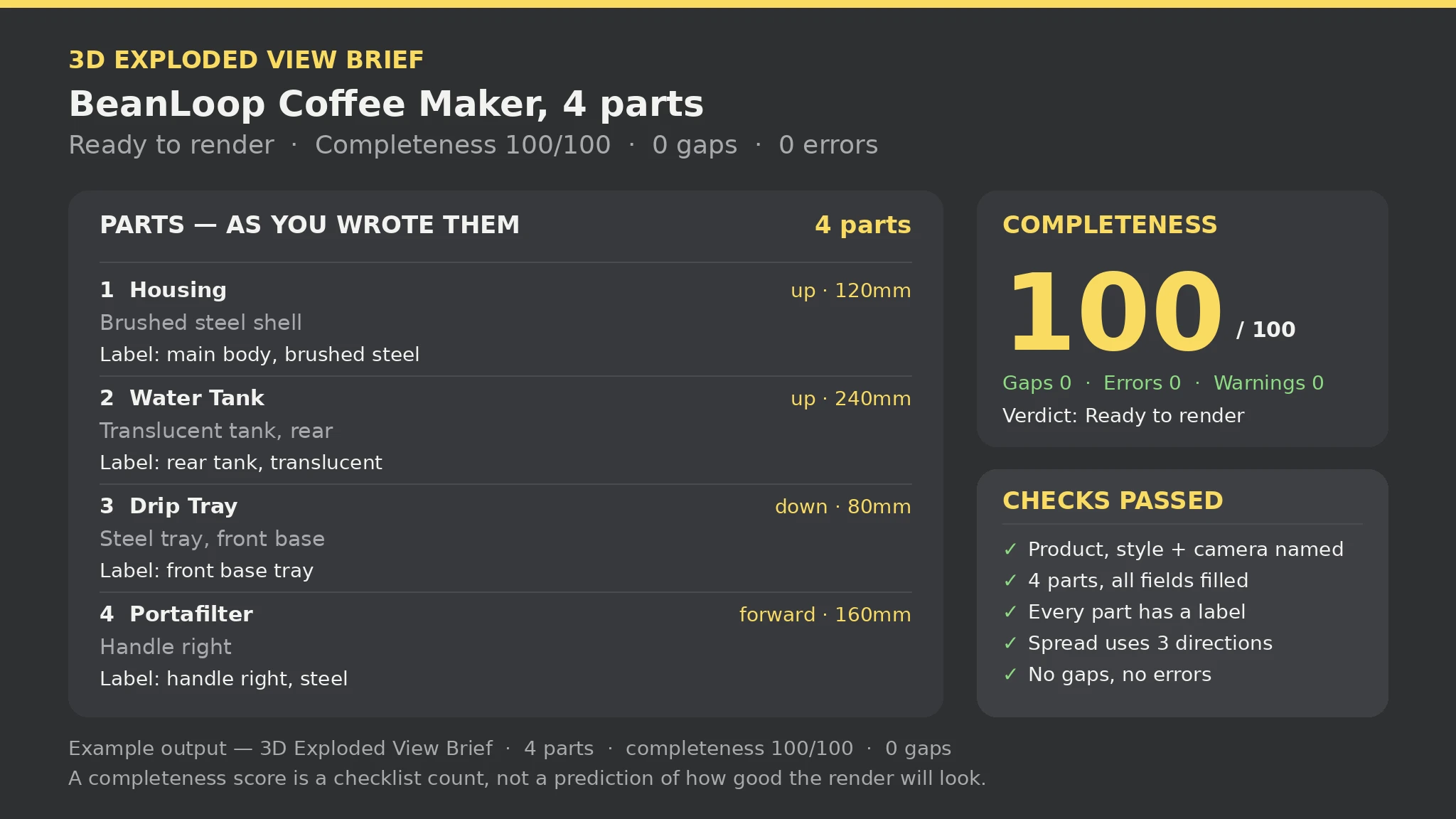
3D Exploded View Brief

  1. Write the Product line and one Part line per part in…
  2. Add the Style and Camera lines, and a Label line for…
  3. Run the compiler script, read the verdict and the…
  4. Fix the gaps first — fill the empty part fields, label…

View all skills →

What you get

  • A completeness score — 100 minus 25 for a missing Product or angle list, 8 per empty angle or light field, 5 per missing Style, Background, or light list, 5 for too few or too many angles, 5 for a largest angle gap over 90 degrees, with every deduction named
  • A verdict — Ready to shoot, or Needs work with the gaps, errors, and warnings named
  • The angle sequence as you wrote it — every angle with its degrees, height, and note
  • The lights as you wrote them — every light with its type and note
  • Coverage notes — which heights the spin uses, the largest angle gap, and which light types are in the rig
  • Every gap, input error, and warning named in the report

Good fit

  • Showing a product in a full spin — a coffee maker, a watch, a gadget — with every angle noted
  • Keeping the angle steps even instead of guessing them stop by stop
  • Checking a brief is complete before spending a render on it

Not for

  • Generating 3D renders — it only structures the brief you write; the render happens elsewhere
  • Predicting how good a spin will look — the score is a checklist count, and a complete brief can still render badly
  • Filling in what you left out — an angle with no height is flagged, never given one

Sample output

An example of what this Skill produces. Sample content, shown for illustration.

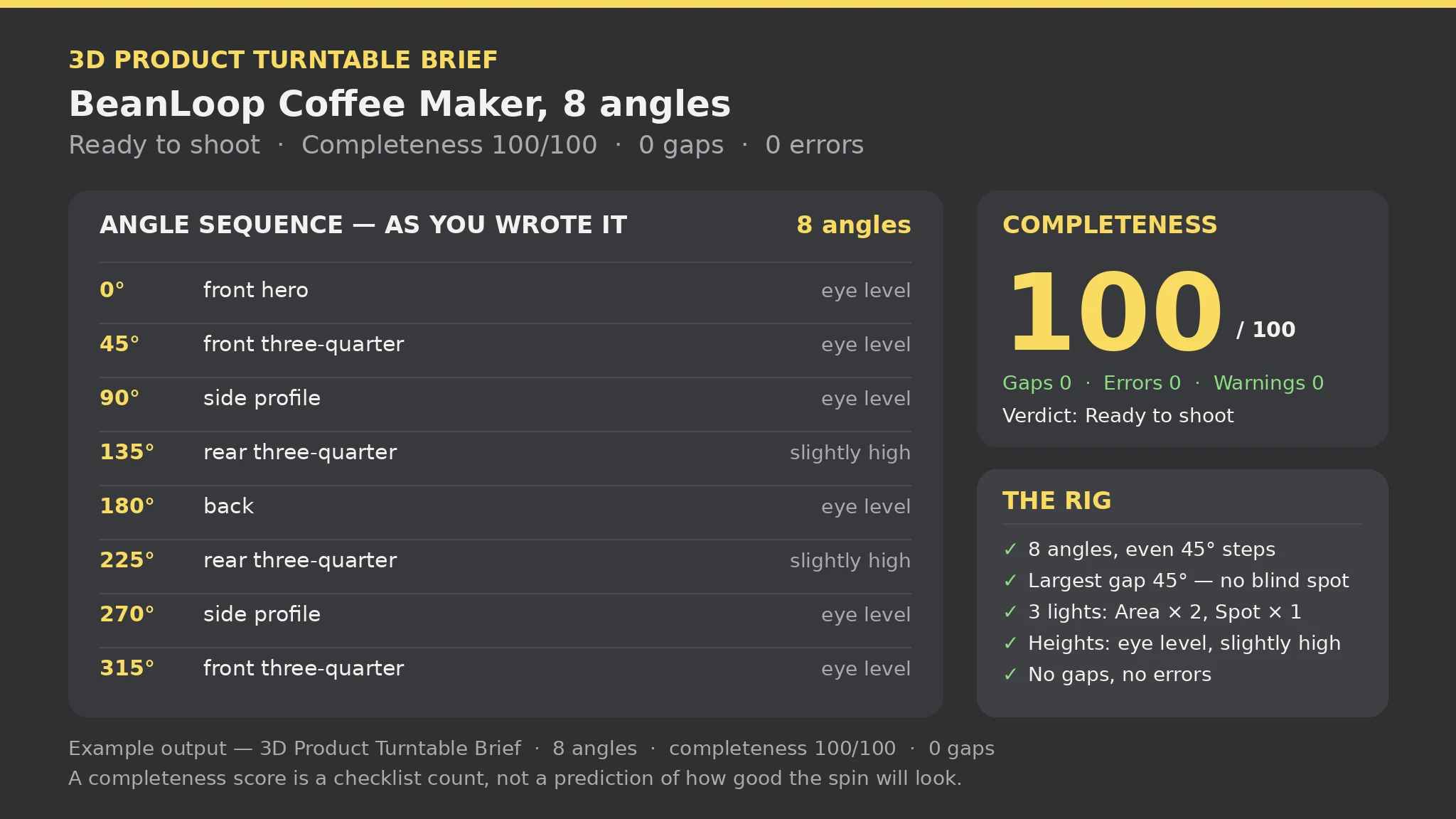
3D Product Turntable Brief — sample

Product: BeanLoop Coffee Maker — countertop espresso machine | Angles: 8 | Lights: 3 | Completeness: 100/100 | Gaps: 0 | Errors: 0 | Warnings: 0

Ready to shoot — the brief is complete.

Angles: 0 degrees (eye level, front hero), 45 degrees (eye level, front three-quarter), 90 degrees (eye level, side profile), 135 degrees (slightly high, rear three-quarter), 180 degrees (eye level, back), 225 degrees (slightly high, rear three-quarter), 270 degrees (eye level, side profile), 315 degrees (eye level, front three-quarter). Even 45-degree steps, largest gap 45 degrees, three lights (Key Area, Fill Area, Rim Spot), and the product, style, and background are named.

A completeness score is a checklist count, not a prediction of how good the spin will look.

About this Skill

You say
BeanLoop has a coffee maker to show in a full spin — compile the turntable brief and tell us whether it is ready to shoot.

How to install

  1. Copy the install prompt into your agent: Read https://skillu.dev/install/agent.md, then install the 3D Product Turntable Brief skill (3d-product-turntable-brief).
  2. Or download the Skill package from this page after launch and place its folder in your agent’s skills directory.
  3. Call it with a slash command, e.g. /3d-product-turntable-brief, and describe what you want in plain words.

FAQ

Does a 100/100 score mean the spin will look good?

No. It means every checklist item passed: a product, a style, and a background named; every angle with degrees, height, and note; lights named; even angle steps with no blind spot. That is completeness, not taste — a complete brief can still render badly.

Which degrees can an angle use?

Whole numbers from 0 to 359. Anything else is named as an error and the angle is dropped, so a typo like 400 never silently becomes a stop on the spin.

What if two angles are far apart?

A largest gap over 90 degrees costs 5 points — that stretch of the turn was never shot. A gap more than twice the smallest gap is only a warning: the turntable speeds up and slows down, but the spin still covers the full circle.

Get Premium access Browse more skills