Needs:A scene brief (brief.txt: [objects] id: shape | size … | pos … | material …; [lights]; [camera]; [scene]) and a browser with WebGL to view the scene.
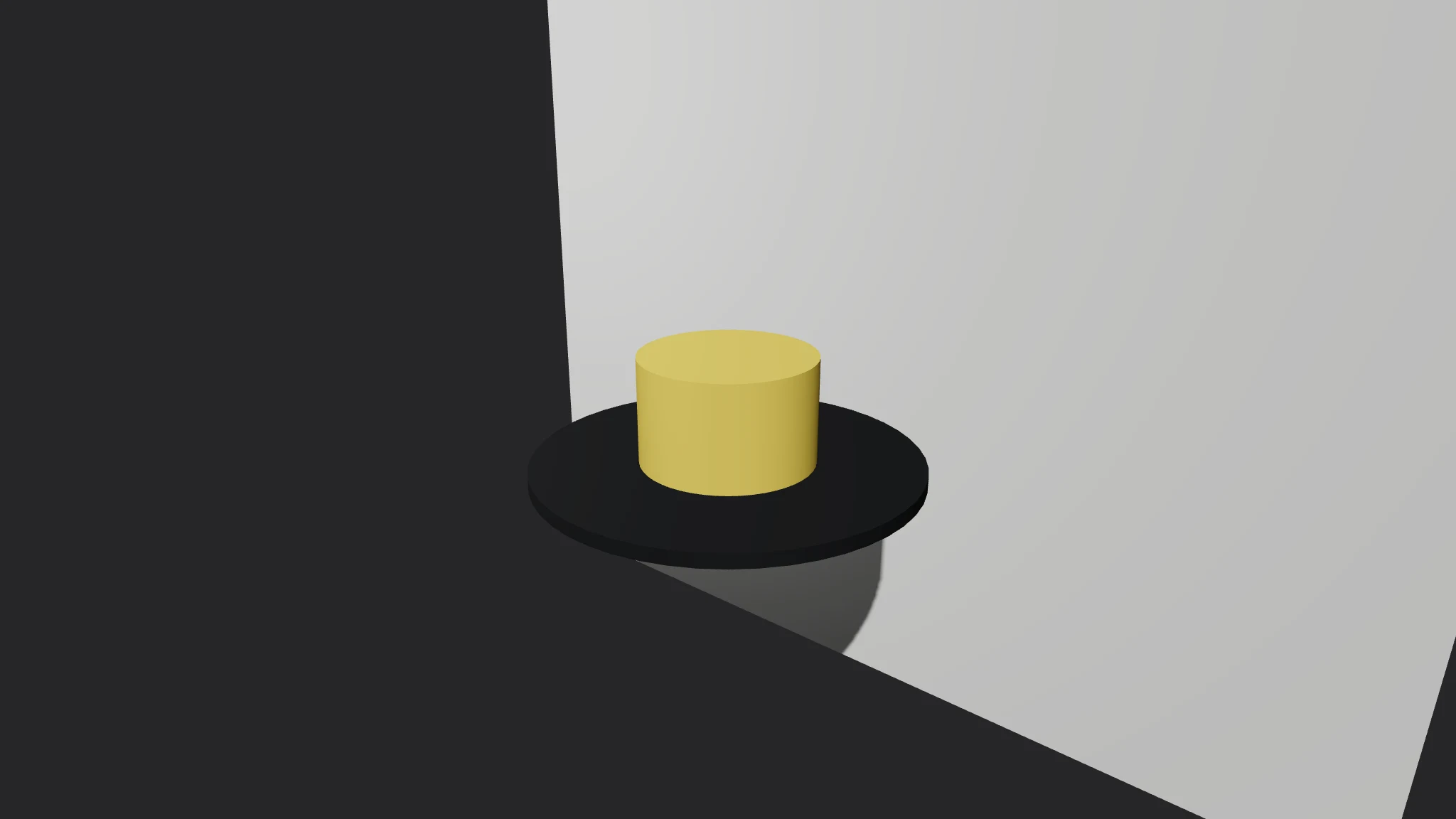
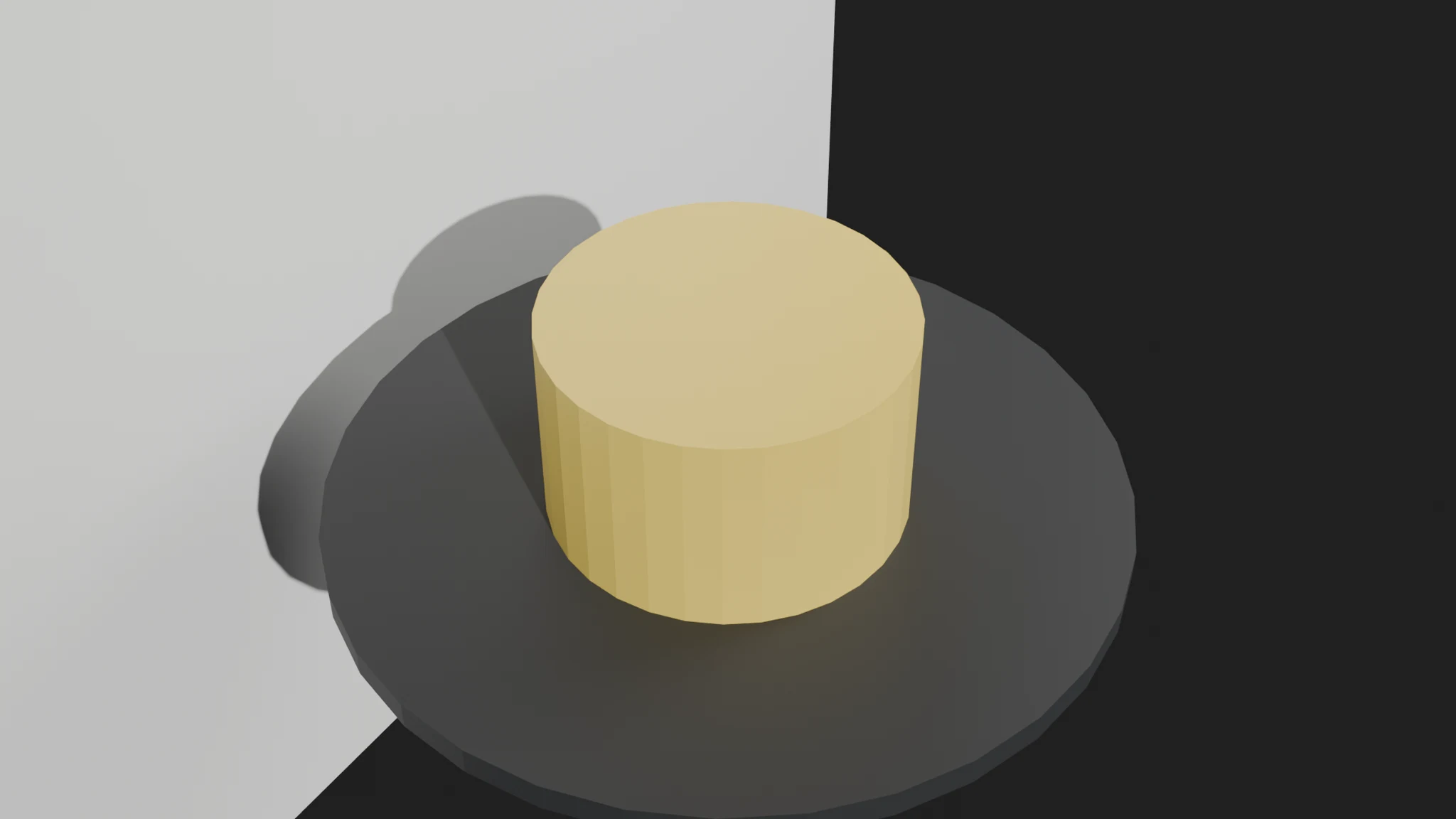
Build me a Three.js product turntable: a yellow mug on a dark pedestal, light backdrop, orbit controls.
How to install
Copy the install prompt into your agent: Read https://skillu.dev/install/agent.md, then install the Three.js Scene Builder skill (threejs-scene-builder).
Or download the Skill package from this page after launch and place its folder in your agent’s skills directory.
Call it with a slash command, e.g. /threejs-scene-builder, and describe what you want in plain words.
FAQ
What happens if my brief has an error?
The scene still generates from the valid parts, and the report lists every error and warning: unknown shapes are dropped, duplicate ids keep their first definition, bad sizes are named, and a missing camera is replaced by a stated default. Fix the brief and rerun.
Does it build anything I did not list?
No. Only objects, lights and settings from your brief appear. A missing backdrop or second light is a brief gap to fix, not something the skill fills in.
Does the scene need a server?
Any static host or a one-line local server works (python3 -m http.server). The page loads three.js 0.160.0 from the unpkg CDN; to run fully offline, download the module and the OrbitControls addon locally and point the import map at them.
 Skill
 Muse
 Dot
 Cue
 Hermes
 Free