← All skills · 3D · Blender Scene Assistant

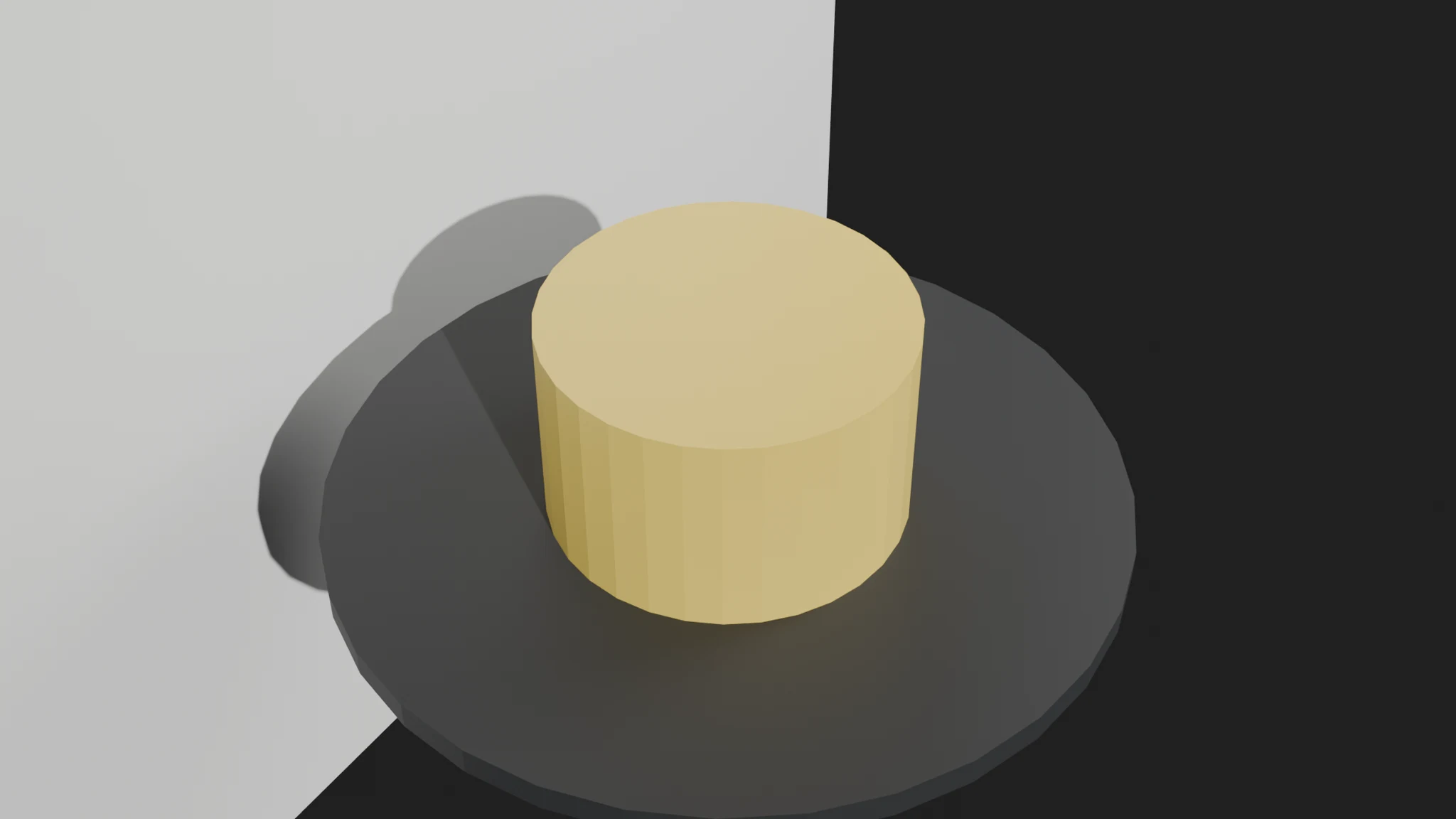
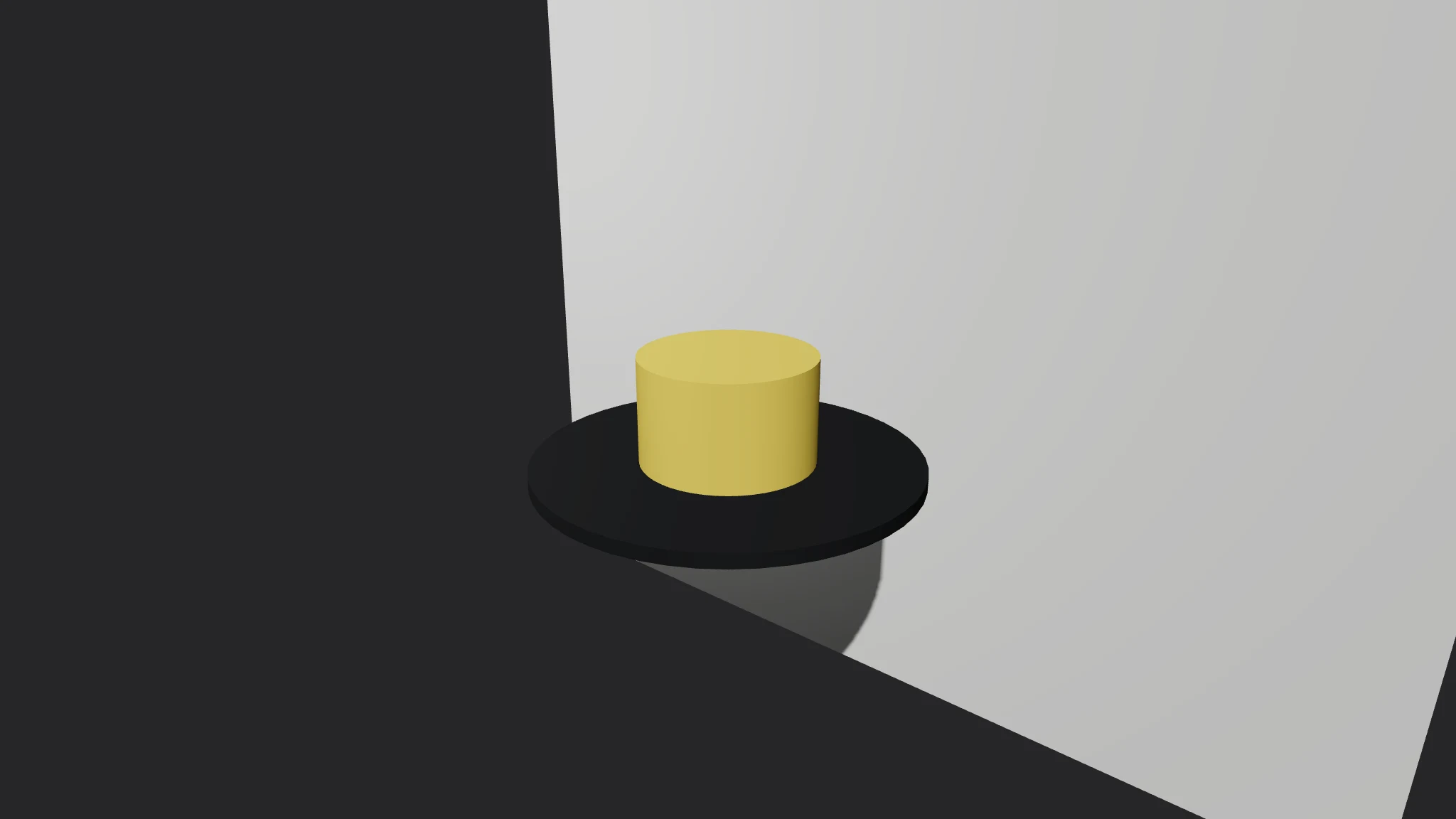
Blender Scene Assistant — finished output
Runs inClaude Code Codex Cursor Muse Dot Grok Bot Cue OpenClaw Hermes
Needs:A scene brief (brief.txt: [objects] id: type | size … | pos … | material …; [lights]; [camera]; [render]) and Blender 4.2+ for the render.

Similar Skills

Three.js Scene Builder previewFree

Three.js Scene Builder

  1. Write the scene brief in plain text
  2. Run the generator on the brief
  3. Read the report before trusting the scene
  4. Open scene.html in a browser and orbit it
  5. Fix errors and rerun

View all skills →

What you get

  • A validated Blender Python script: primitives, materials, lights, a track-to camera and turntable keyframes
  • A scene report: object and light tables plus every error and warning
  • Validation that drops unknown types and rejects duplicate ids before building
  • A brief format you can check in next to the scene it produces

Good fit

  • Product turntables and still-life studies in Blender
  • Setting up a scene before hand-tweaking it in the viewport
  • Keeping a scene honest: only what is listed gets built

Not for

  • Modelling complex organic shapes — primitives only
  • Inventing missing objects, lights, or a backdrop to complete a scene
  • Proving a scene looks good — a clean report means it matches the brief, not reality

Sample output

An example of what this Skill produces. Sample content, shown for illustration.

Blender Scene Assistant report — sample

Scene report: Ceramic Mug Turntable

Objects: 3 valid | Lights: 2 | Camera: custom | Engine: eevee | Resolution: 1920x1080

Objects: pedestal (cylinder 2.0, 0.15); mug (cylinder 0.9, 1.1); backdrop (plane 12, 12).

Errors: none. Warnings: none.

Messy draft check: 2 valid objects, 3 errors (unknown capsule type; duplicate mug id; negative-size badbox), 1 warning (missing camera — default added).

About this Skill

You say
Build me a Blender product turntable: a yellow ceramic mug on a dark pedestal, light backdrop, 120-frame spin.

How to install

  1. Copy the install prompt into your agent: Read https://skillu.dev/install/agent.md, then install the Blender Scene Assistant skill (blender-scene-assistant).
  2. Or download the Skill package from this page after launch and place its folder in your agent’s skills directory.
  3. Call it with a slash command, e.g. /blender-scene-assistant, and describe what you want in plain words.

FAQ

What happens if my brief has an error?

The script still generates from the valid parts, and the report lists every error and warning: unknown types are dropped, duplicate ids keep their first definition, bad sizes are named, and a missing camera is replaced by a stated default. Fix the brief and rerun.

Does it build anything I did not list?

No. Only objects, lights and settings from your brief appear. A missing backdrop or second light is a brief gap to fix, not something the skill fills in.

Do I need a GPU to render?

No. The generated script renders with EEVEE by default and supports Cycles on CPU — set engine cycles in the [render] section. Either way the render runs headless with blender -b.

Get Premium access Browse more skills