← All agents

Agent Skills for Dot
Dot is OpenAI's always-on personal agent inside ChatGPT, with its own cloud computer, memory, and browser. It keeps working on your goals between conversations, connects to 4,000+ apps, and only comes back when a decision needs you — which is exactly the kind of ongoing work SkillU automation skills are built for.
Get Premium access Browse all skills
How installing works in Dot
- Open ChatGPT and create your Dot (Pro or Business Premium, desktop or mobile app).
- Share the Skill with your Dot — upload the SKILL.md file, or point Dot to https://skillu.dev/install/agent.md and ask it to load the skill.
- Give Dot the goal and the apps it needs; it keeps working between conversations and checks back when a decision is yours.
Start with automation
The catalog leads with automation, then video, image and writing skills. These are the skills Dot users reach for first:
 Premium
- Read full threads
- Sort into 3 buckets
- Draft in your voice
- Approve & send
 Premium
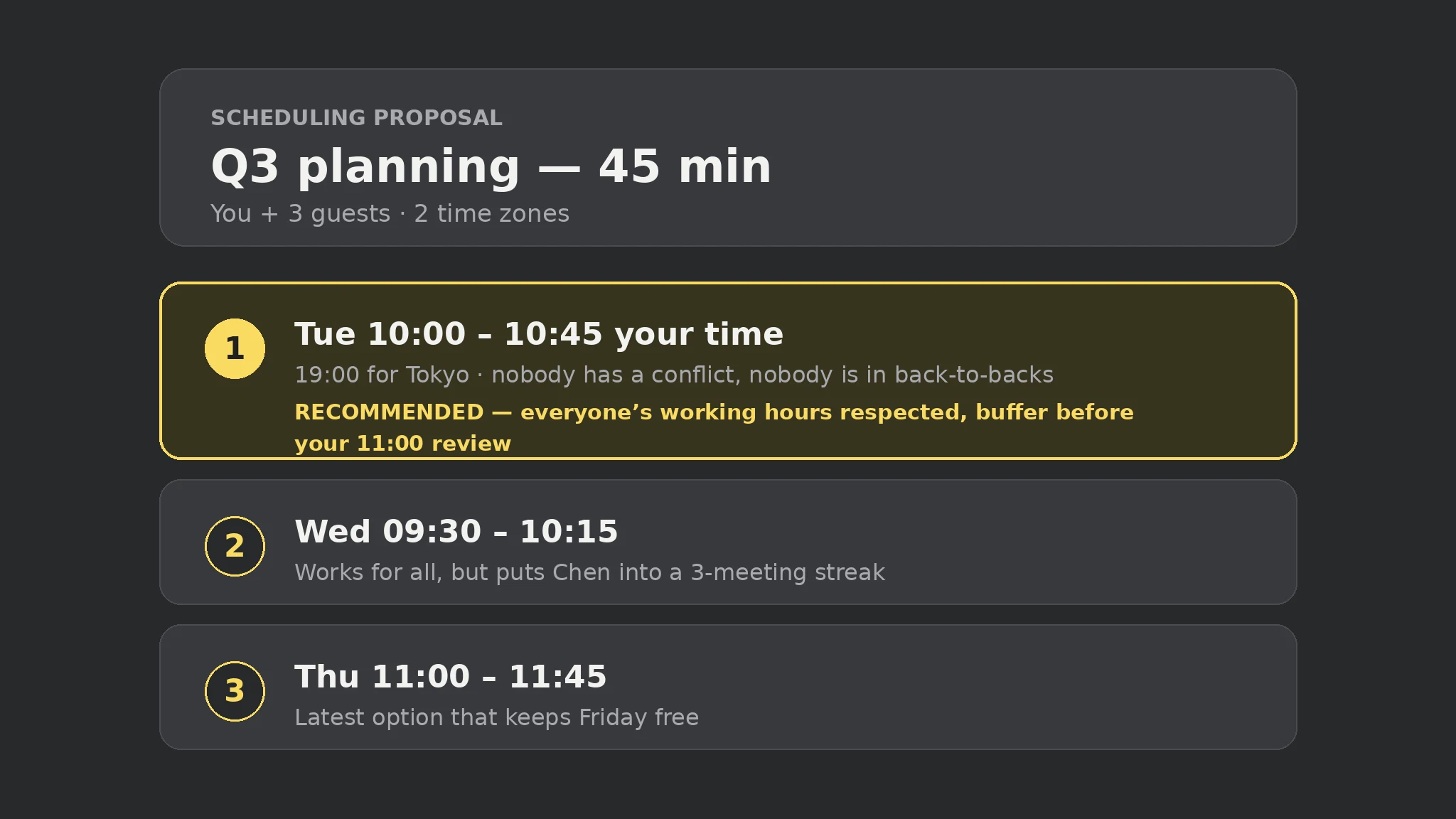
- Gather constraints
- Check all calendars
- Offer local times
- Hold or invite
 Free
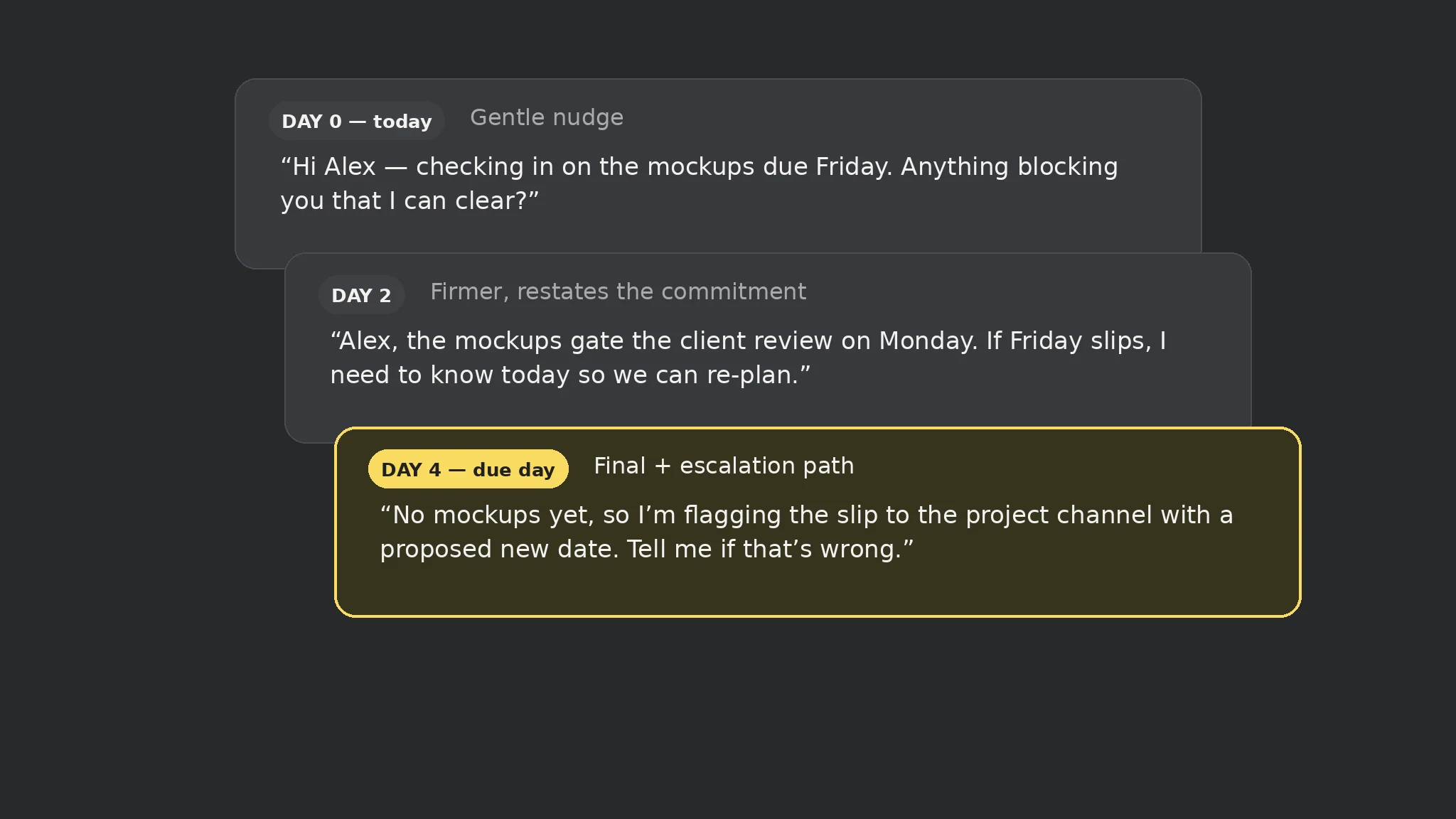
- Capture the cutoff
- Watch for stalls
- Nudge at 3 points
- Close the loop
 Premium
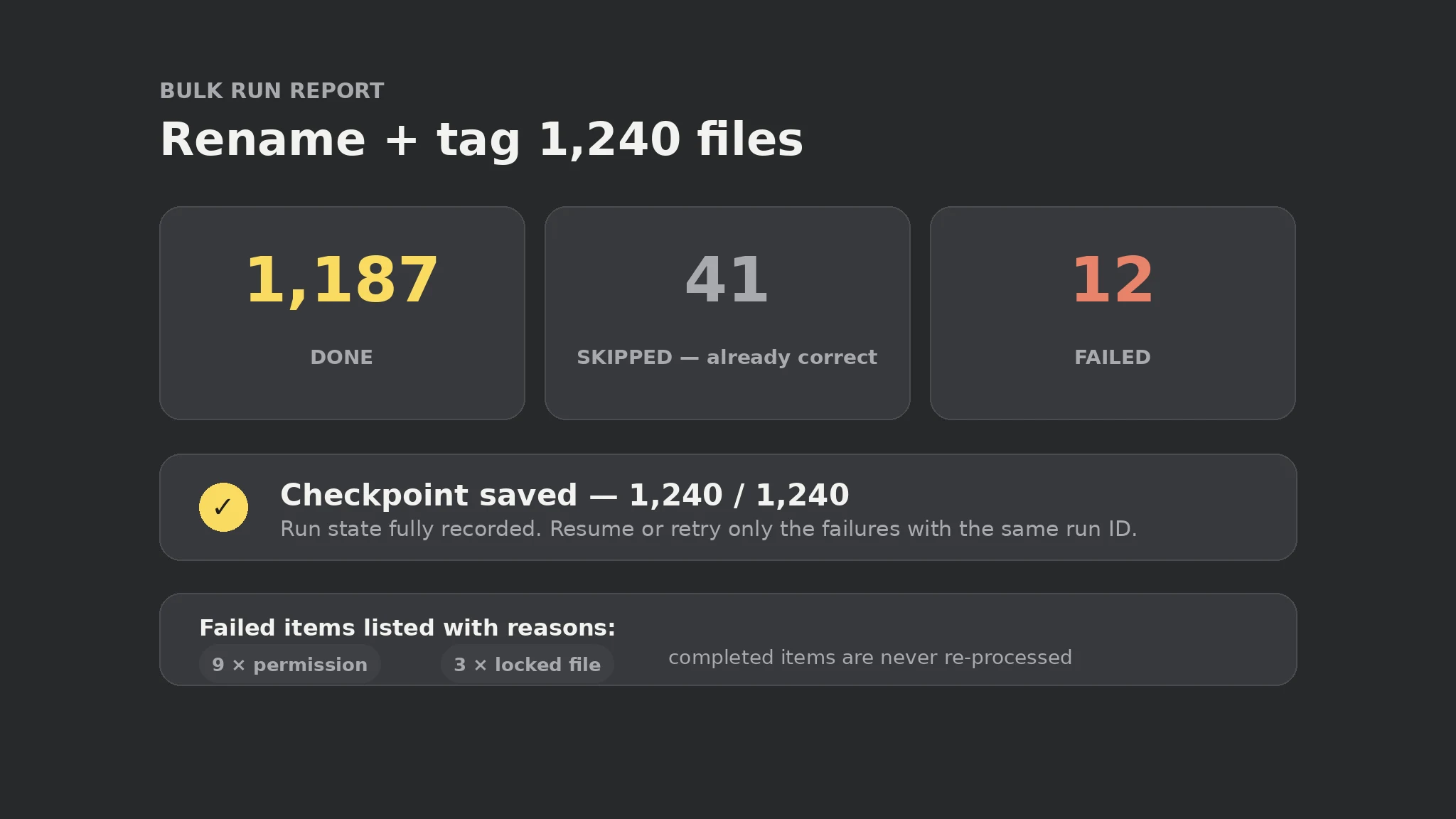
- Shard the list
- Checkpoint each item
- Idempotent runs
- Verify completion
 Premium
- Read the transcript
- Extract decisions
- Assign owners
- Send the recap
 Free
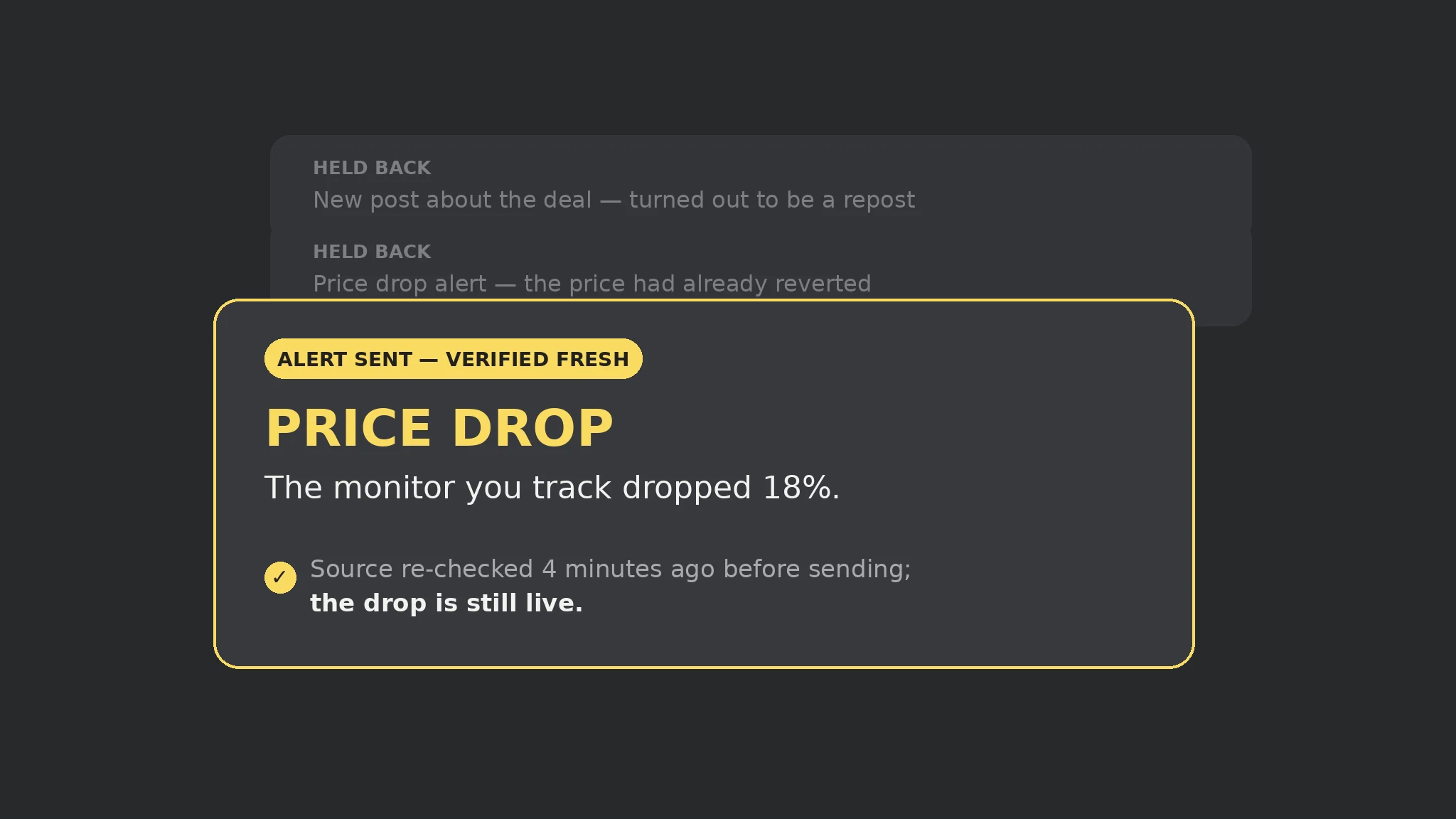
- Parse validity
- Gate expired out
- Lead with time left
- Push the alert
All skills for Dot
 Premium
 Free
 Premium
 Premium
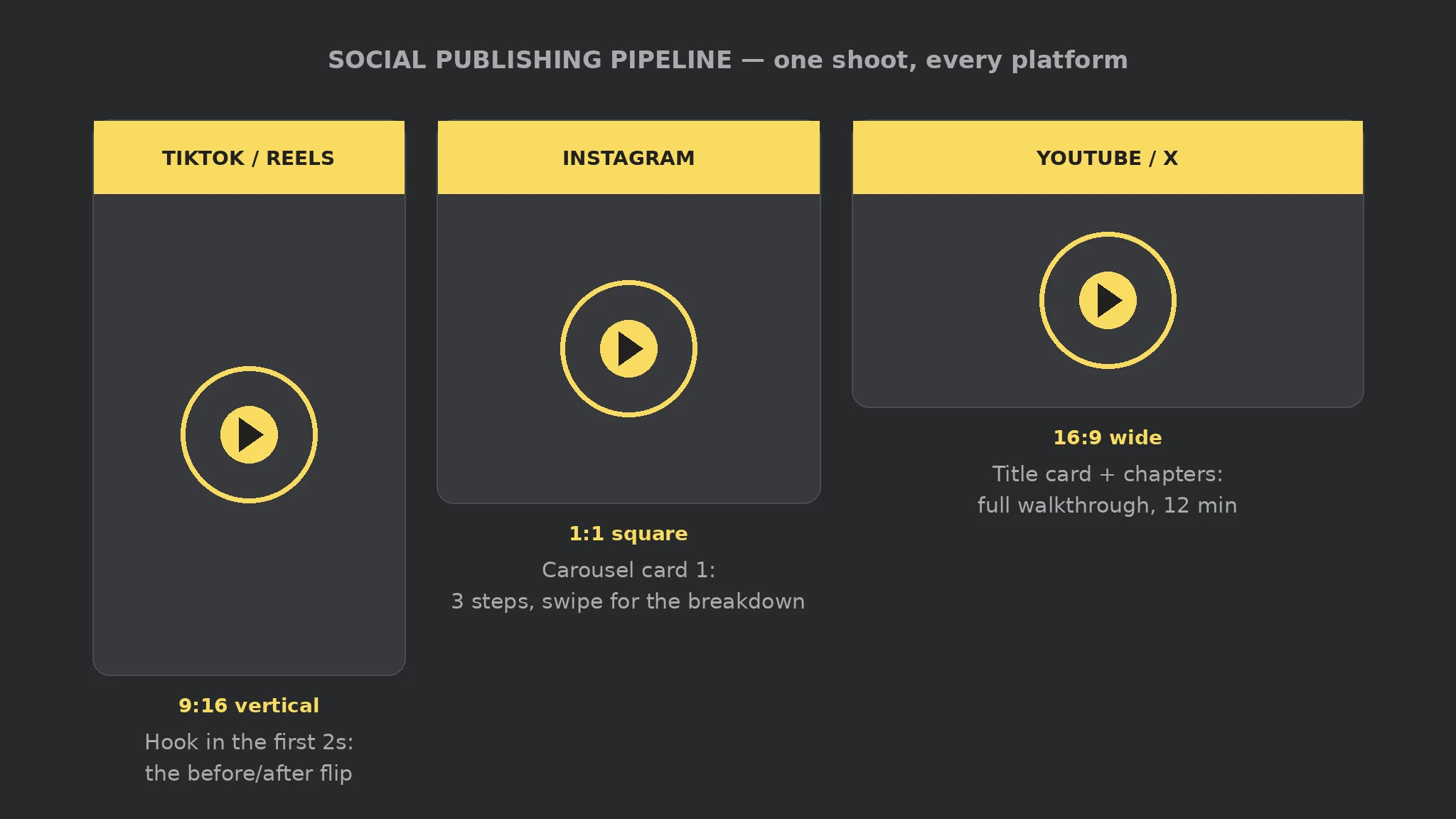
- Research the topic
- Script for the ear
- Cast stable voices
- Produce & check
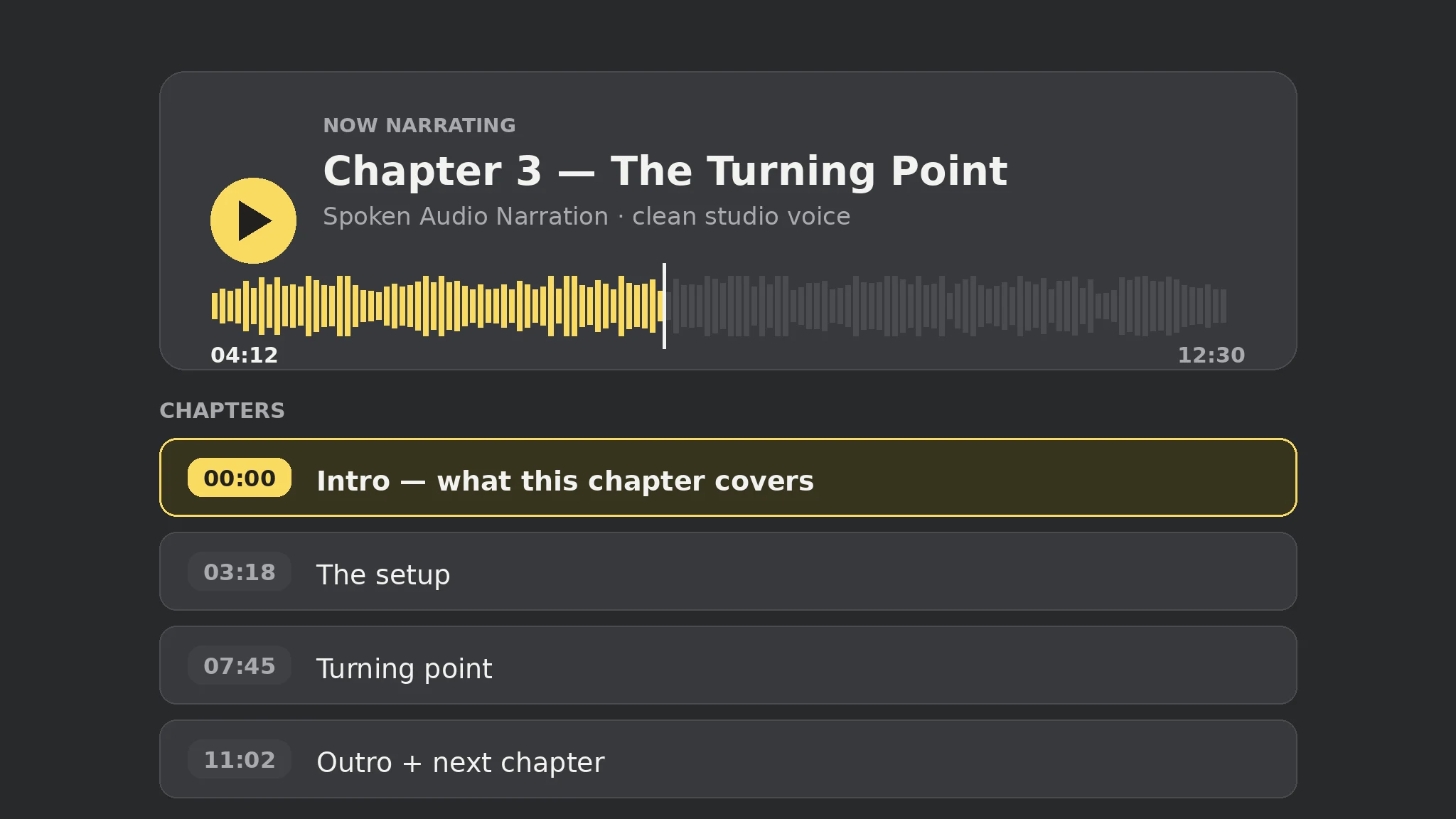
 Premium
- Format per platform
- Adapt & caption
- Approve exact post
- Publish & verify
 FreeFreeFreeFreeFree
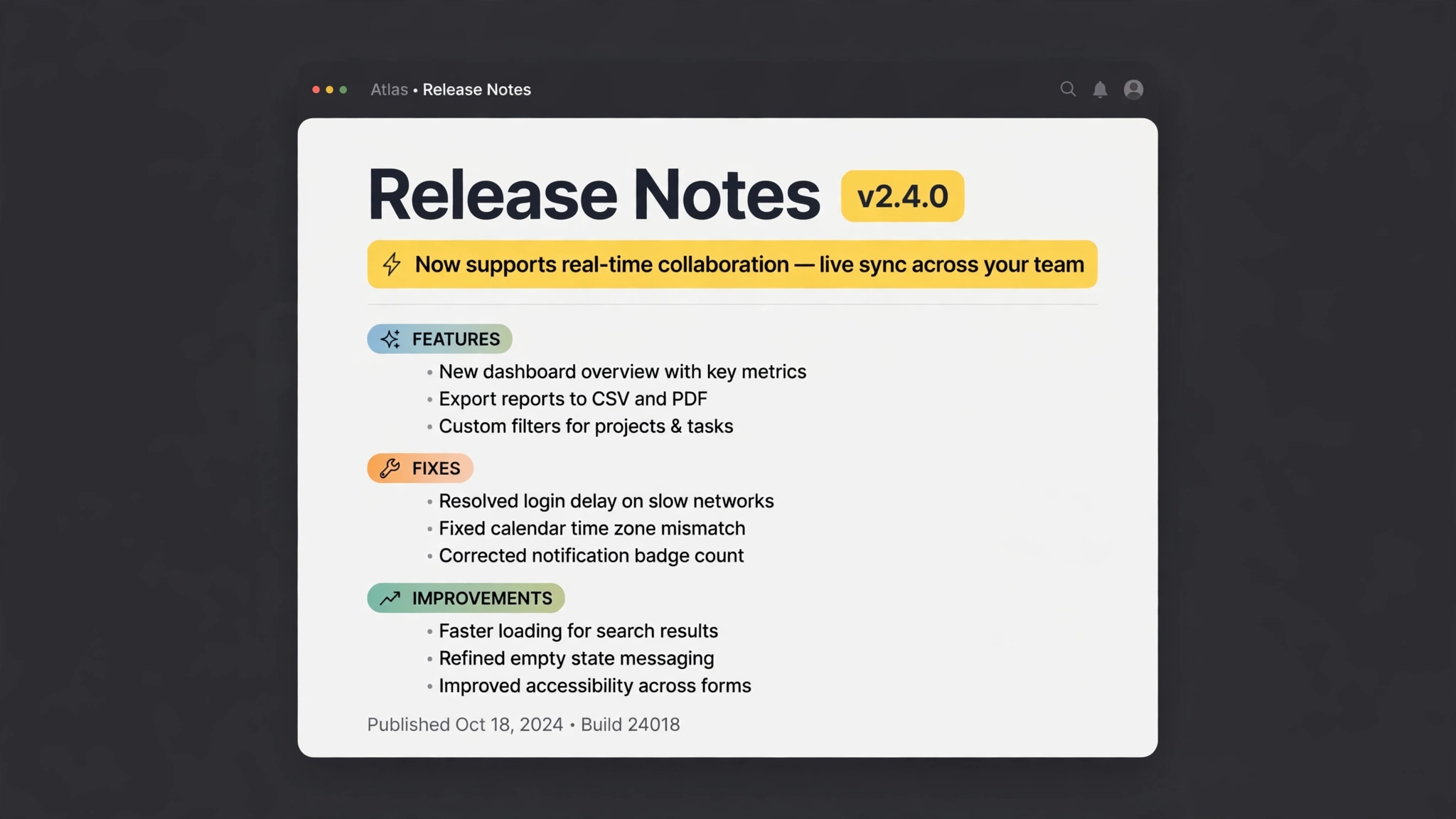 Premium
- Collect commits
- Group the changes
- Jargon → benefits
- Ready to publish
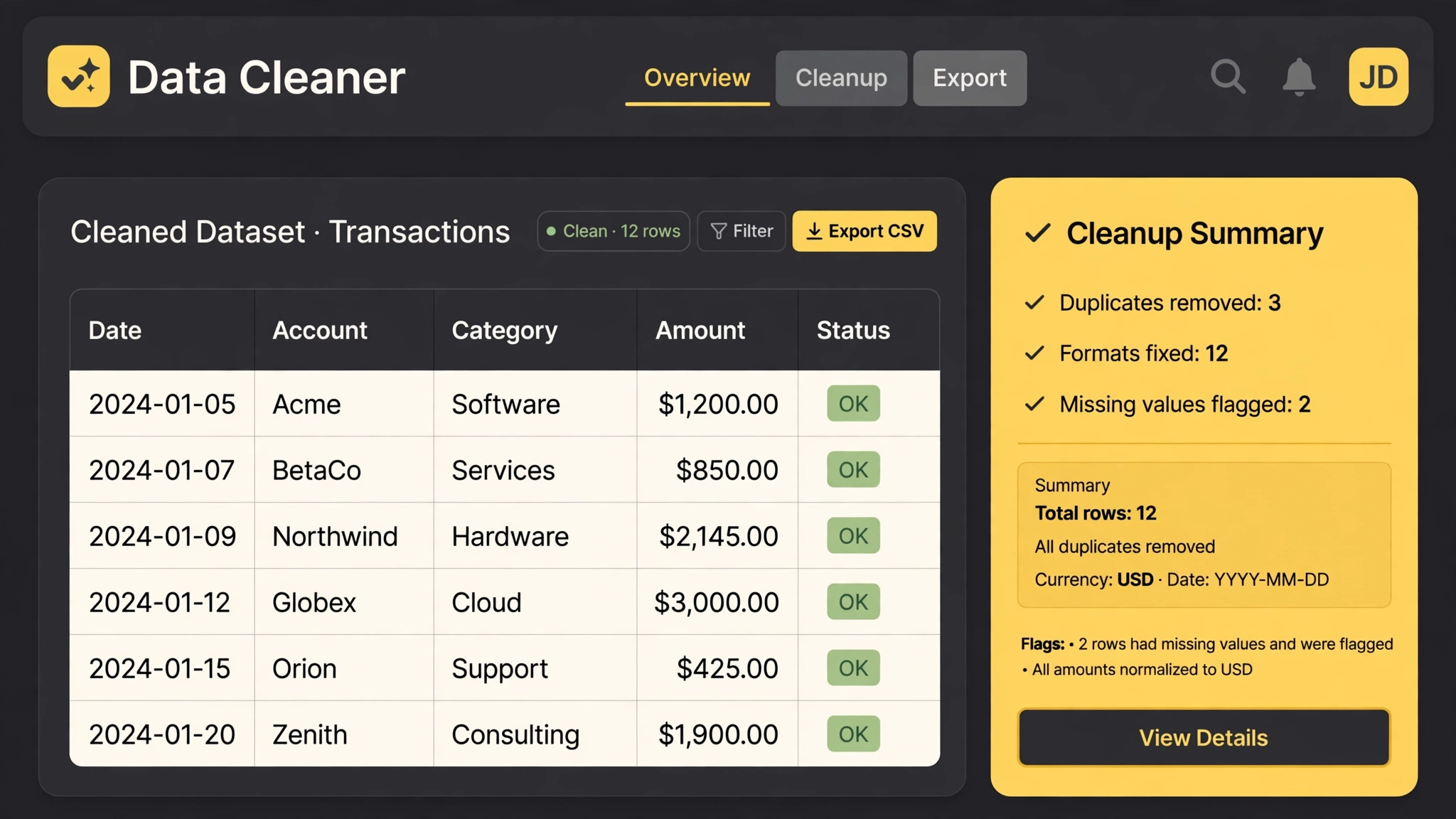 Free
- Dedupe rows
- Normalize formats
- Flag the gaps
- Cleanup report
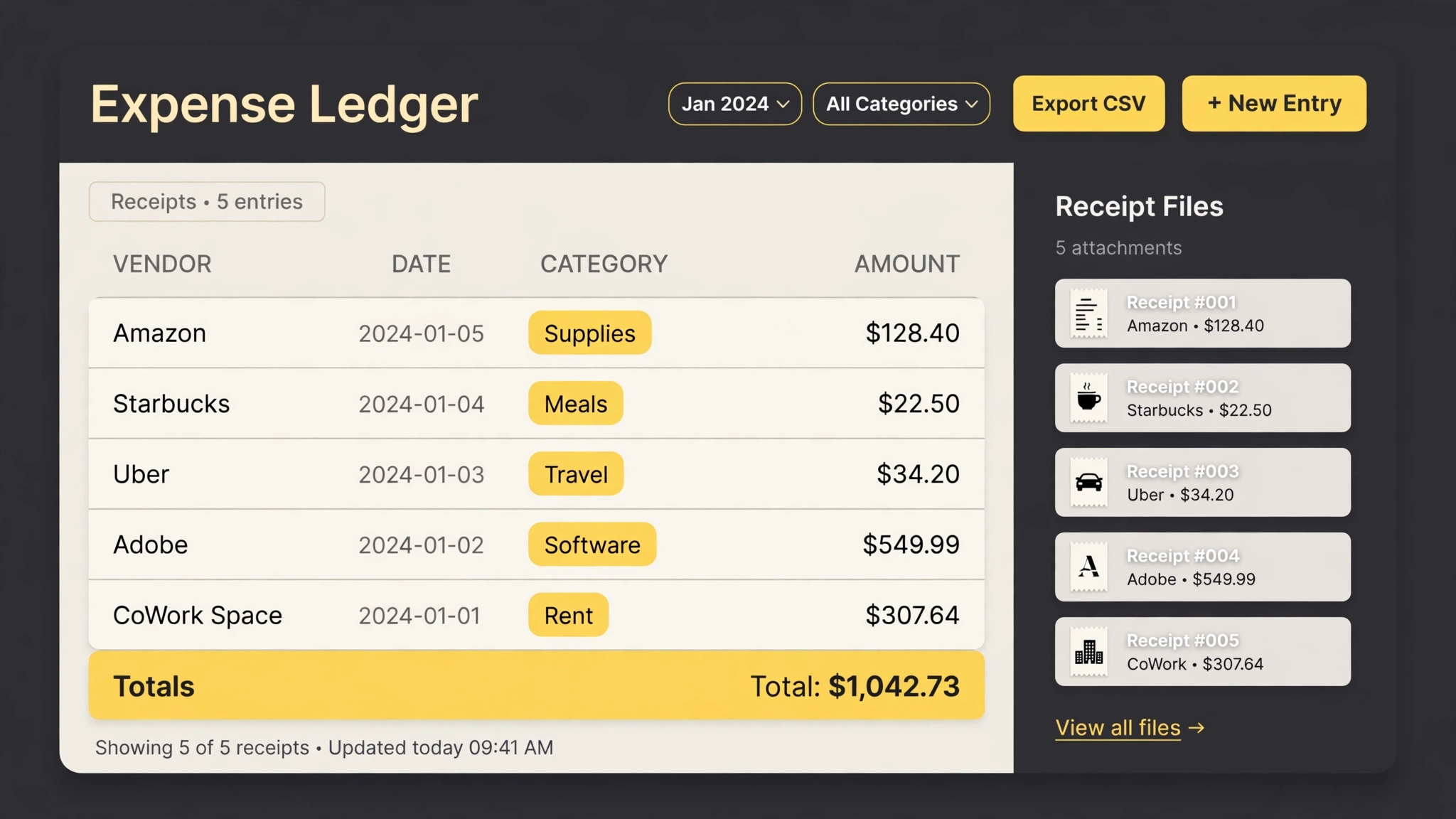 Premium
- Read receipts
- Rename & file
- Build the ledger
- Category totals
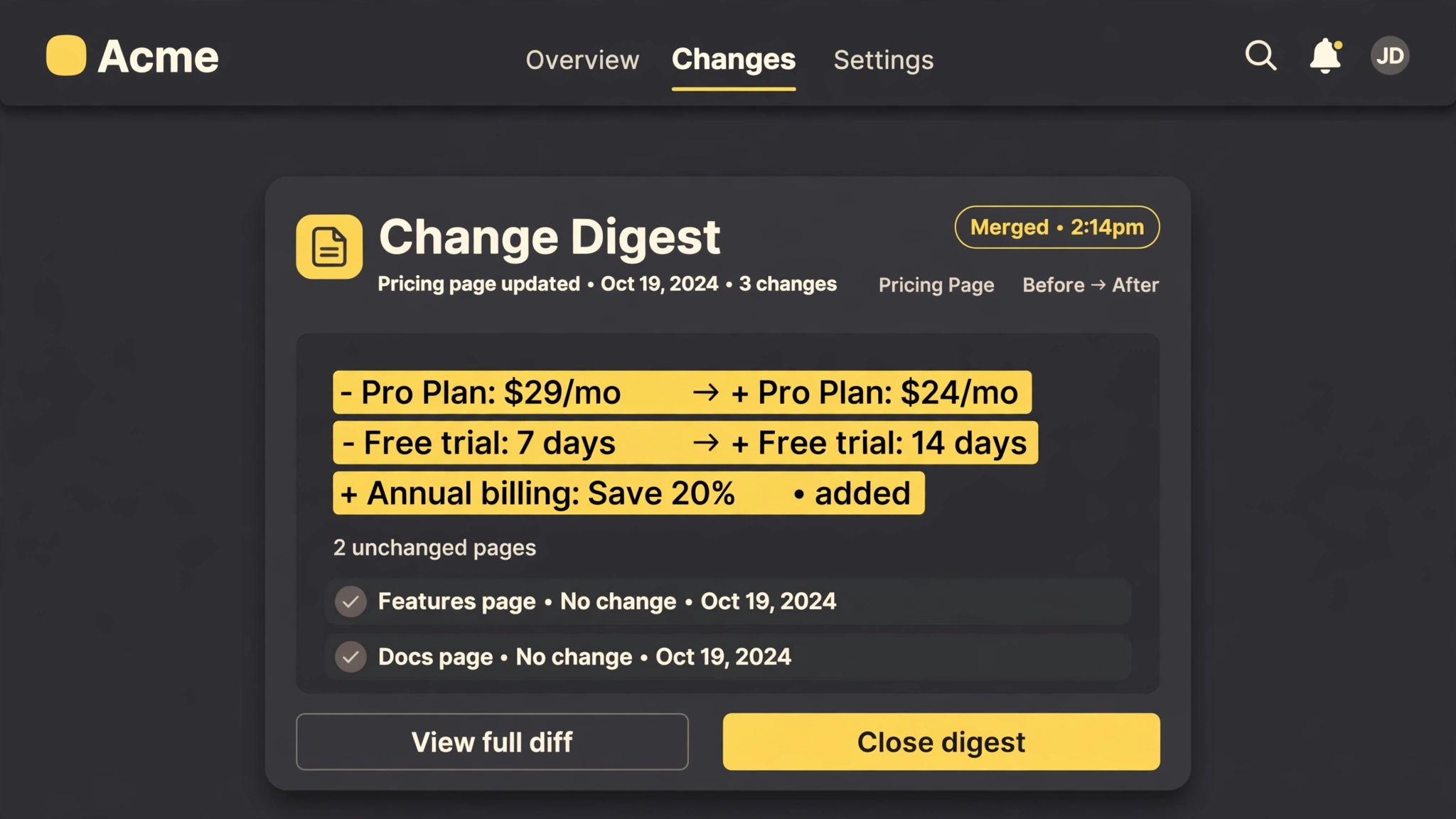 Premium
- Watch your pages
- Diff the changes
- Filter the noise
- One batched digest
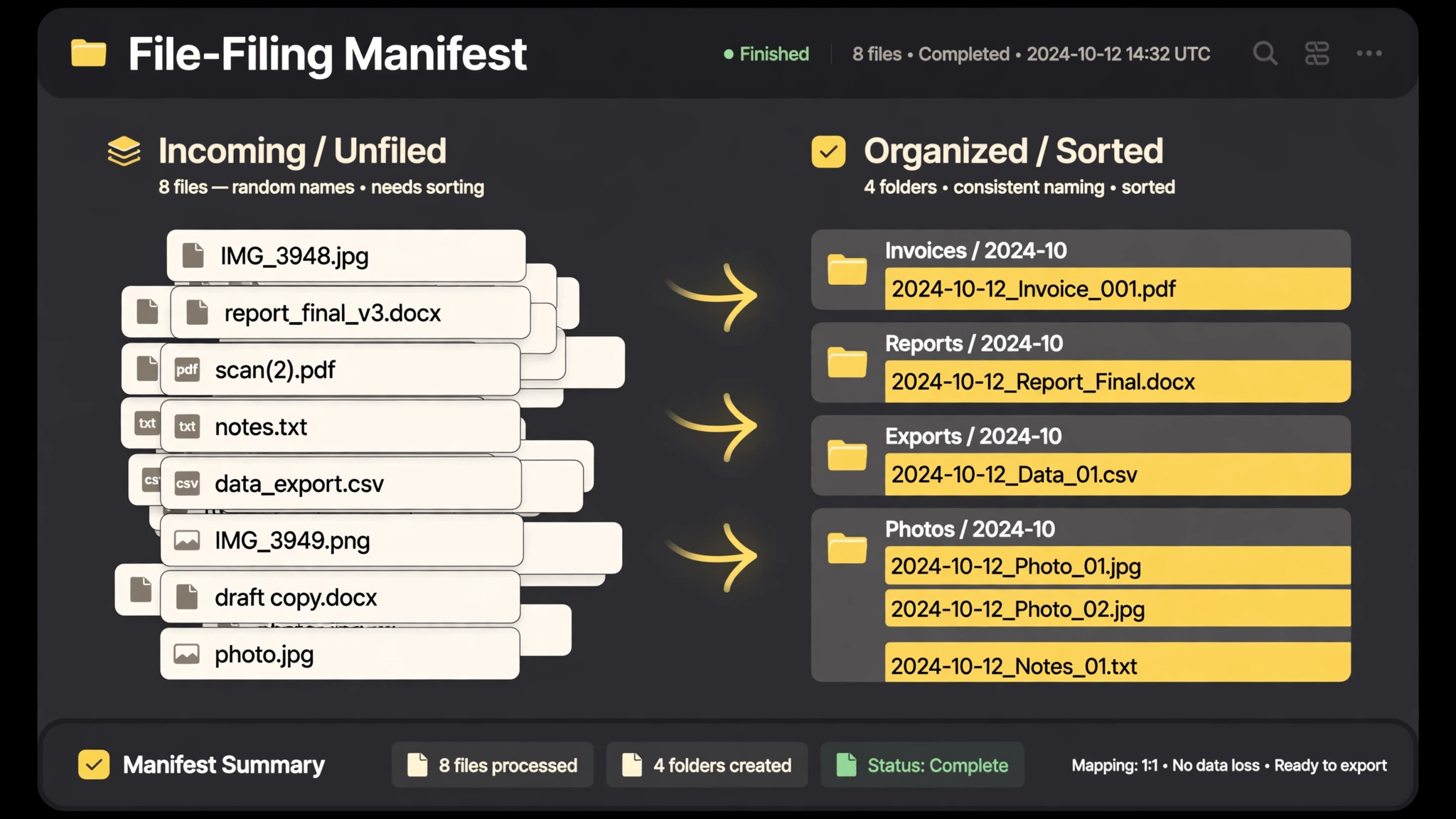 Premium
- Approve the plan
- Rename by pattern
- Sort into folders
- Manifest & undo
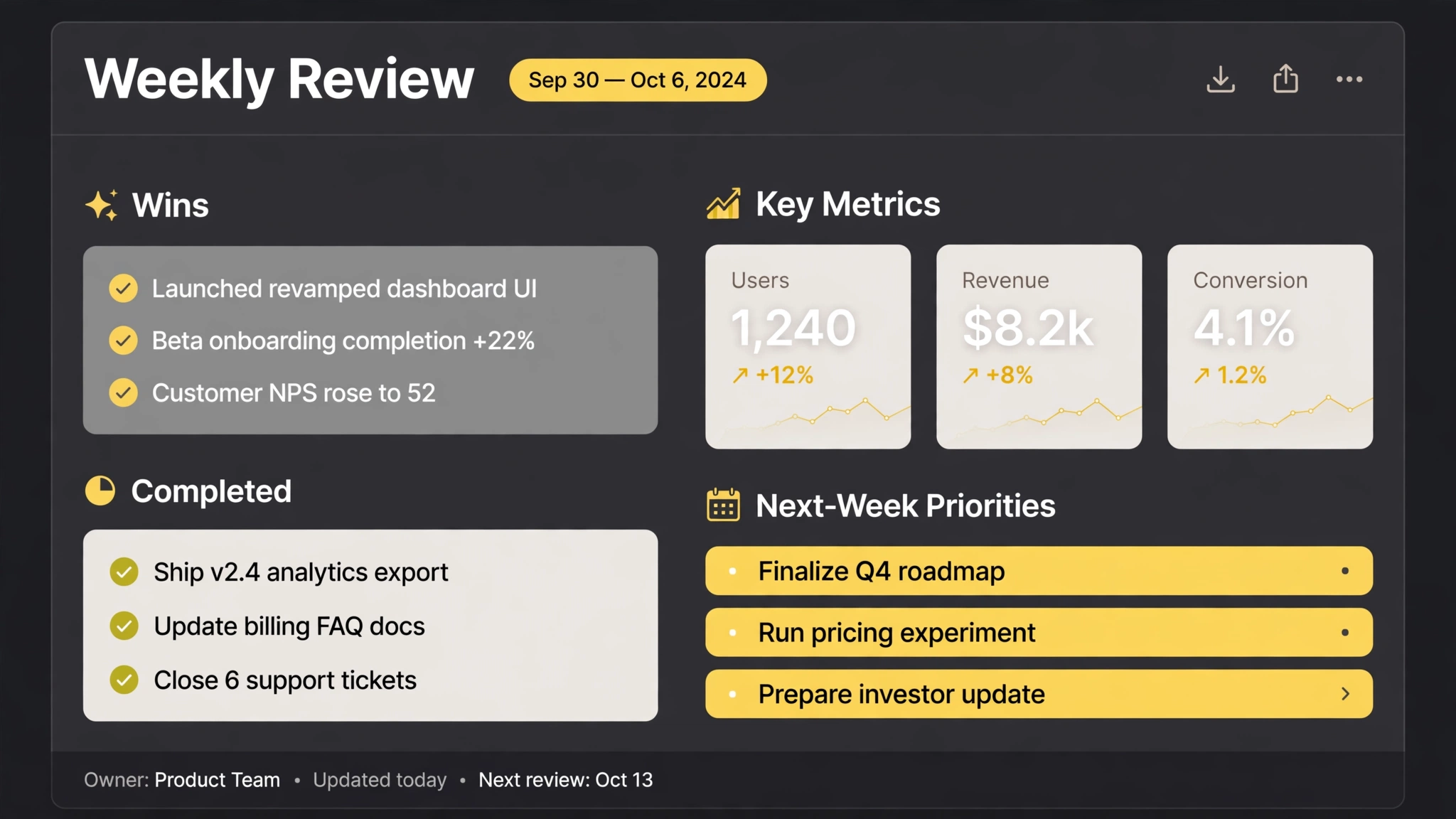 Free
- Gather the week
- Wins & metrics
- Surface what slipped
- 3 priorities
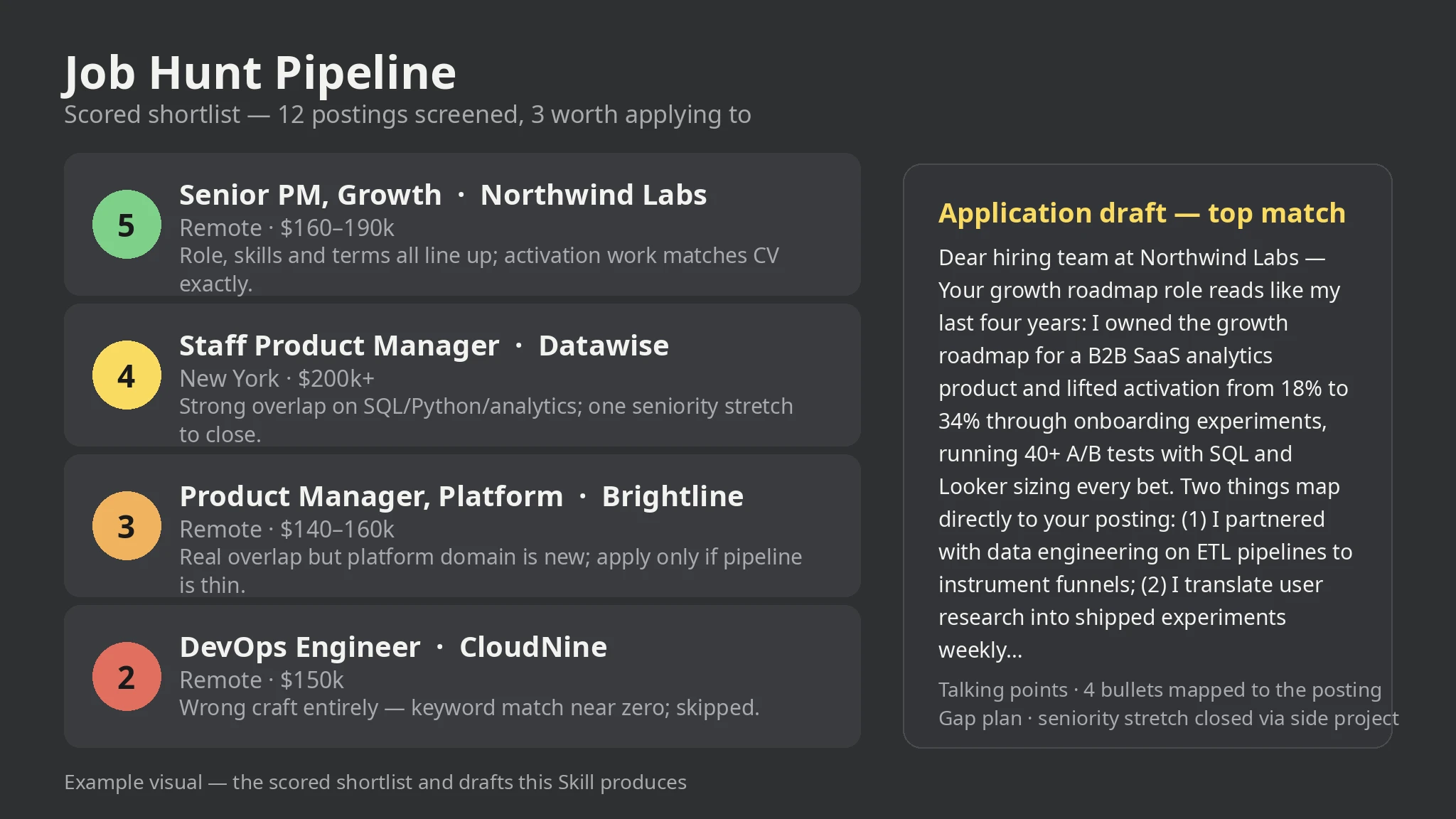 Premium
- Collect the postings
- Screen for surface fit
- Score 1-5 with reasons
- Draft for top matches
- Track every application
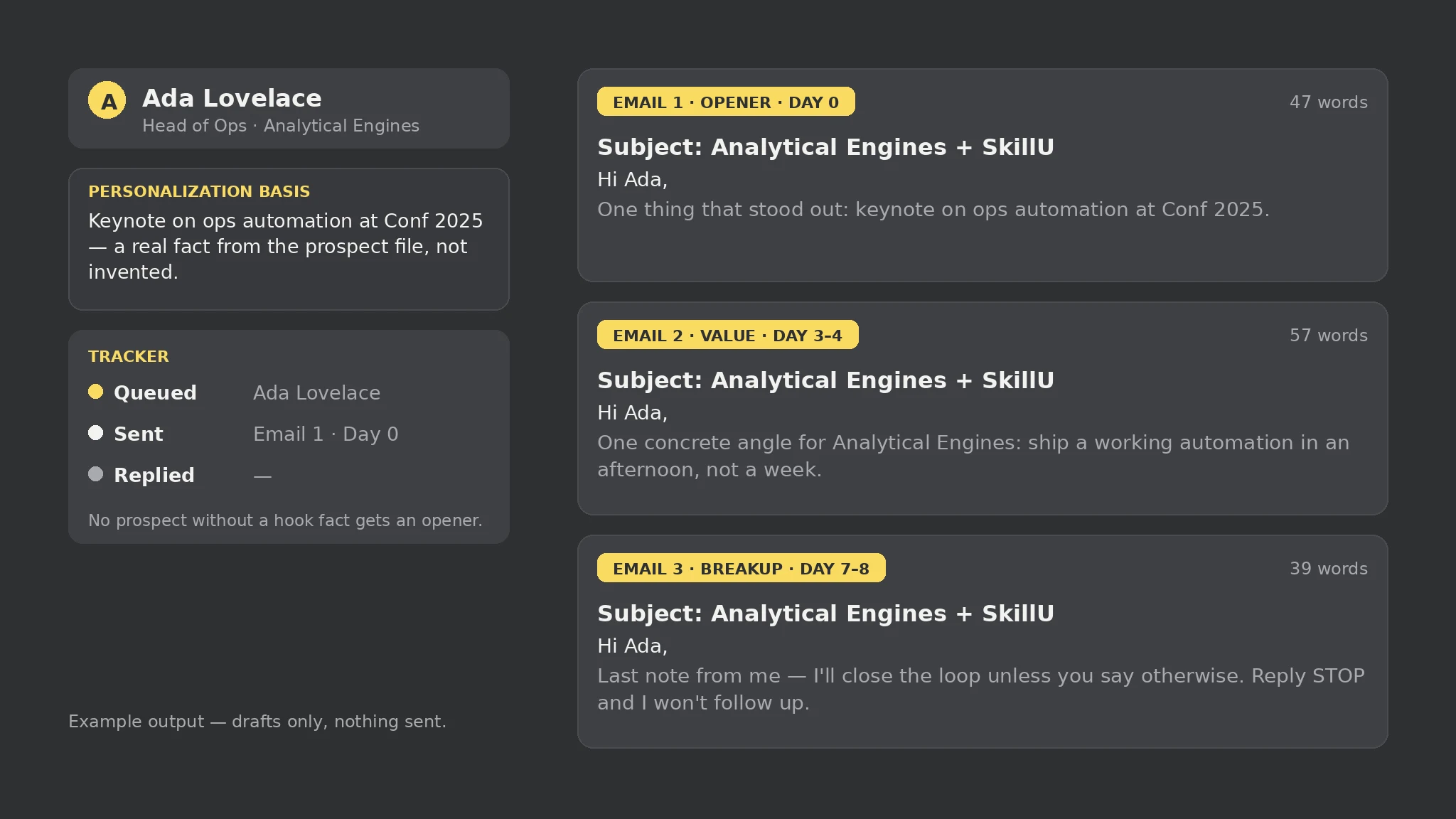 Premium
- Collect prospects and brief
- Check personalization coverage
- Draft the 3-email sequence
- Review against the honesty rules
- Track replies and opt-outs
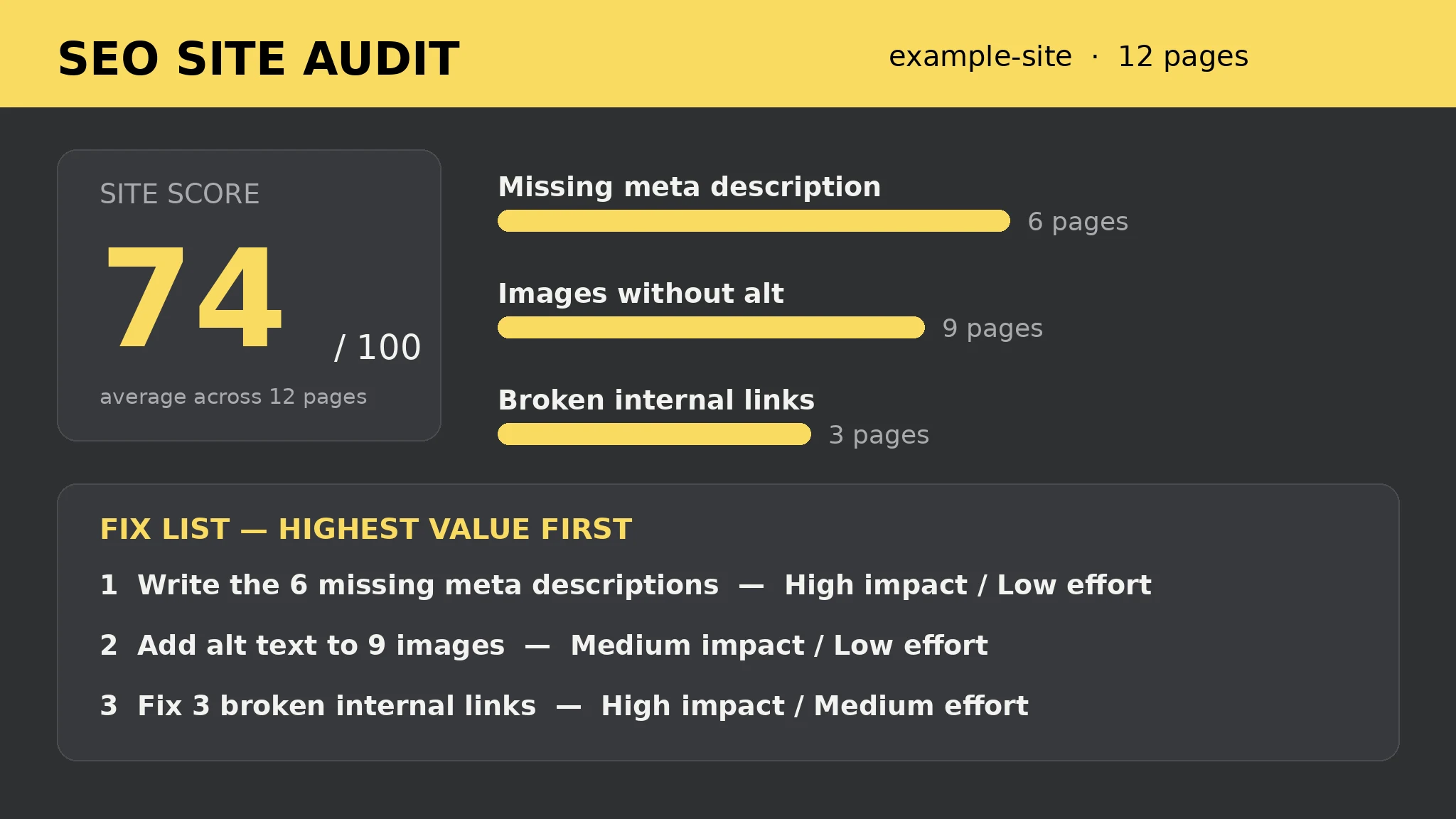 Premium
- Point it at your HTML folder
- Run the 13 per-page checks
- Score every page 0-100
- Work the fix list top-down
- Re-run after each batch
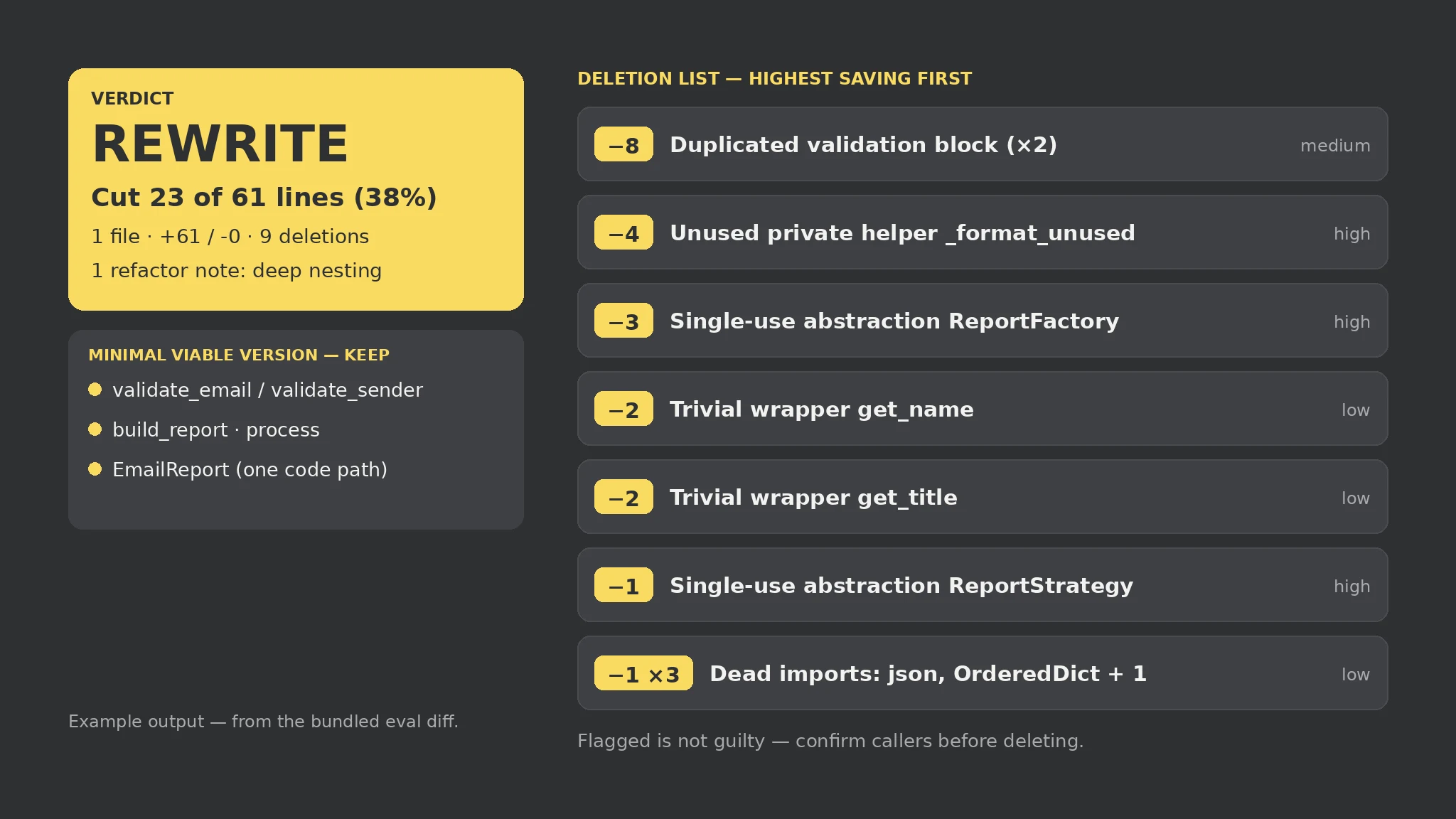 Premium
- Point it at the diff
- Run the seven mechanical checks
- Work the deletion list top-down
- Confirm callers before deleting
- Keep the minimal viable version
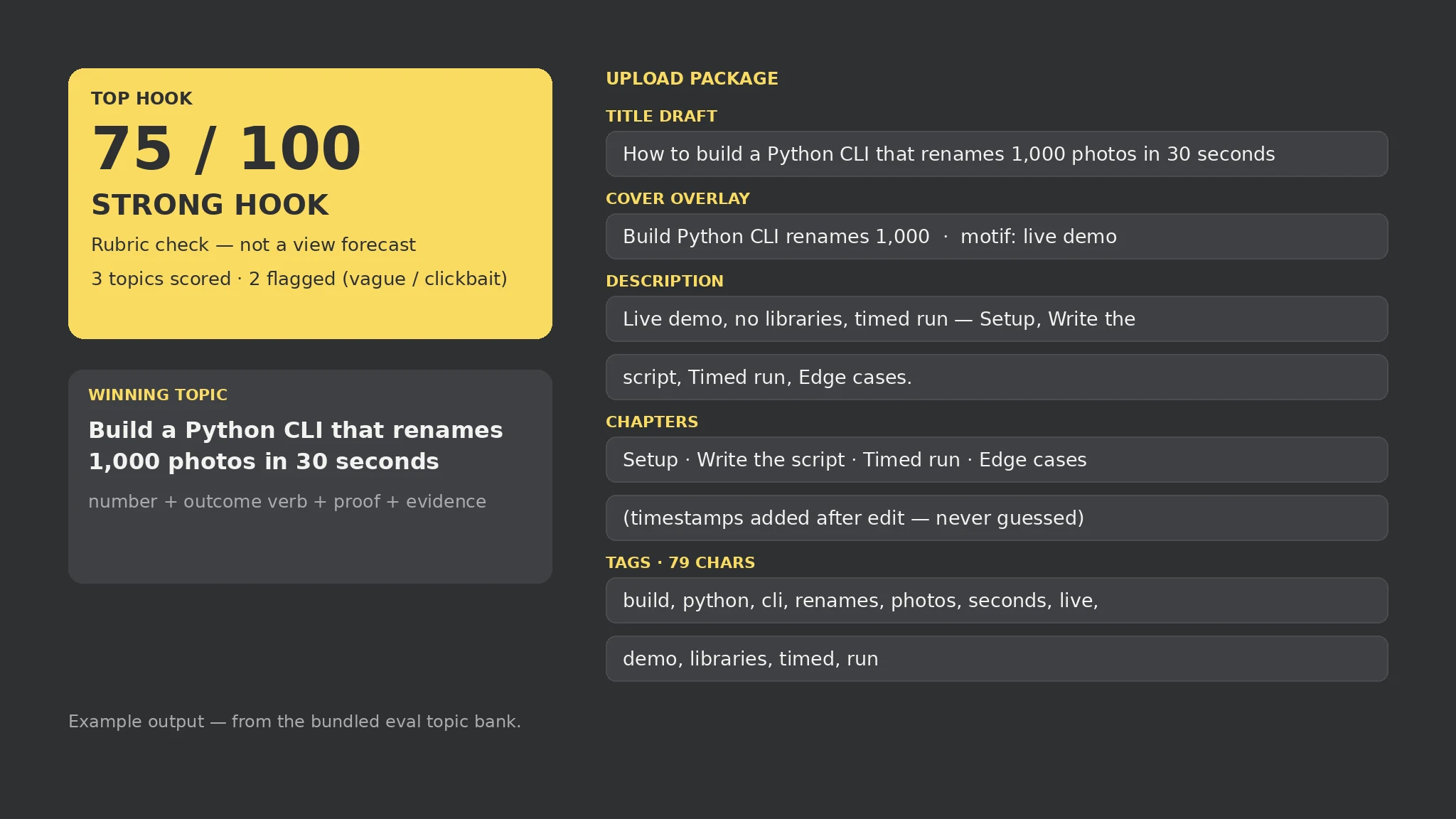 Premium
- Fill the topic bank and channel brief
- Score every hook on the fixed rubric
- Read the flags, not just the score
- Pick the winning topic's package
- Time the chapters after the edit
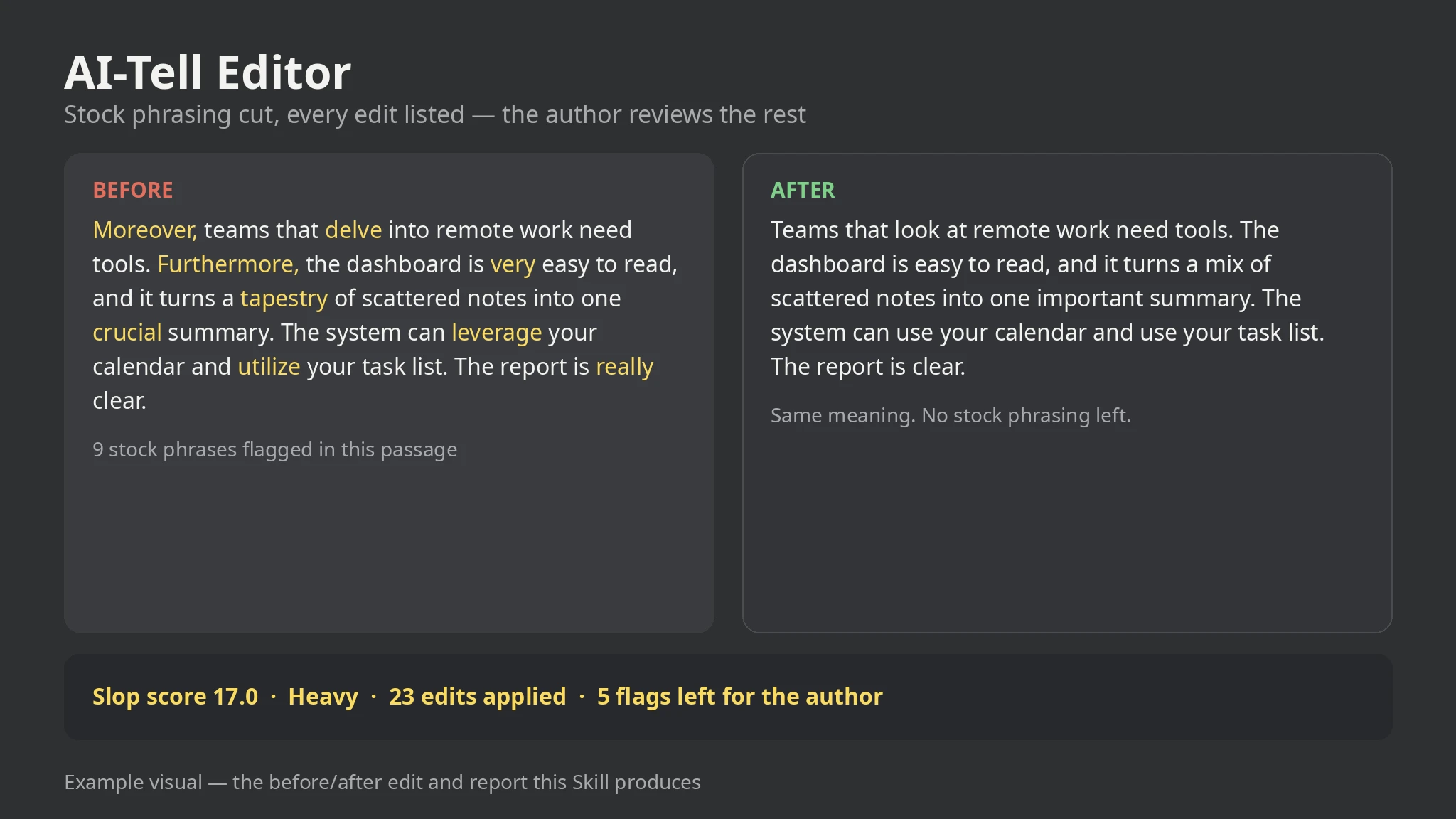 Premium
- Drop in the draft
- Run the plain-language pass
- Read the report, not just the score
- Rework the flagged sentences by hand
- Keep the report as the audit trail
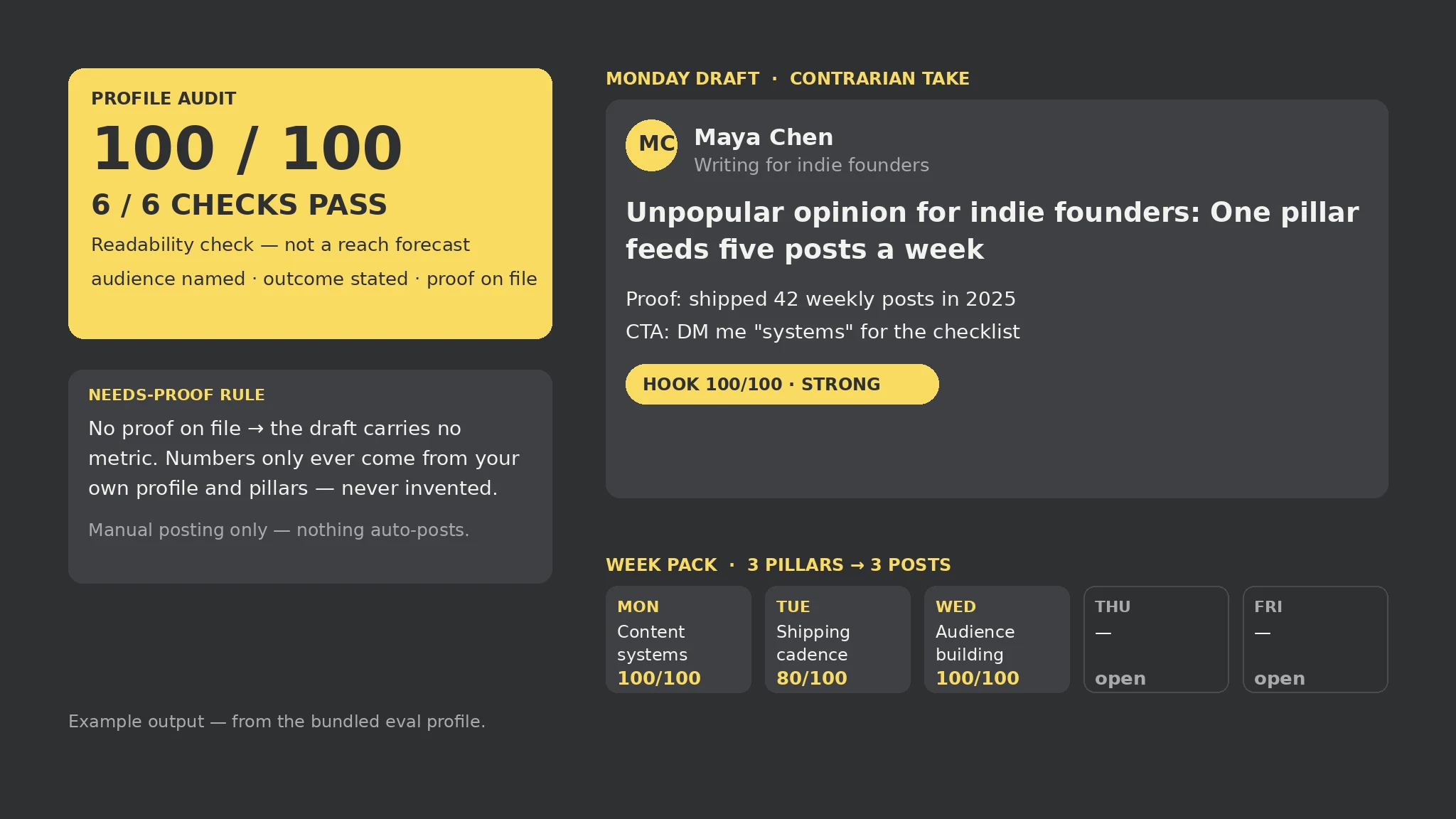 Premium
- Fill the profile brief and pillar bank
- Run the 6-point profile audit
- Read the flags, not just the scores
- Edit every draft in your own voice
- Post by hand through the week
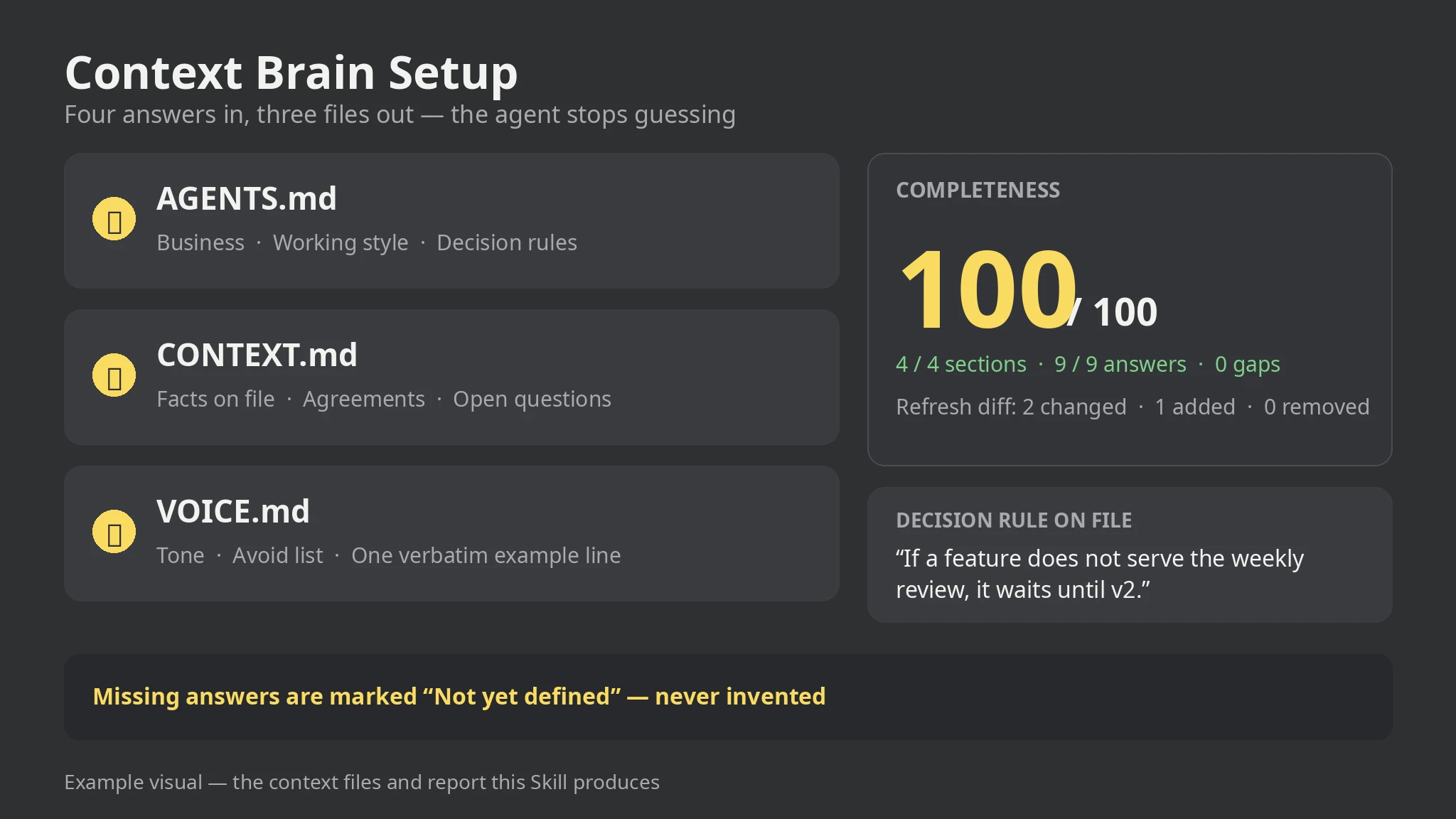 Premium
- Answer the four interview sections
- Run the generator on the brief
- Read the report and fill the gaps
- Copy the three files into the project
- Rerun with --previous when answers change
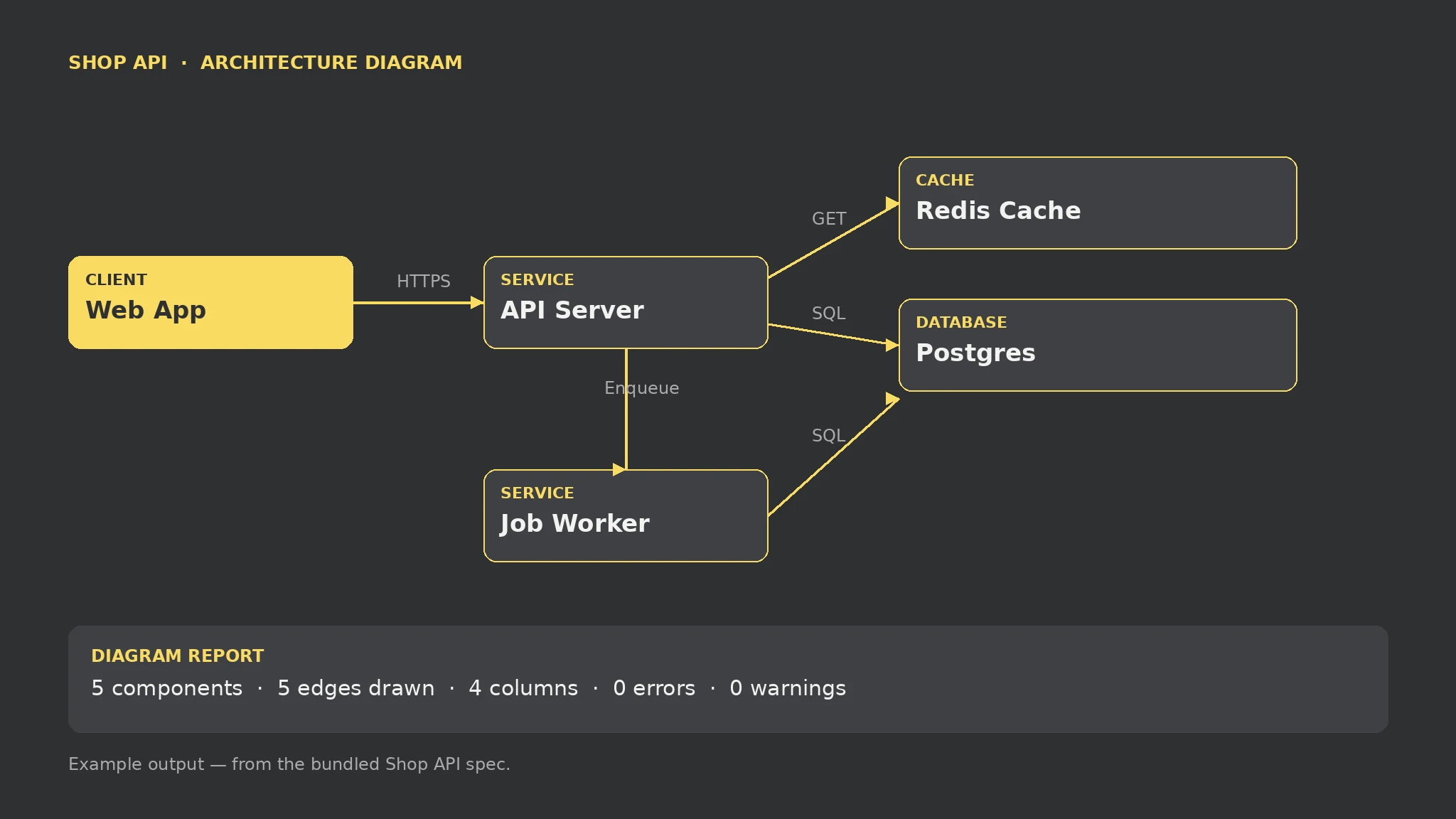 Premium
- List components and connections in the spec
- Run the renderer on the spec
- Read the report before sharing the diagram
- Fix errors and orphans, then rerun
- Ship the SVG with its report
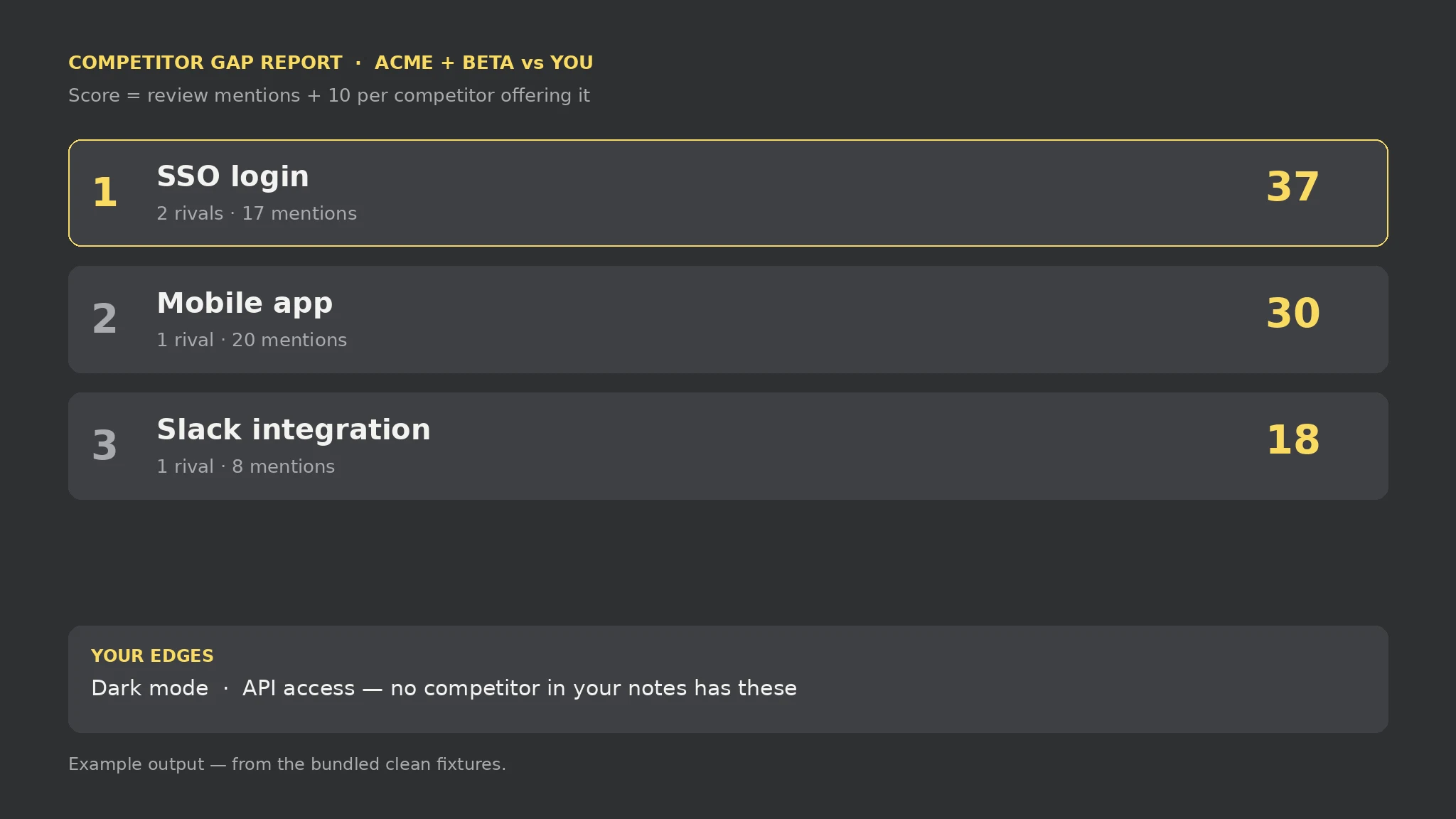 Premium
- List your features in mine.txt
- Write one [Competitor] block per rival with features and mention counts
- Run the auditor on both files
- Investigate the top gaps with your users before building
- Ship the report with your roadmap decision
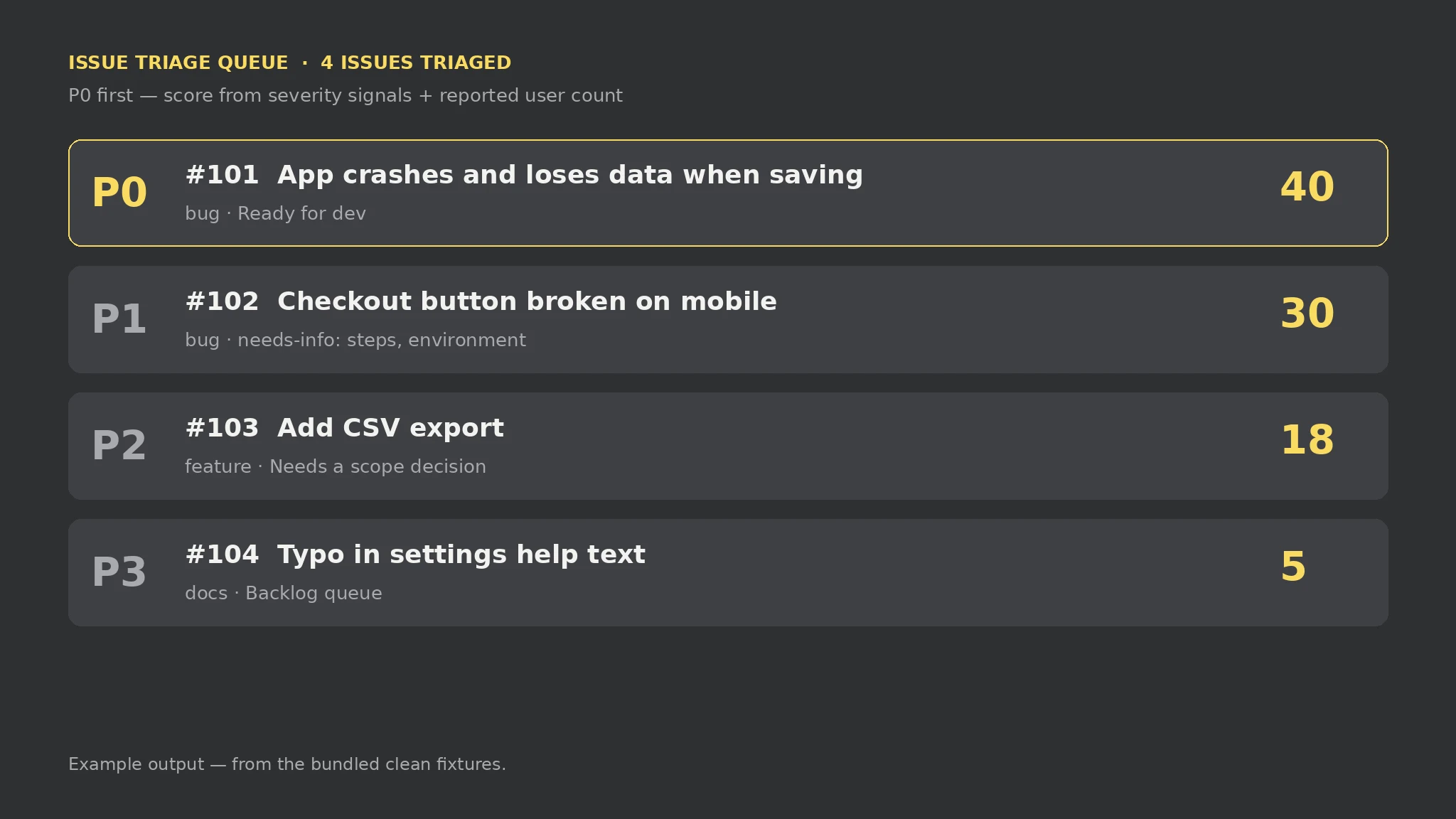 Premium
- Paste each report as one [#id] block in issues.txt
- Add symptoms, steps, environment, and user counts to the body lines
- Run the triage script on the file
- Answer the needs-info questions for P0 and P1 bugs
- Work the queue top-down, not inbox order
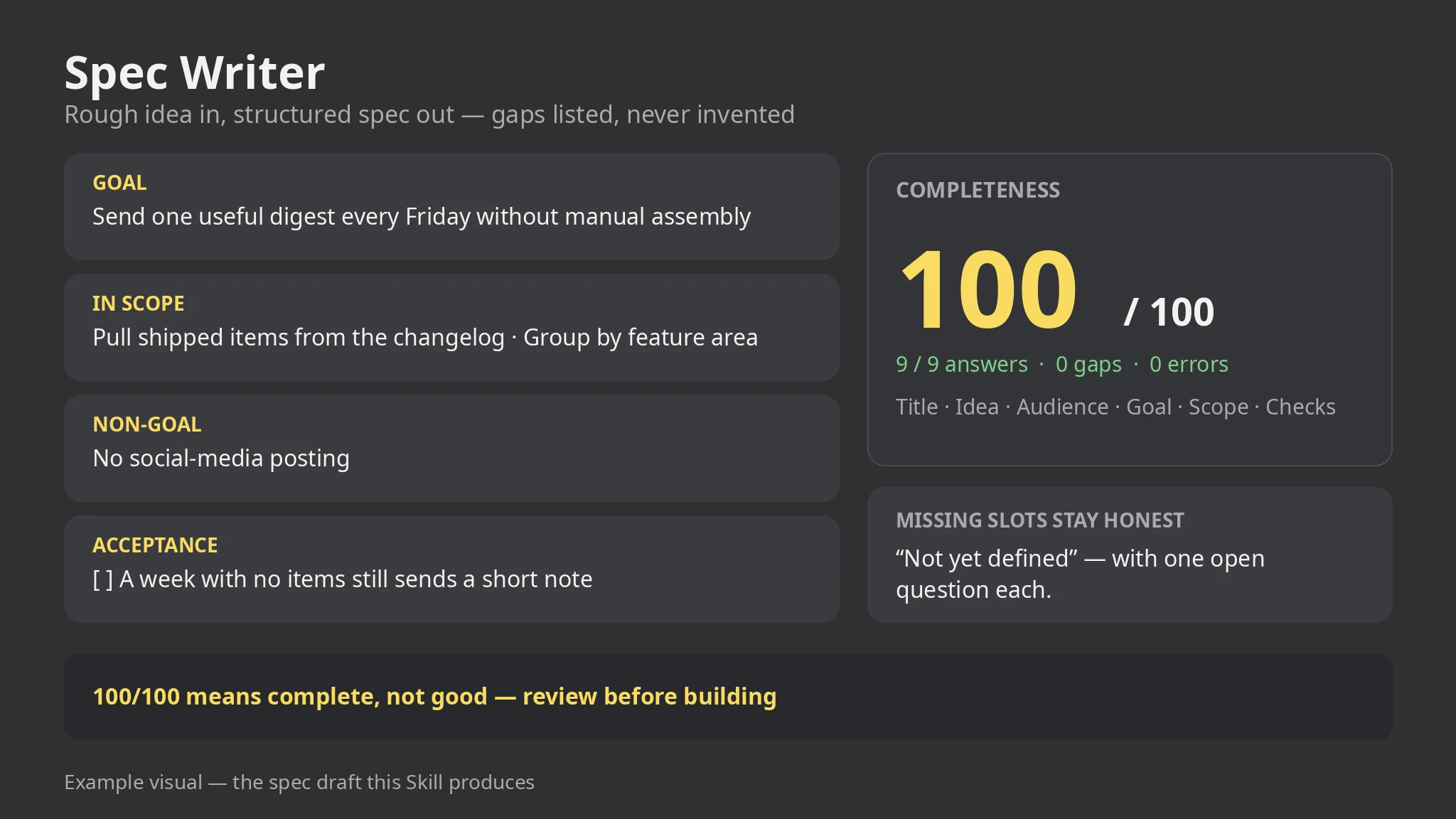 Premium
- Write each answer as one labelled line in brief.txt
- Add scope, non-goals, requirements, checks, and constraints as repeatable lines
- Run the spec script on the file
- Answer the open questions and re-run
- Review the draft end to end before anyone builds from it
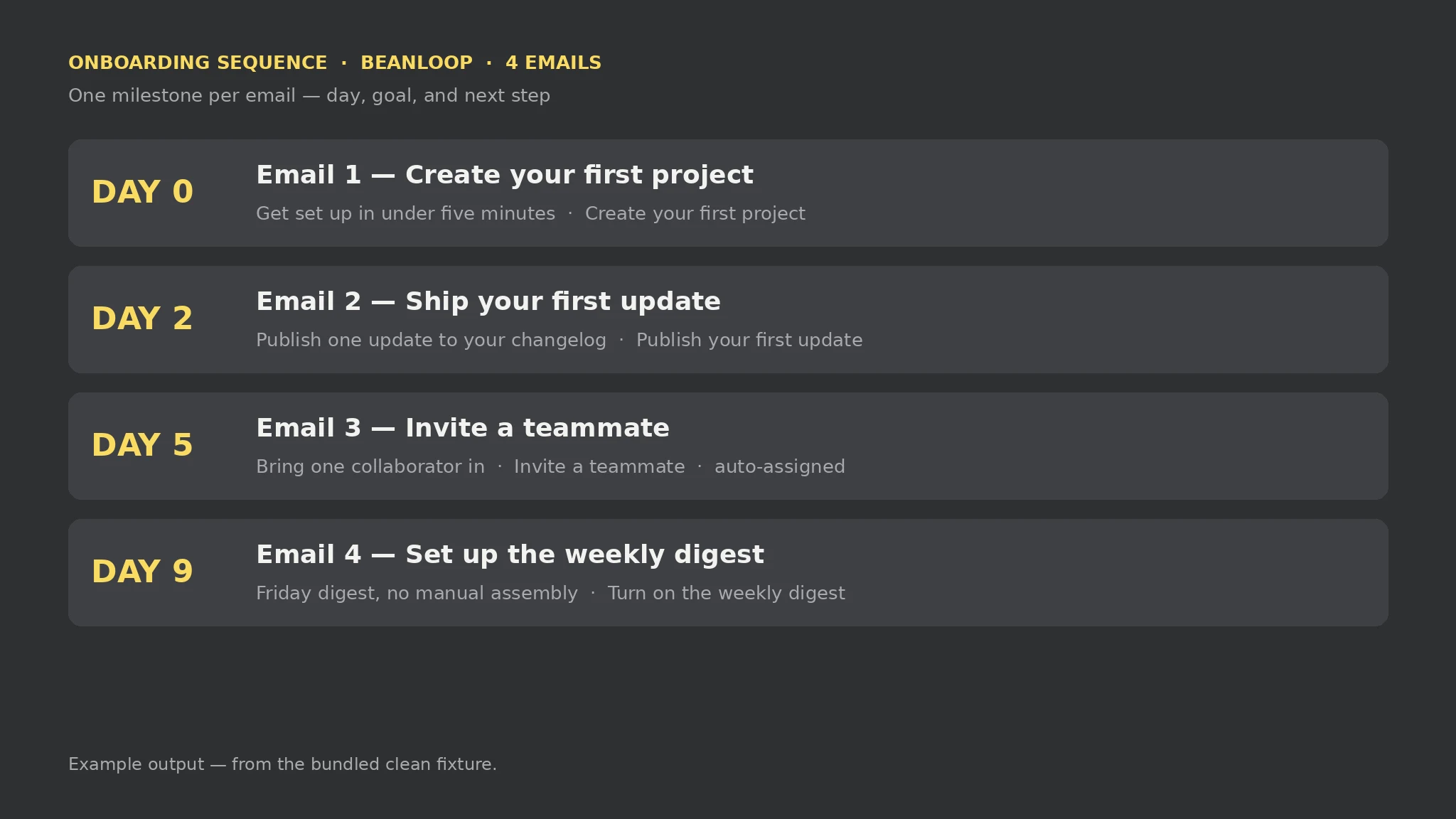 Premium
- Write each milestone as a block in onboarding.txt
- Add a day, a goal, and a call to action to each block
- Run the sequence script on the file
- Fill the gaps the report names and re-run
- Review the order, gaps between days, and wording before loading it into a sender
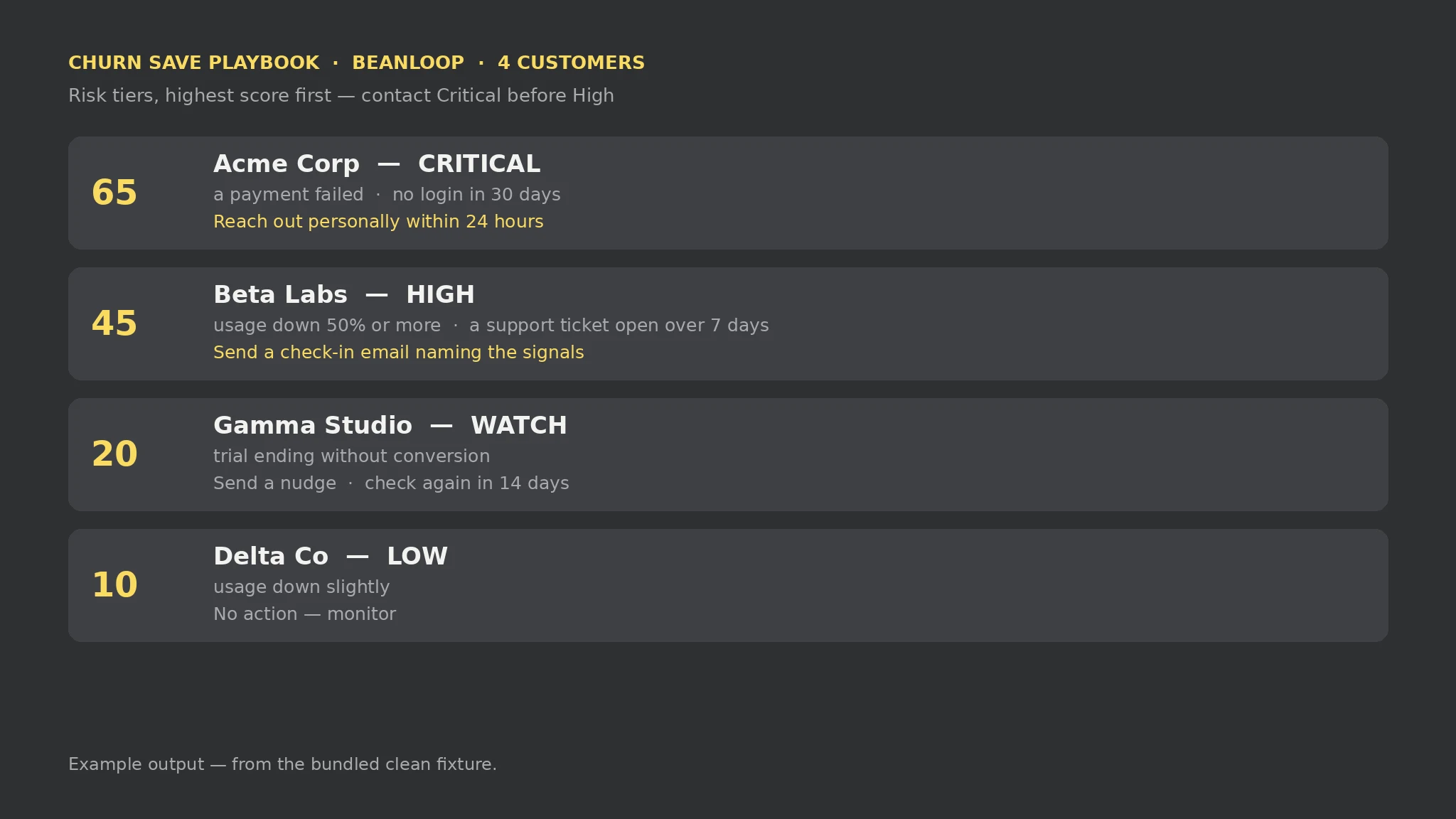 Premium
- List each customer as a block in churn.txt
- Add one Signal line per churn signal, from the fixed vocabulary
- Run the save script on the file
- Contact customers in tier order, Critical first
- Update the signals when a situation changes and re-run
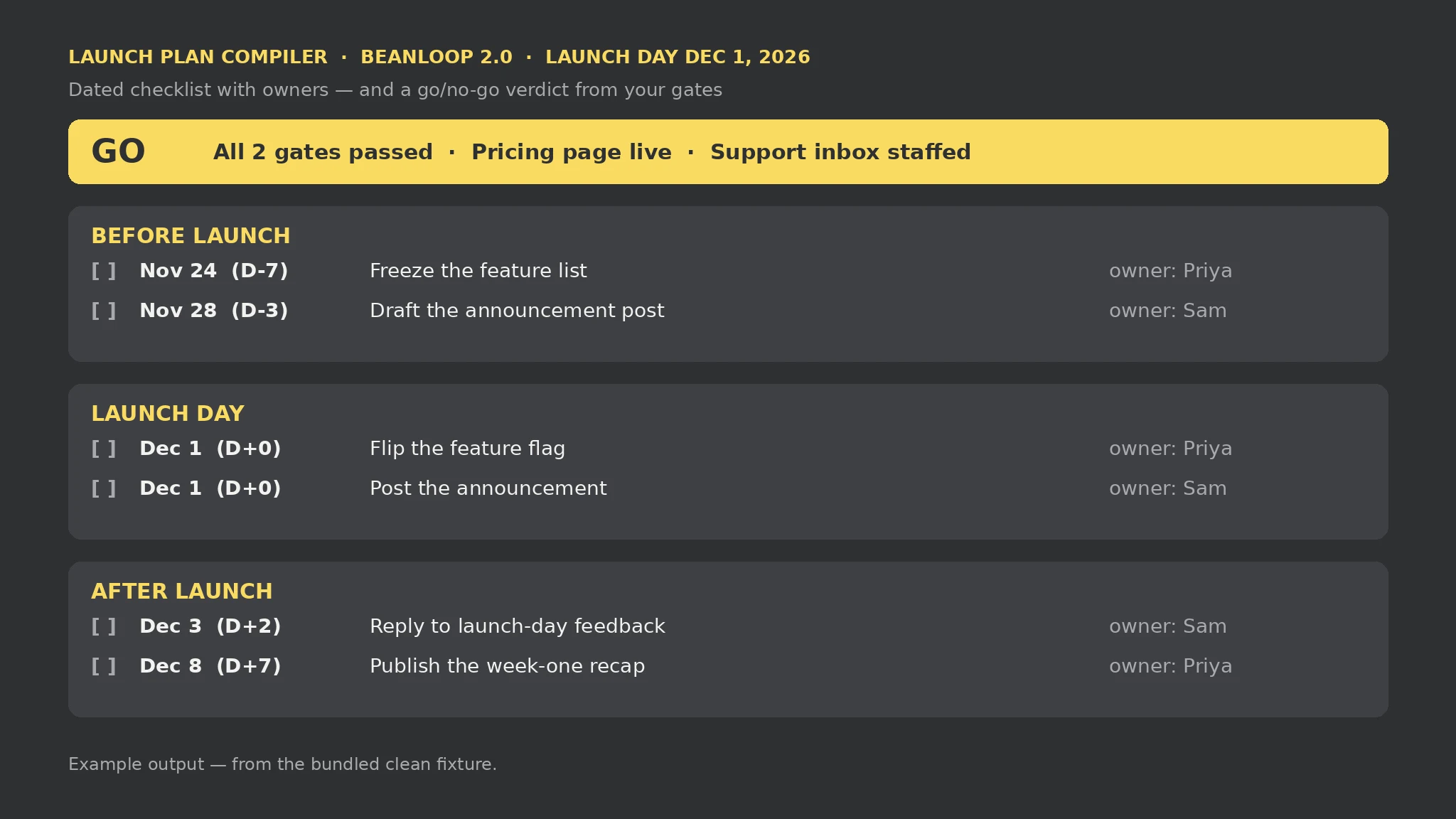 Premium
- Write the Launch and Date lines in launch.txt
- Add one Task line per job, with phase, title, owner, and when
- Add one Gate line per go/no-go check, with a criterion and a status
- Run the launch script on the file
- Work the checklist in date order and re-run as gates are checked
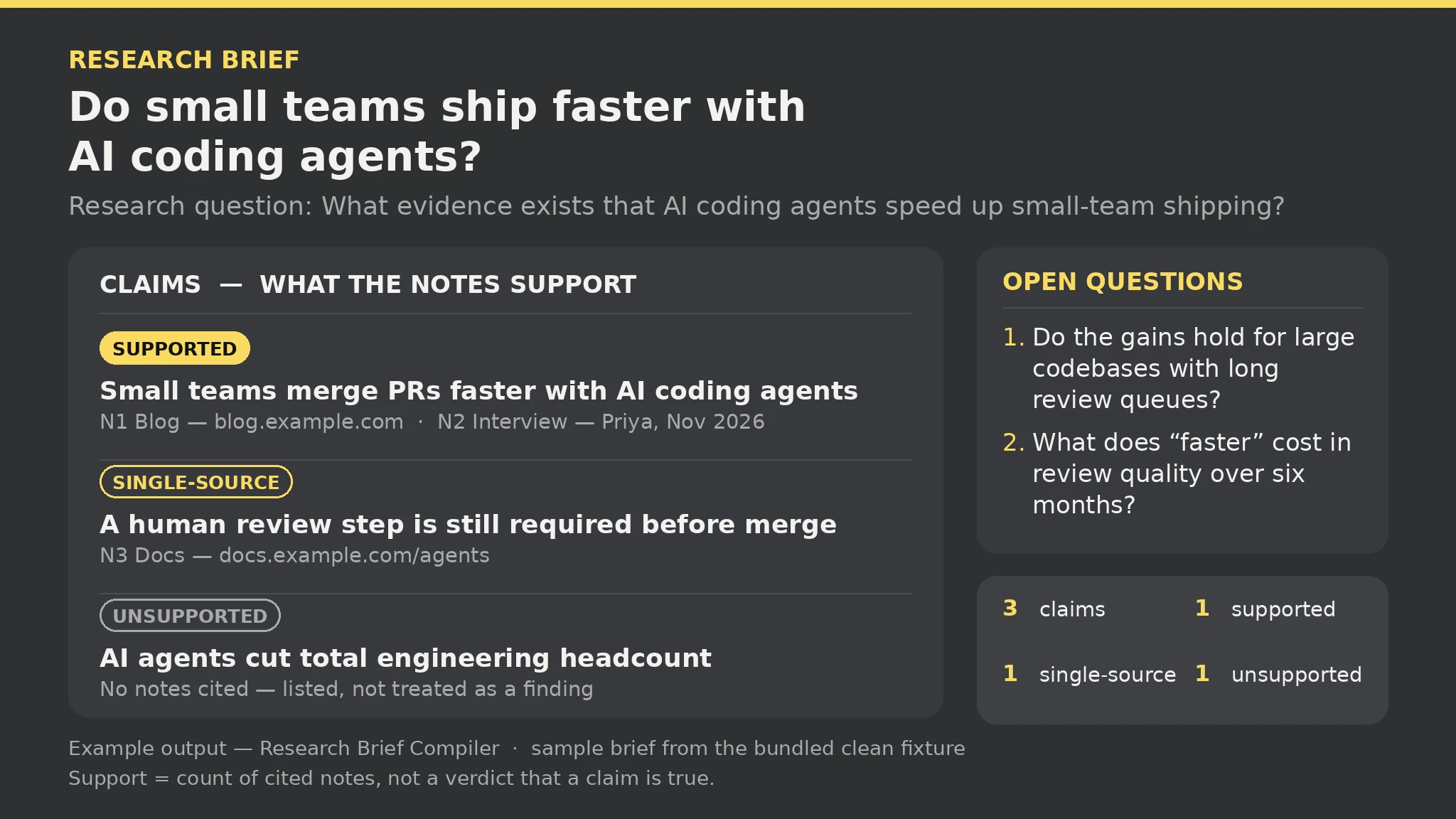 Premium
- Write the Topic and Question lines in research.txt
- Add one Note line per item you collected, with id, source pointer, and observation
- Add one Claim line per assertion, with the note ids that back it
- Add one Open line per question that is still unanswered
- Run the brief script on the file, then chase the open questions and re-run
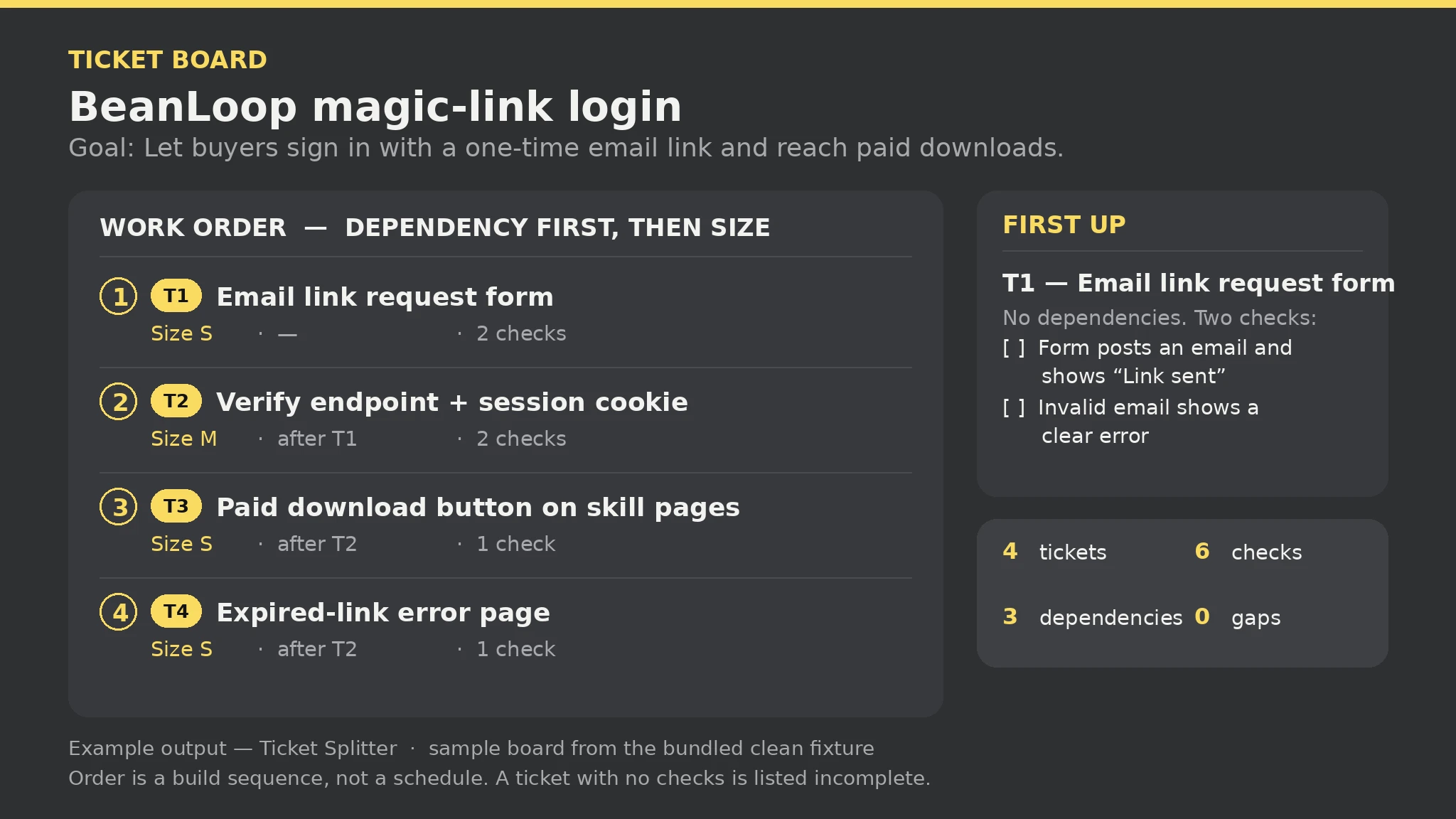 Premium
- Write the Spec and Goal lines in spec.txt
- Add one Item line per piece of work, with id, title, and size S, M, or L
- Add one Check line per acceptance check, tied to its item id
- Add one After line per dependency, naming the ticket and what it waits for
- Run the splitter script on the file, then work the board top-down
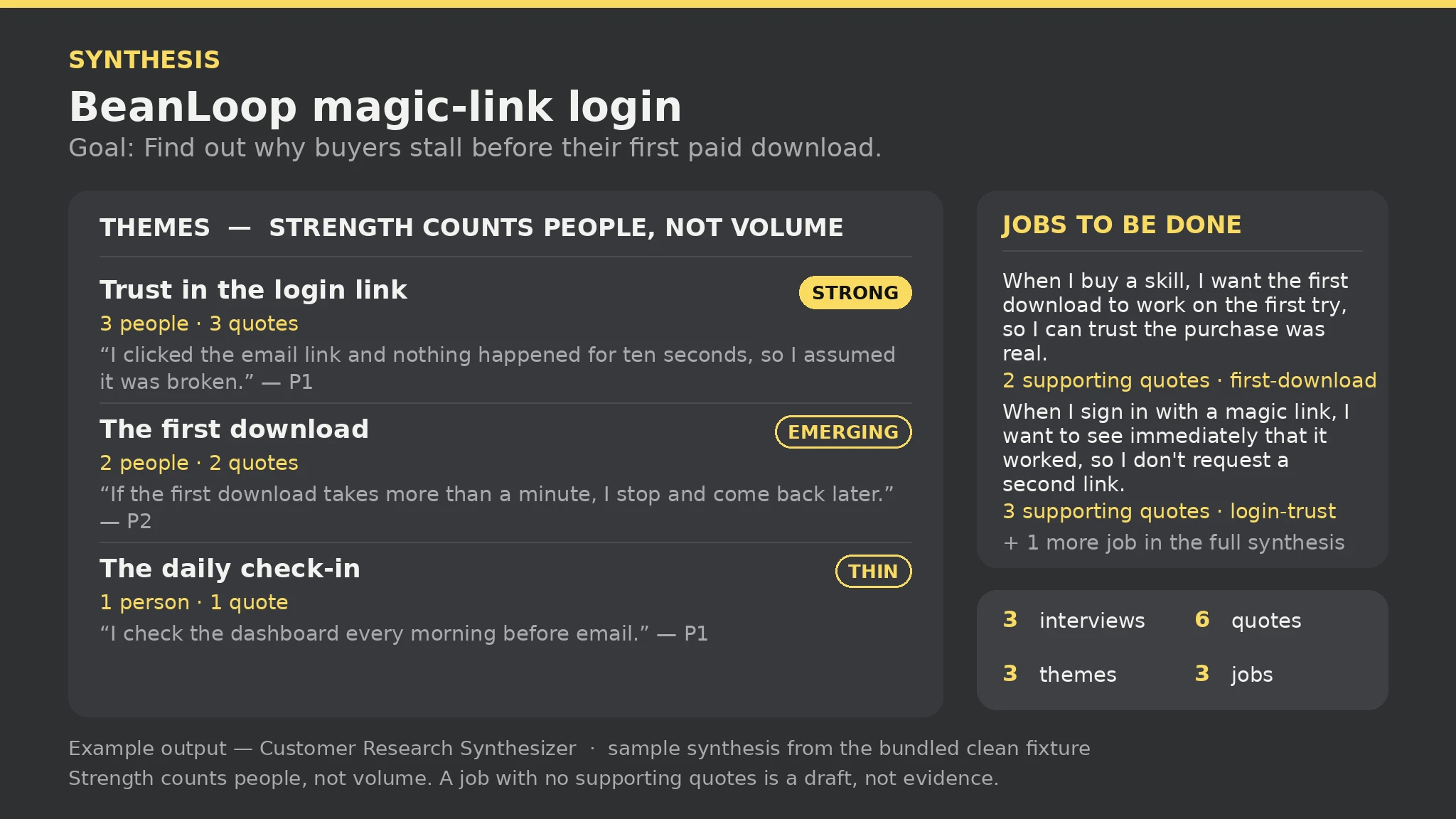 Premium
- Write the Project and Goal lines in research.txt
- Add one Interview line per participant: id, who they are
- Add one Quote line per verbatim quote: participant id, exact words, theme tag
- Add one Job line per jobs-to-be-done statement: statement + theme tag
- Run the synthesizer script on the file, then work the Strong themes first and interview the Thin ones
 Free
- Write the scene brief in plain text
- Run the generator on the brief
- Read the report before trusting the scene
- Render in Blender, headless or in the viewport
- Fix errors and rerun
 Free
- Write the scene brief in plain text
- Run the generator on the brief
- Read the report before trusting the scene
- Open scene.html in a browser and orbit it
- Fix errors and rerun
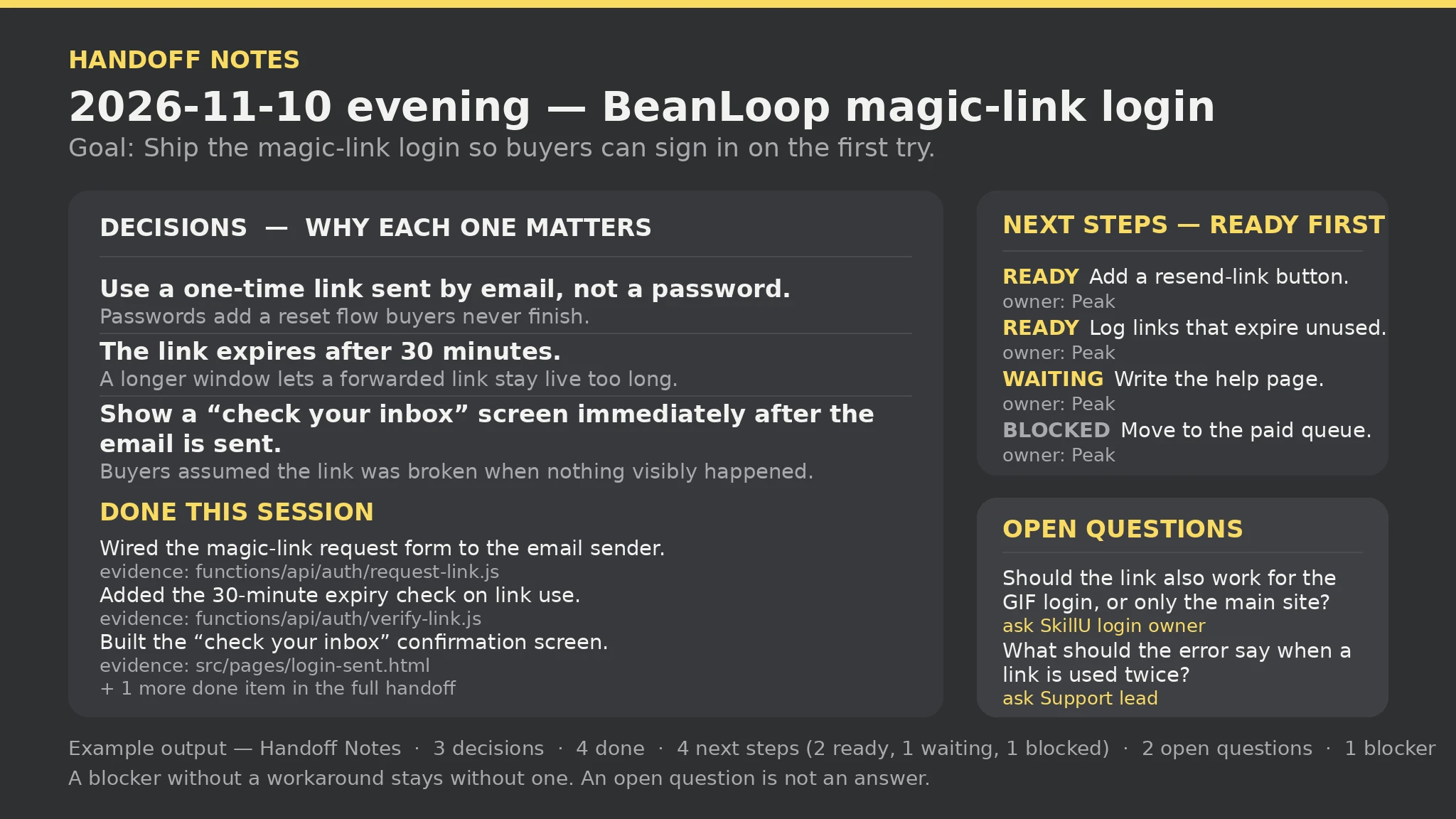 Premium
- Write the Session and Goal lines in handoff.txt
- Add one Decision line per decision: decision, why it matters
- Add one Done line per completed item: what was completed, evidence or file
- Add one Next line per next step: step, owner, status (ready, waiting, or blocked)
- Run the handoff script on the file, then start the next session from the handoff — ready steps first
FAQ
Do all SkillU skills work in Dot?
The catalog targets the shared SKILL.md format Dot reads. Each skill page lists the agents it supports, and anything a skill needs (an account, a key, a connected app) is stated on its page before you install it.
How do I install a SkillU skill in Dot?
Open ChatGPT and create your Dot (Pro or Business Premium, desktop or mobile app). Share the Skill with your Dot — upload the SKILL.md file, or point Dot to https://skillu.dev/install/agent.md and ask it to load the skill. Give Dot the goal and the apps it needs; it keeps working between conversations and checks back when a decision is yours.
Are SkillU skills free?
Skills marked Free are free. Premium skills are included in a SkillU plan — Monthly, Yearly or Founding Lifetime — and free skills remain a good way to feel the format before upgrading.
Get Premium access Browse automation skills
 Skill