← All agents
Agent Skills for Grok Bot
Grok Bot is xAI's always-on AI teammate. Each Bot has its own persistent cloud computer, signs into the apps you already use, and keeps working on a job after you close the app.
Get Premium access Browse all skills
How installing works in Grok Bot
- Open Grok Bot at grok.com/bot or in the Grok Bot app (Mac, Windows, iPhone, Android).
- Give your Bot the Skill — share the SKILL.md file, or point it to https://skillu.dev/install/agent.md and ask it to load the skill.
- Let the Bot sign into the apps it needs; it finishes jobs end to end and only comes back when something needs your approval.
Start with automation
The catalog leads with automation, then video, image and writing skills. These are the skills Grok Bot users reach for first:
 Premium
- Read full threads
- Sort into 3 buckets
- Draft in your voice
- Approve & send
 Premium
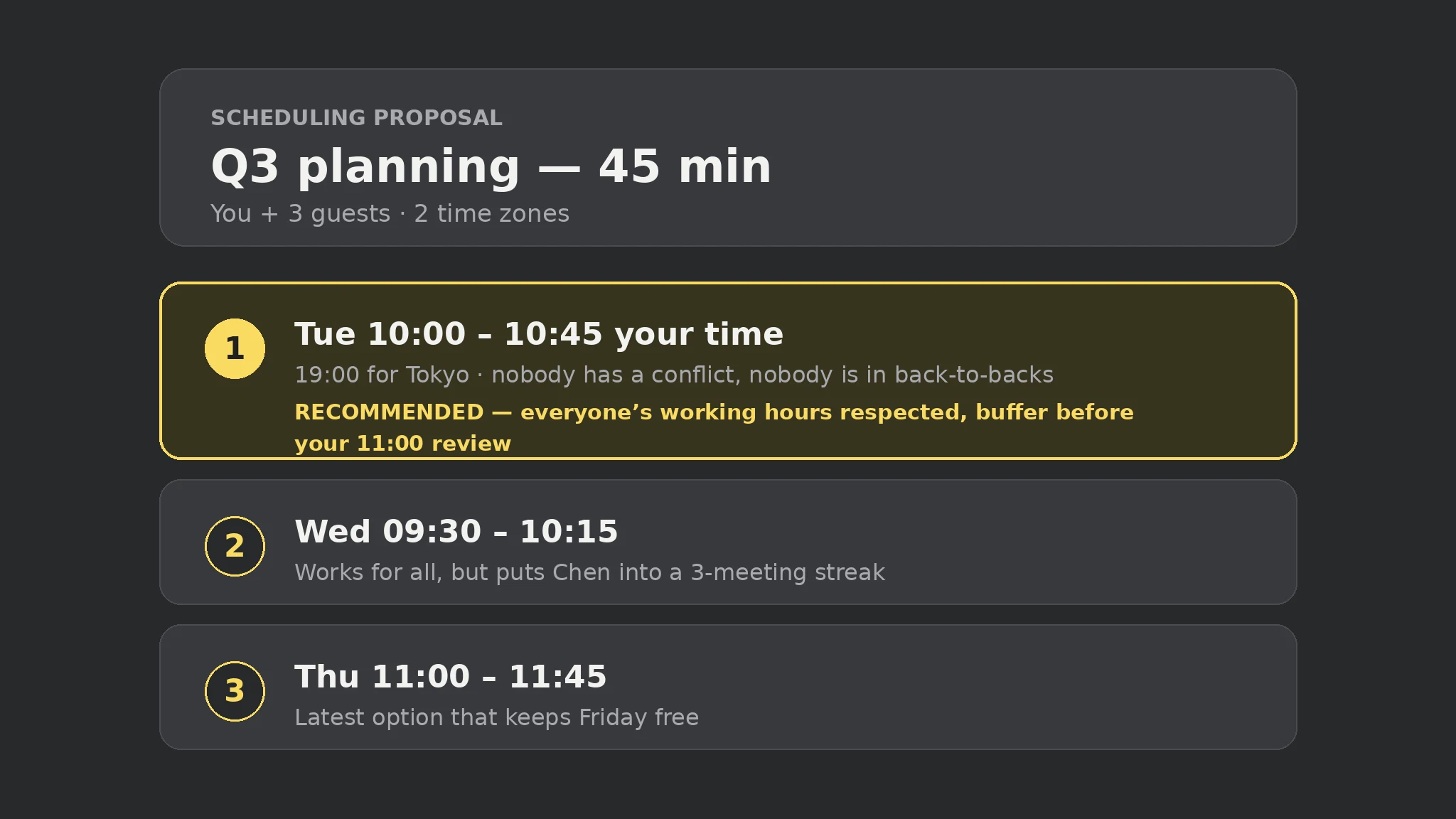
- Gather constraints
- Check all calendars
- Offer local times
- Hold or invite
 Free
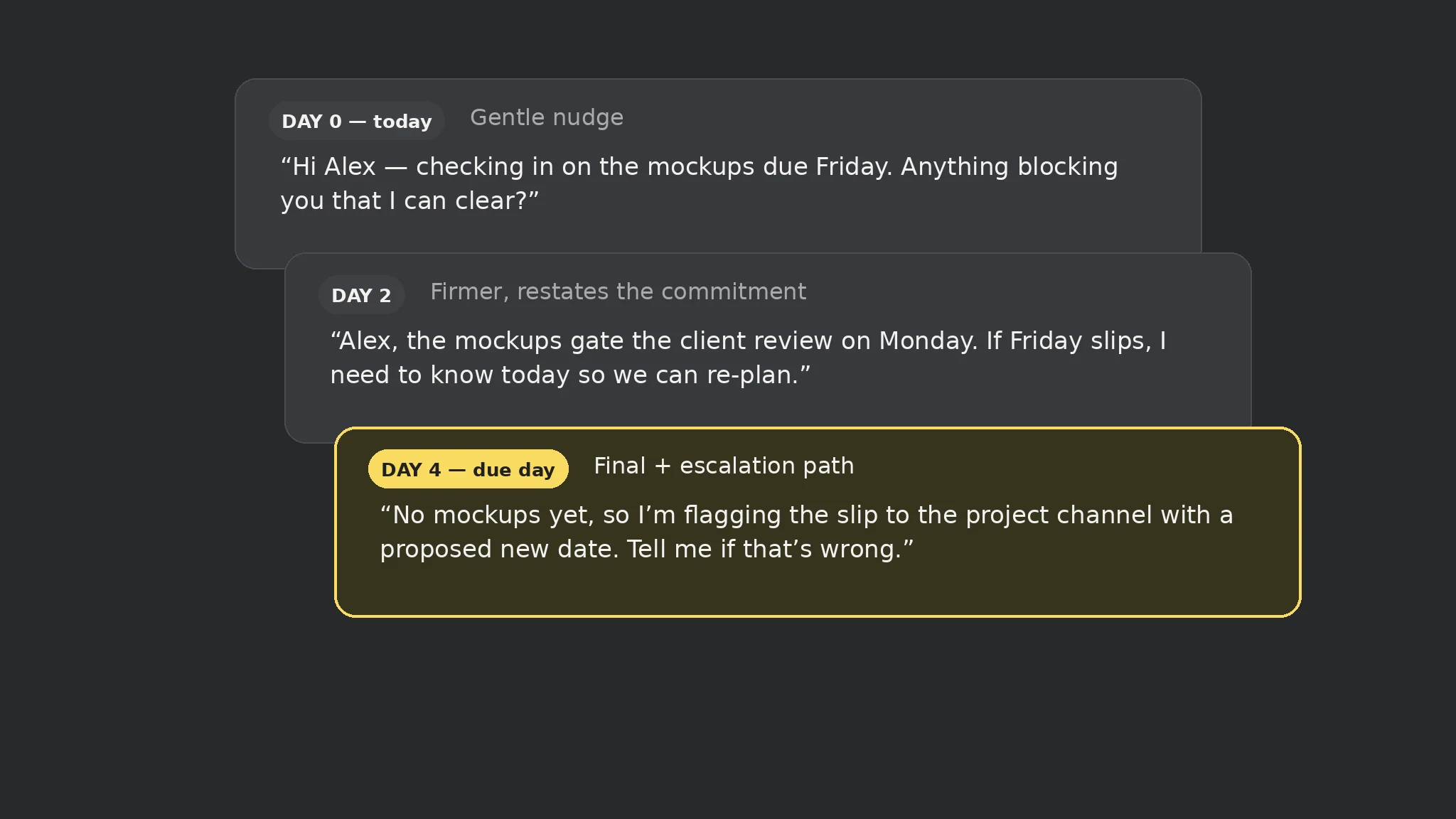
- Capture the cutoff
- Watch for stalls
- Nudge at 3 points
- Close the loop
 Premium
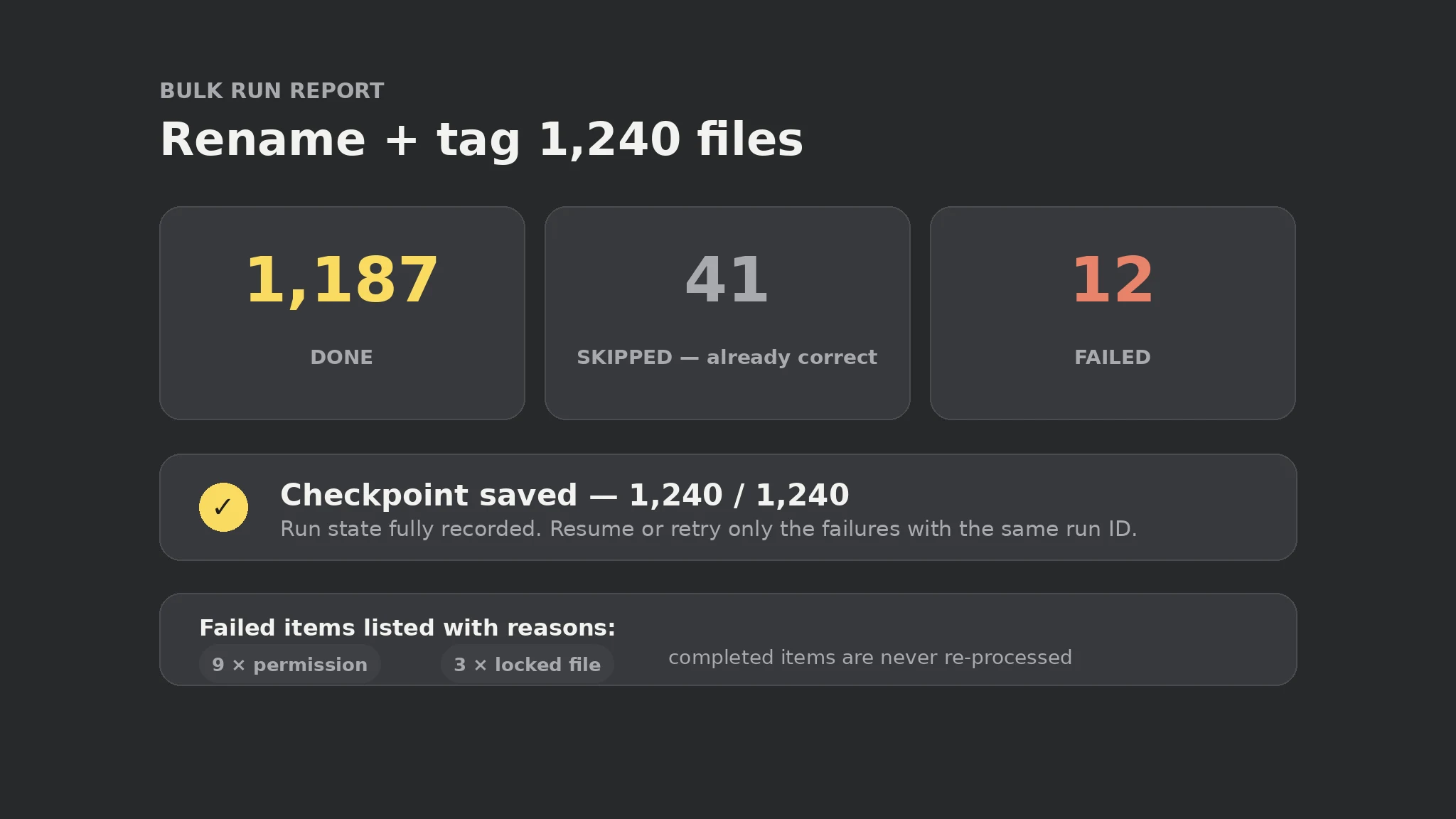
- Shard the list
- Checkpoint each item
- Idempotent runs
- Verify completion
 Premium
- Read the transcript
- Extract decisions
- Assign owners
- Send the recap
 Free
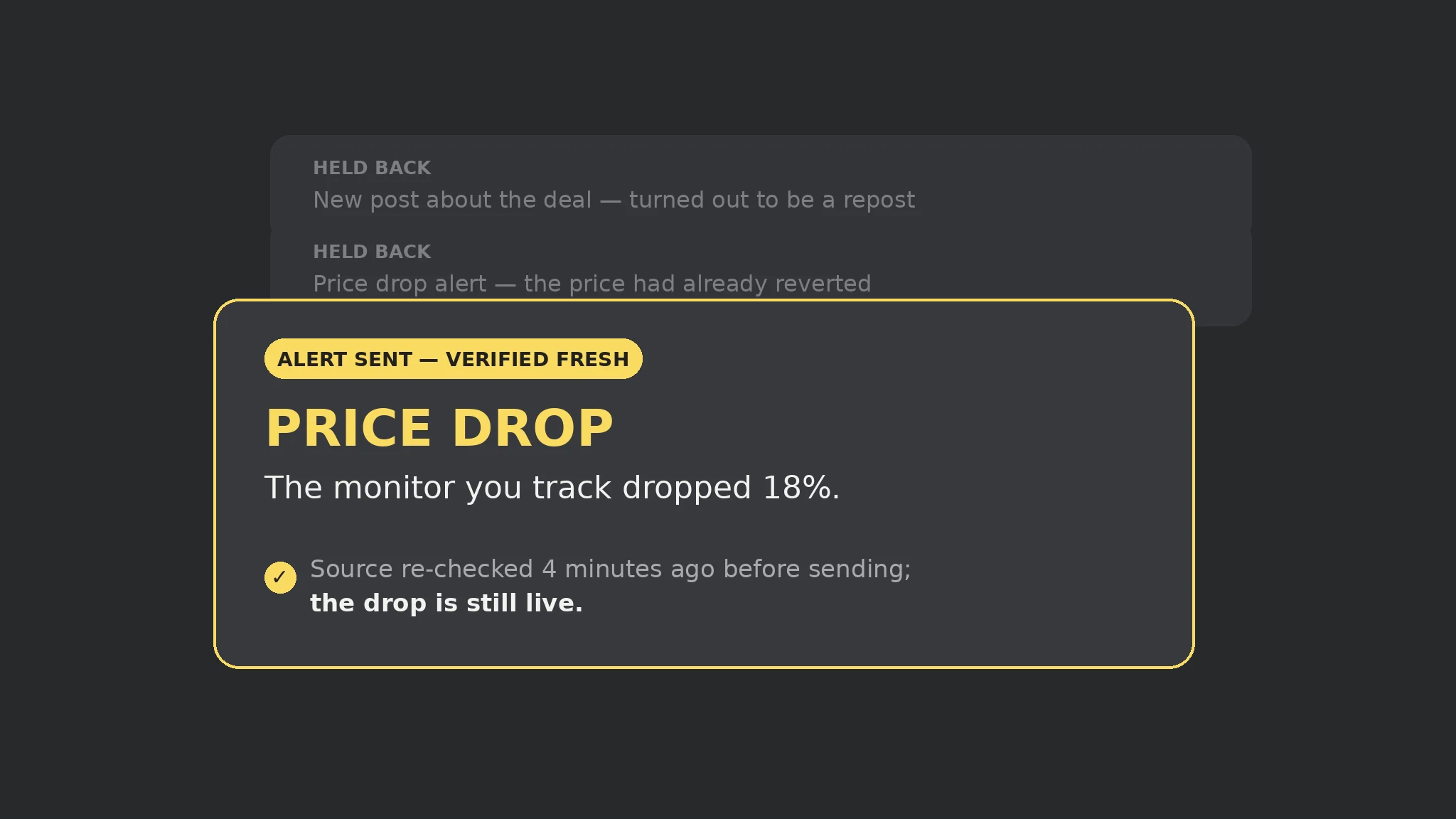
- Parse validity
- Gate expired out
- Lead with time left
- Push the alert
All skills for Grok Bot
 Premium
 Free
 Premium
 Premium
- Research the topic
- Script for the ear
- Cast stable voices
- Produce & check
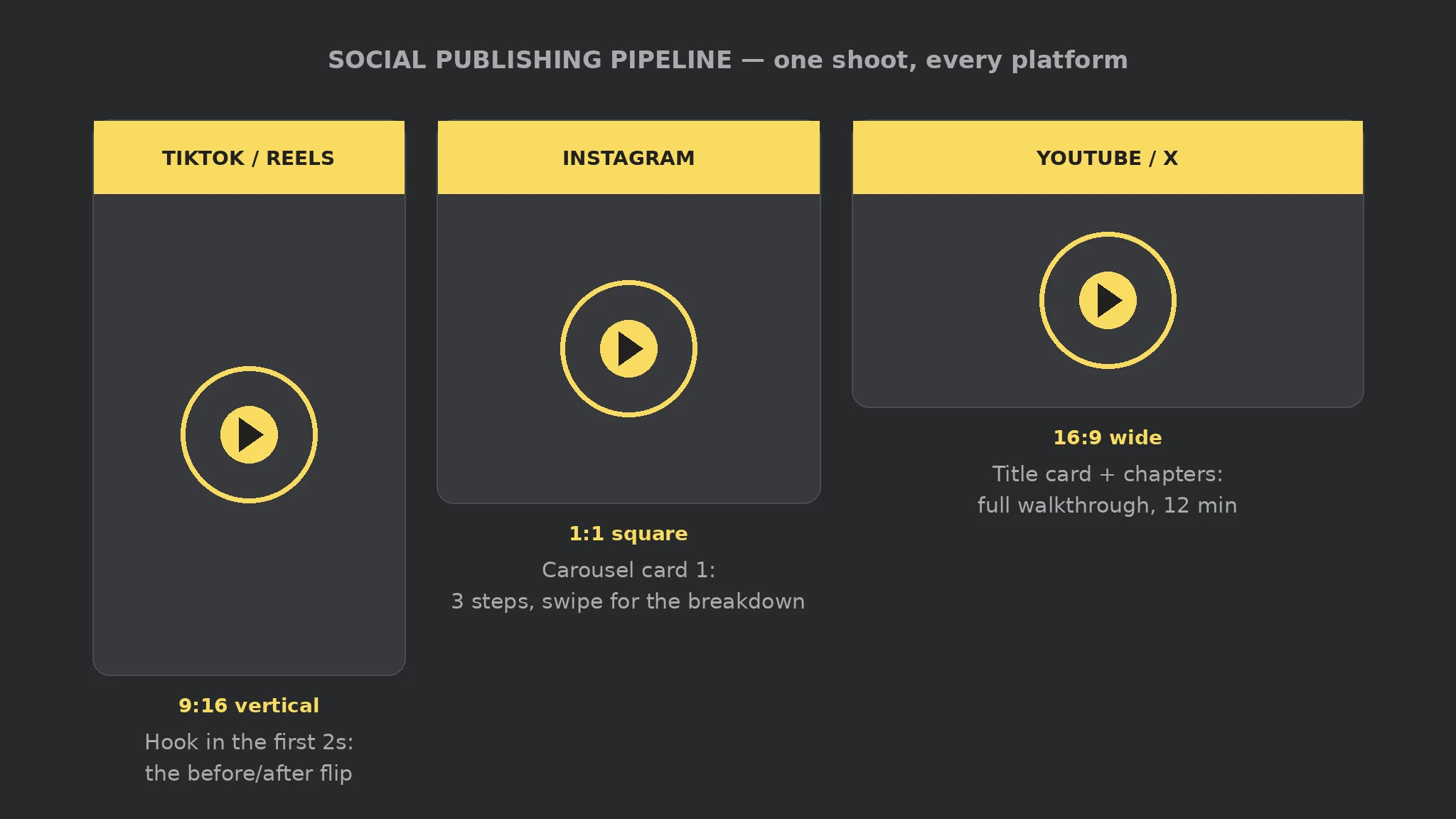 Premium
- Format per platform
- Adapt & caption
- Approve exact post
- Publish & verify
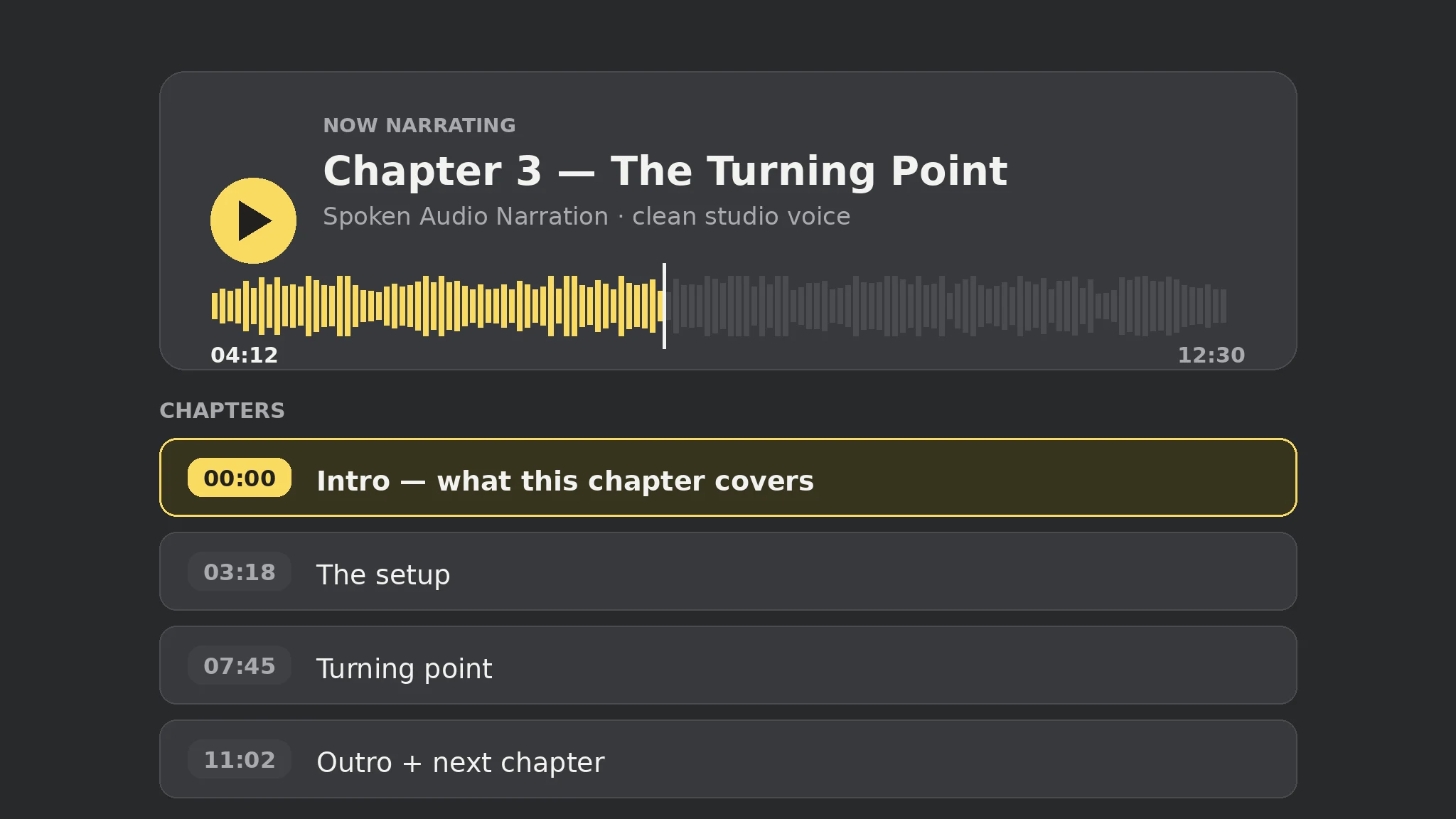 FreeFreeFreeFreeFree
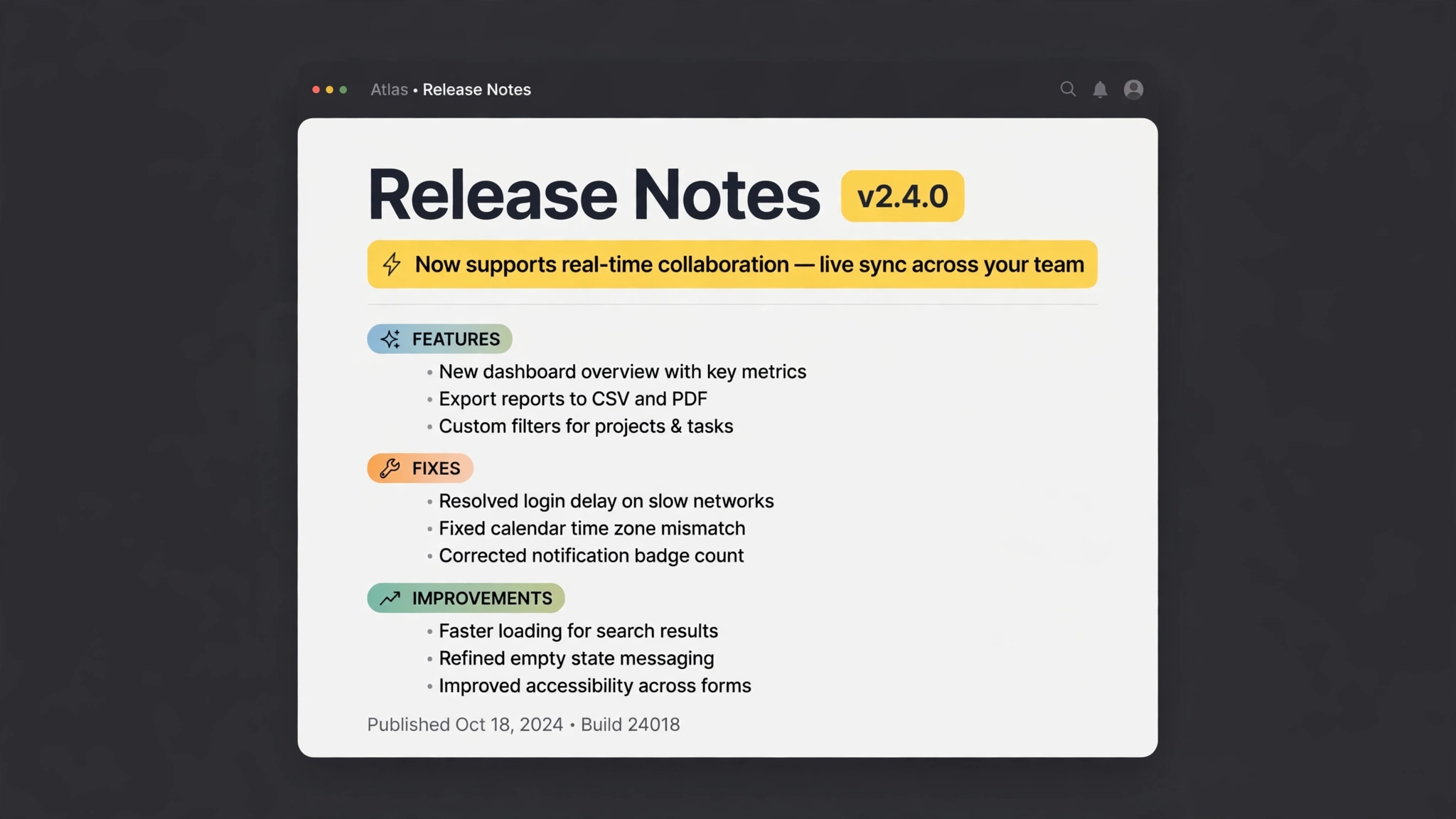 Premium
- Collect commits
- Group the changes
- Jargon → benefits
- Ready to publish
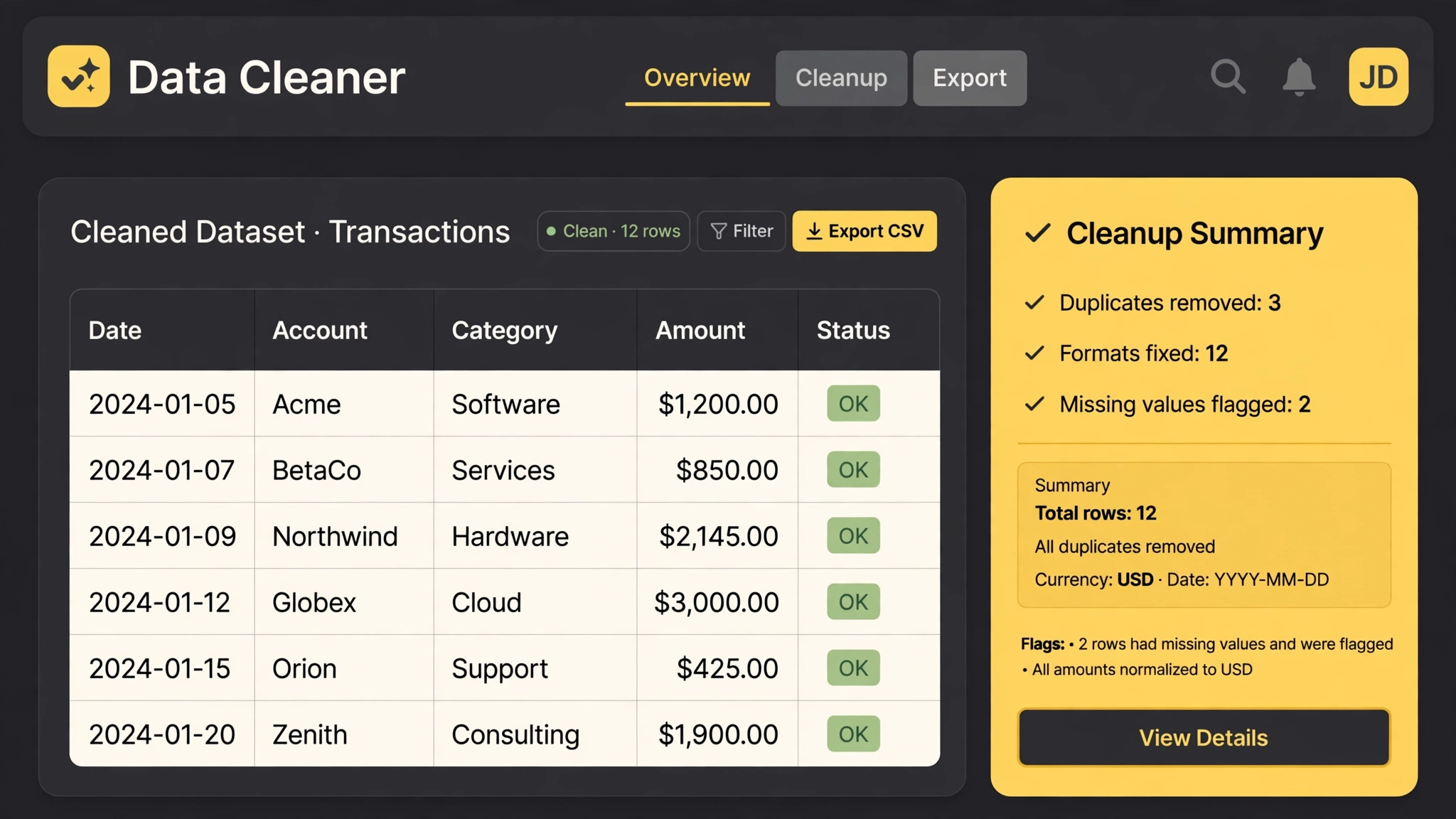 Free
- Dedupe rows
- Normalize formats
- Flag the gaps
- Cleanup report
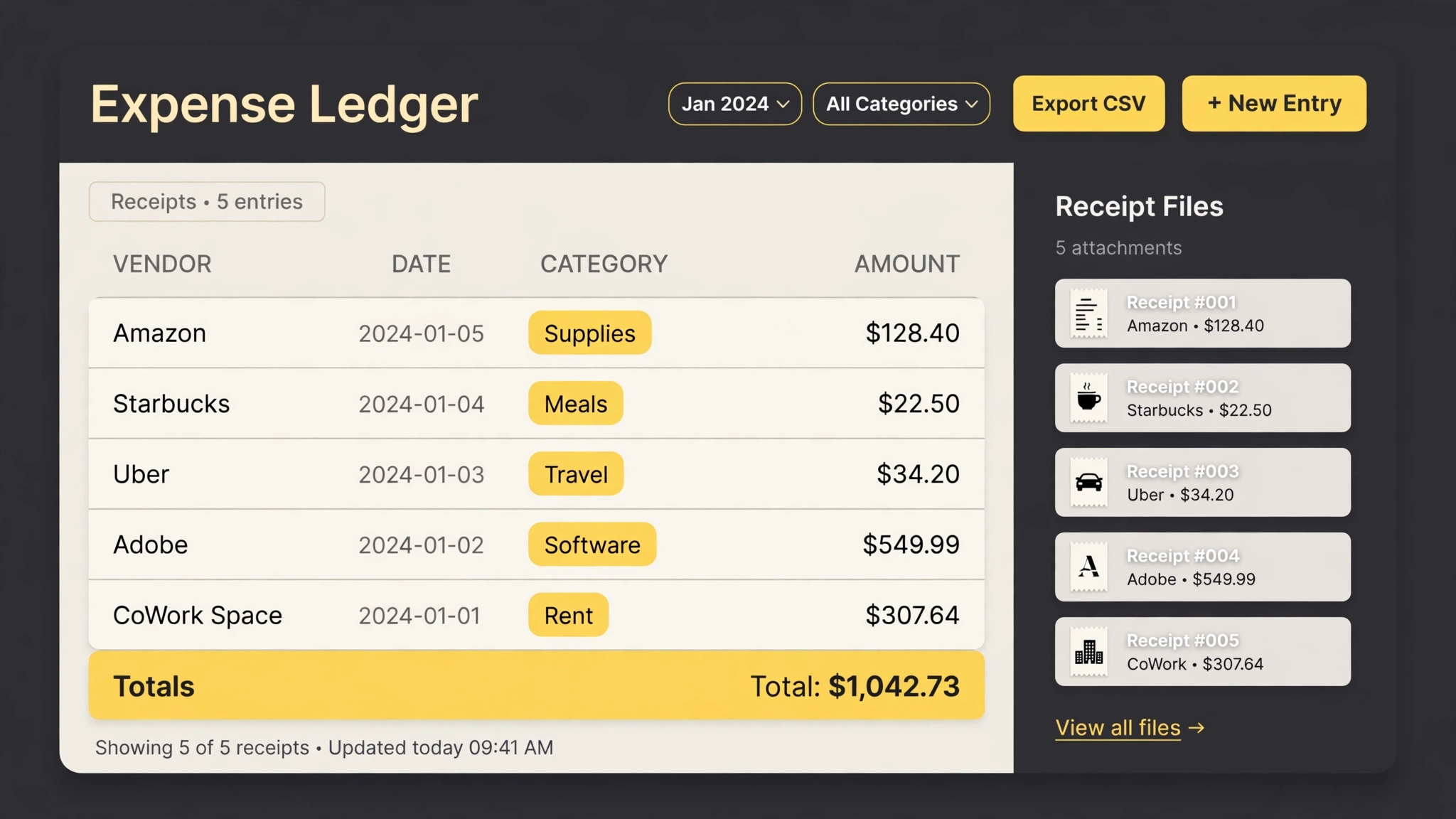 Premium
- Read receipts
- Rename & file
- Build the ledger
- Category totals
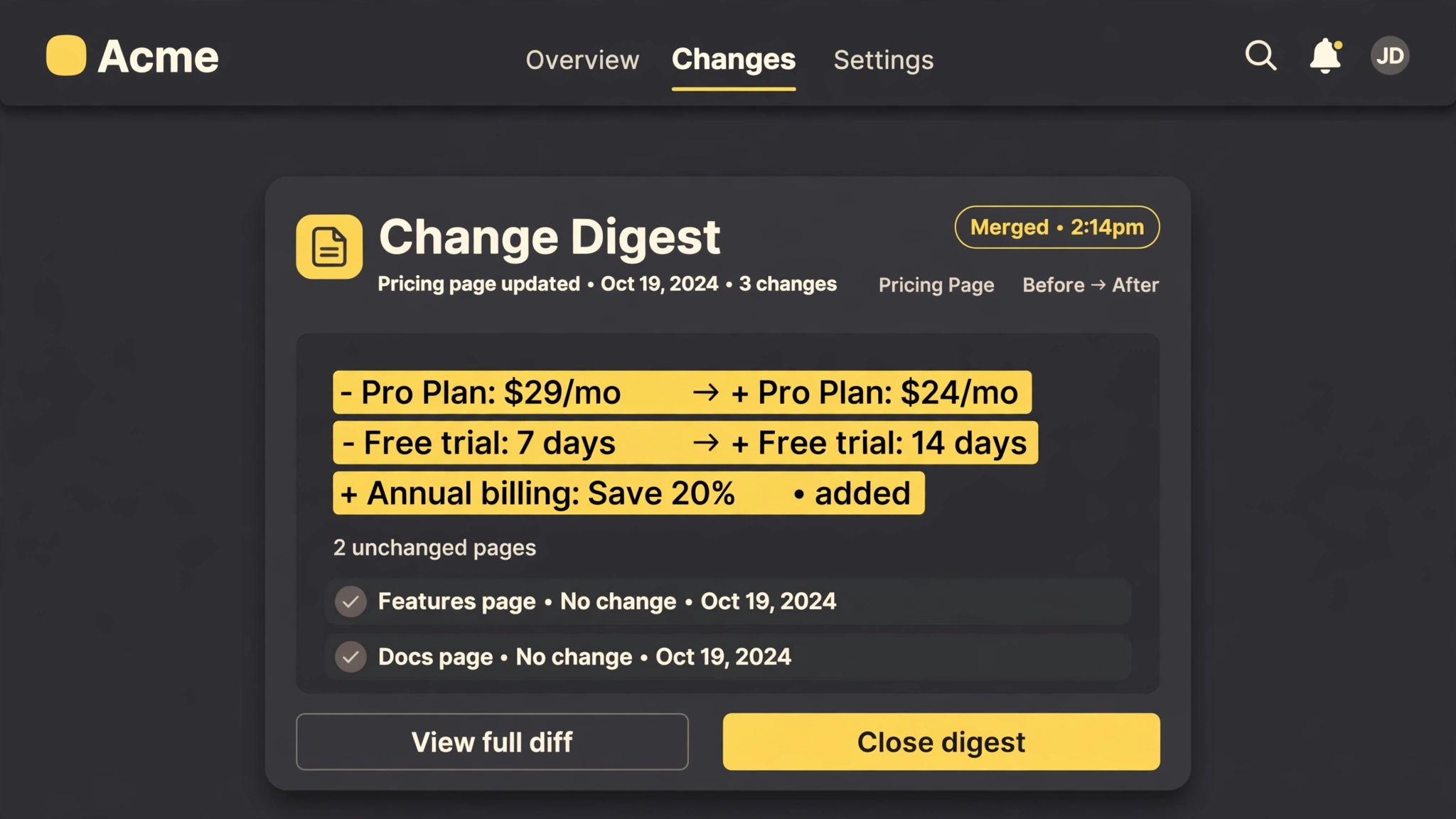 Premium
- Watch your pages
- Diff the changes
- Filter the noise
- One batched digest
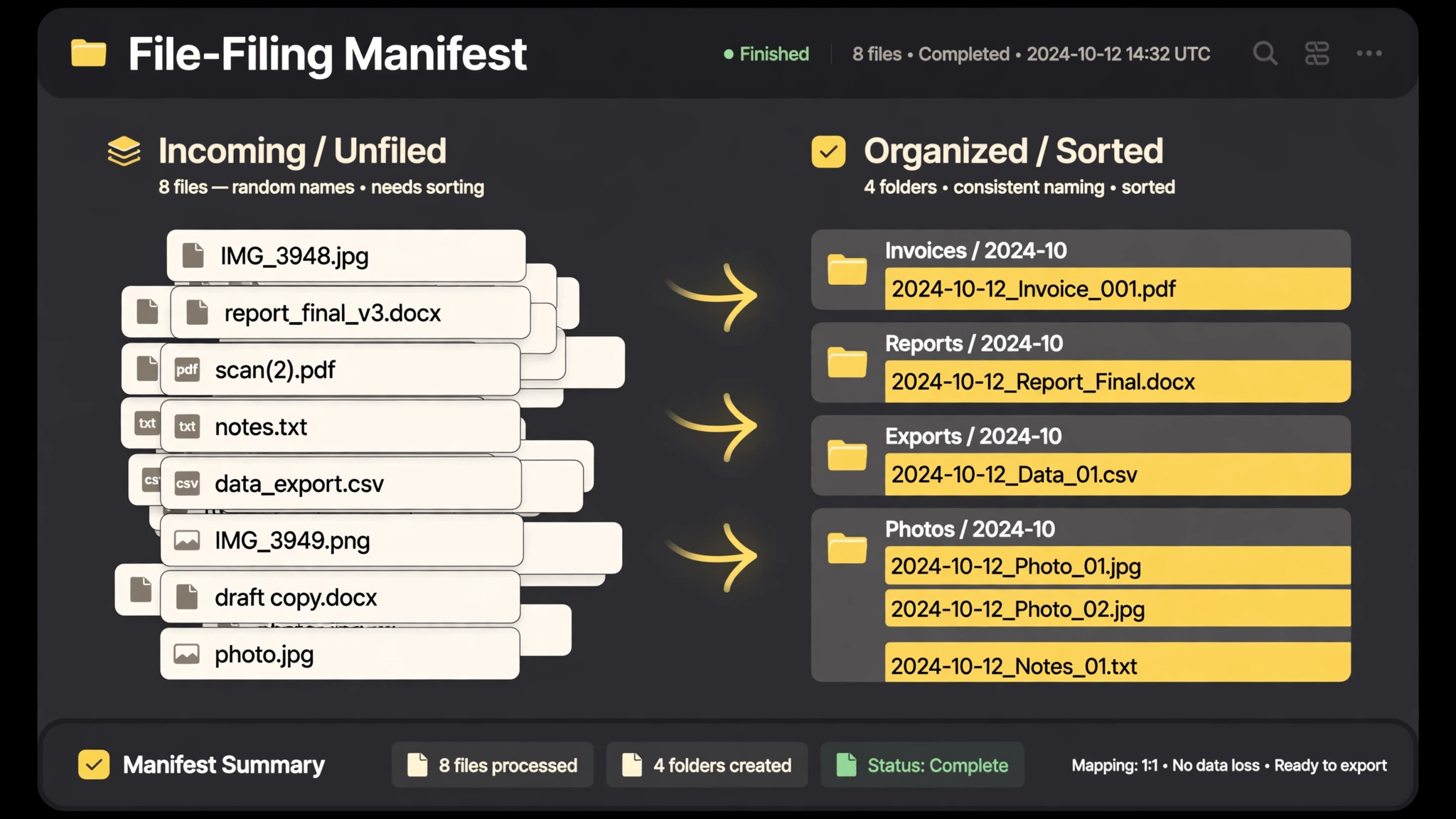 Premium
- Approve the plan
- Rename by pattern
- Sort into folders
- Manifest & undo
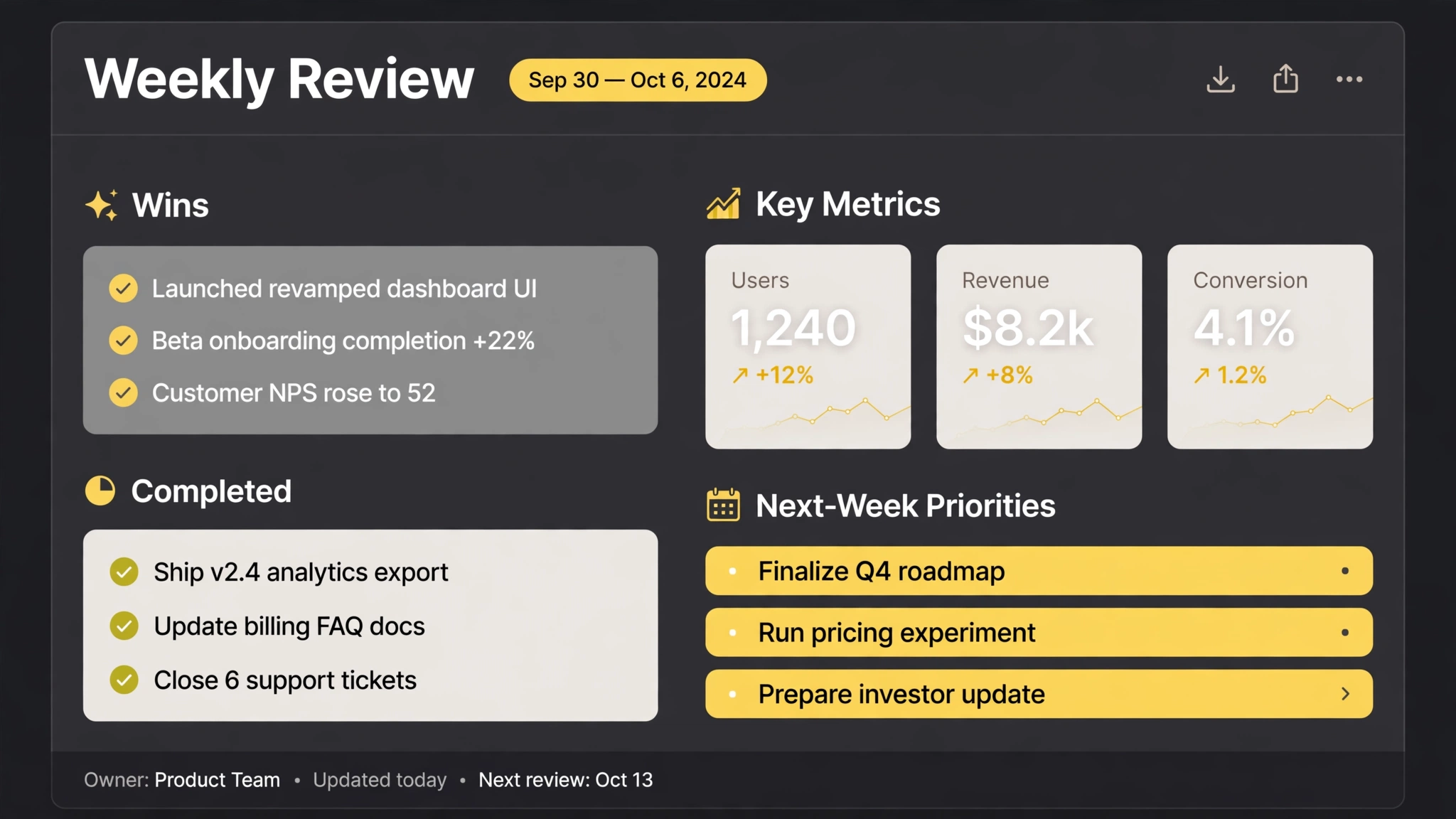 Free
- Gather the week
- Wins & metrics
- Surface what slipped
- 3 priorities
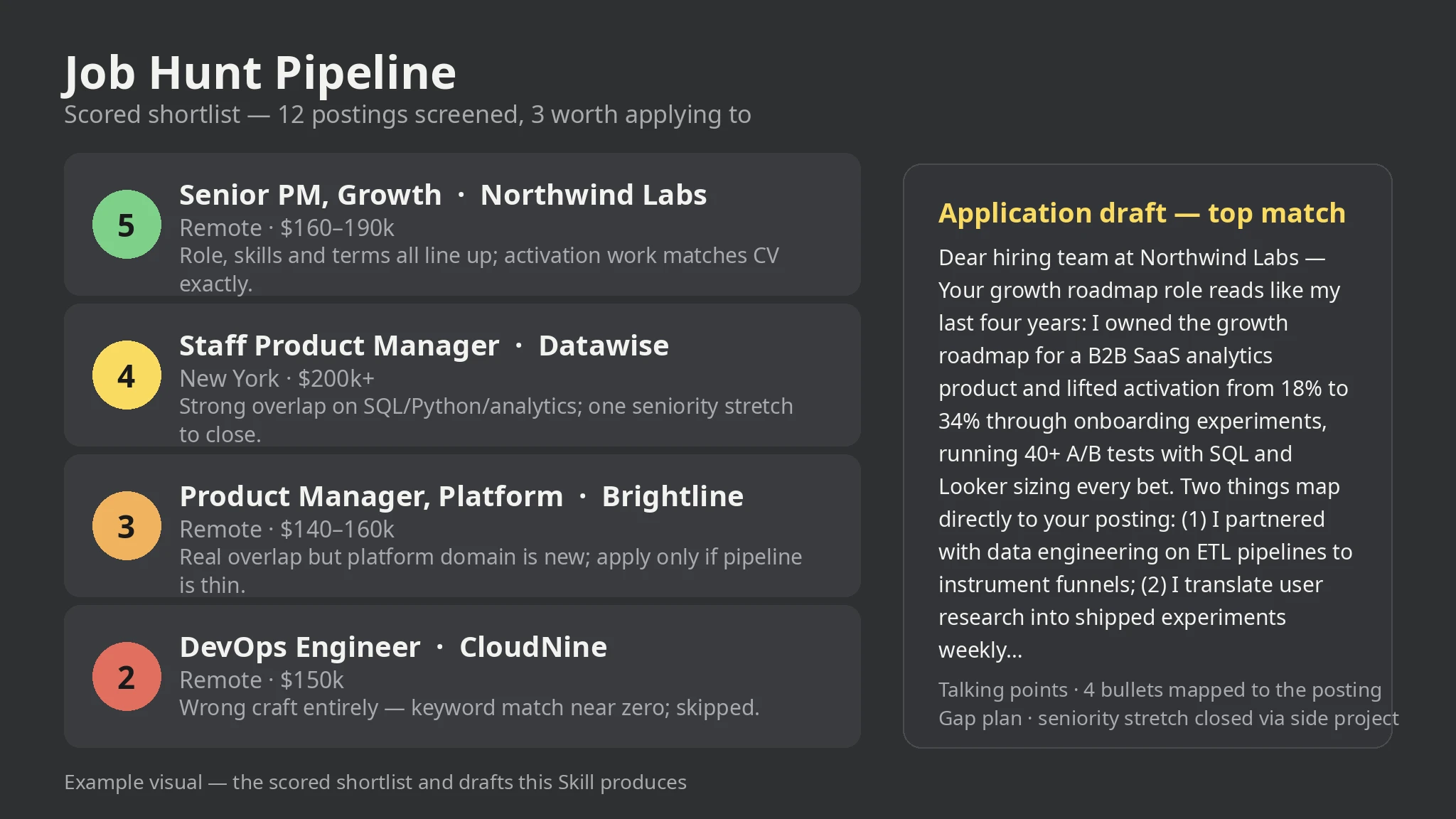 Premium
- Collect the postings
- Screen for surface fit
- Score 1-5 with reasons
- Draft for top matches
- Track every application
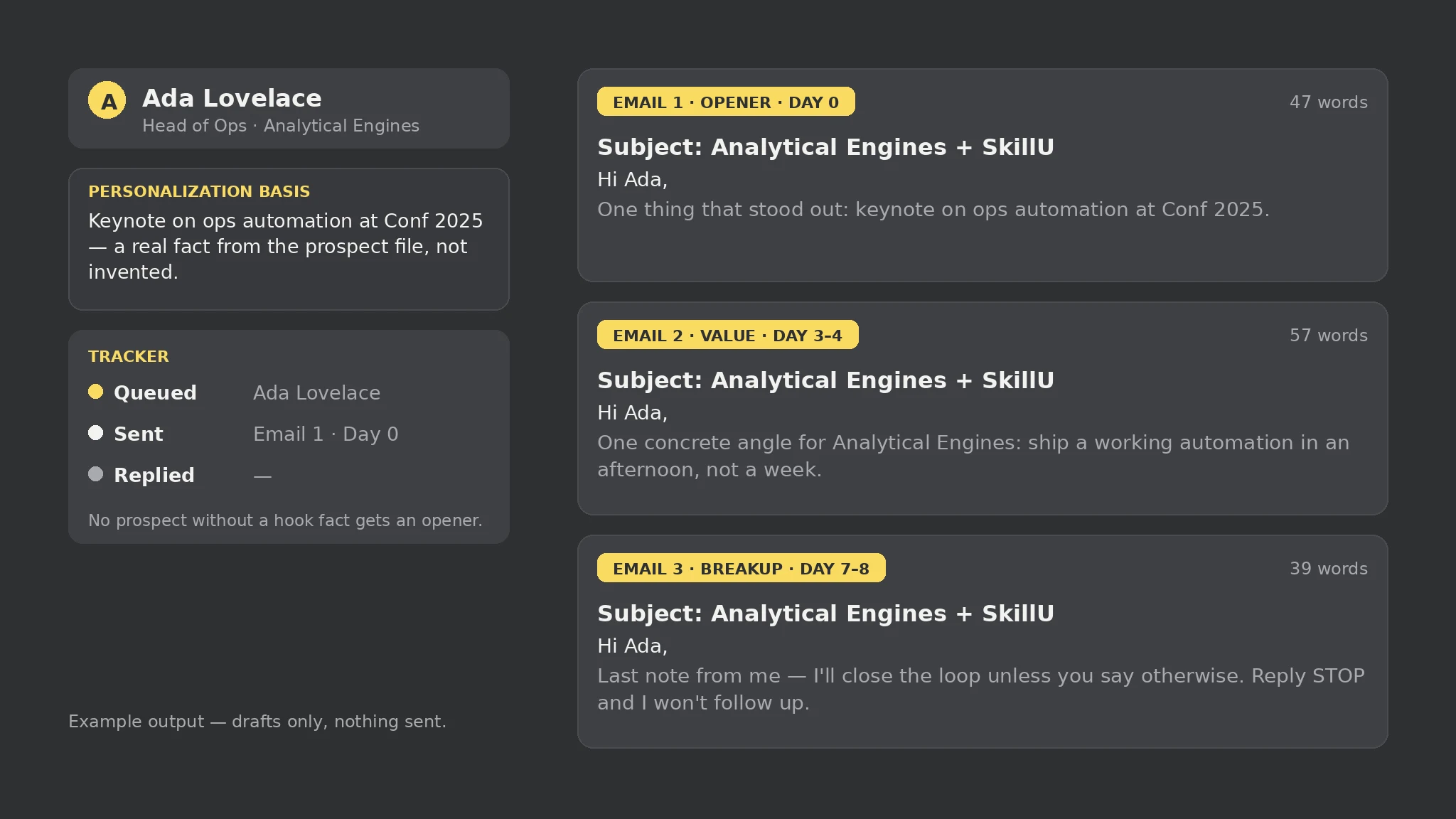 Premium
- Collect prospects and brief
- Check personalization coverage
- Draft the 3-email sequence
- Review against the honesty rules
- Track replies and opt-outs
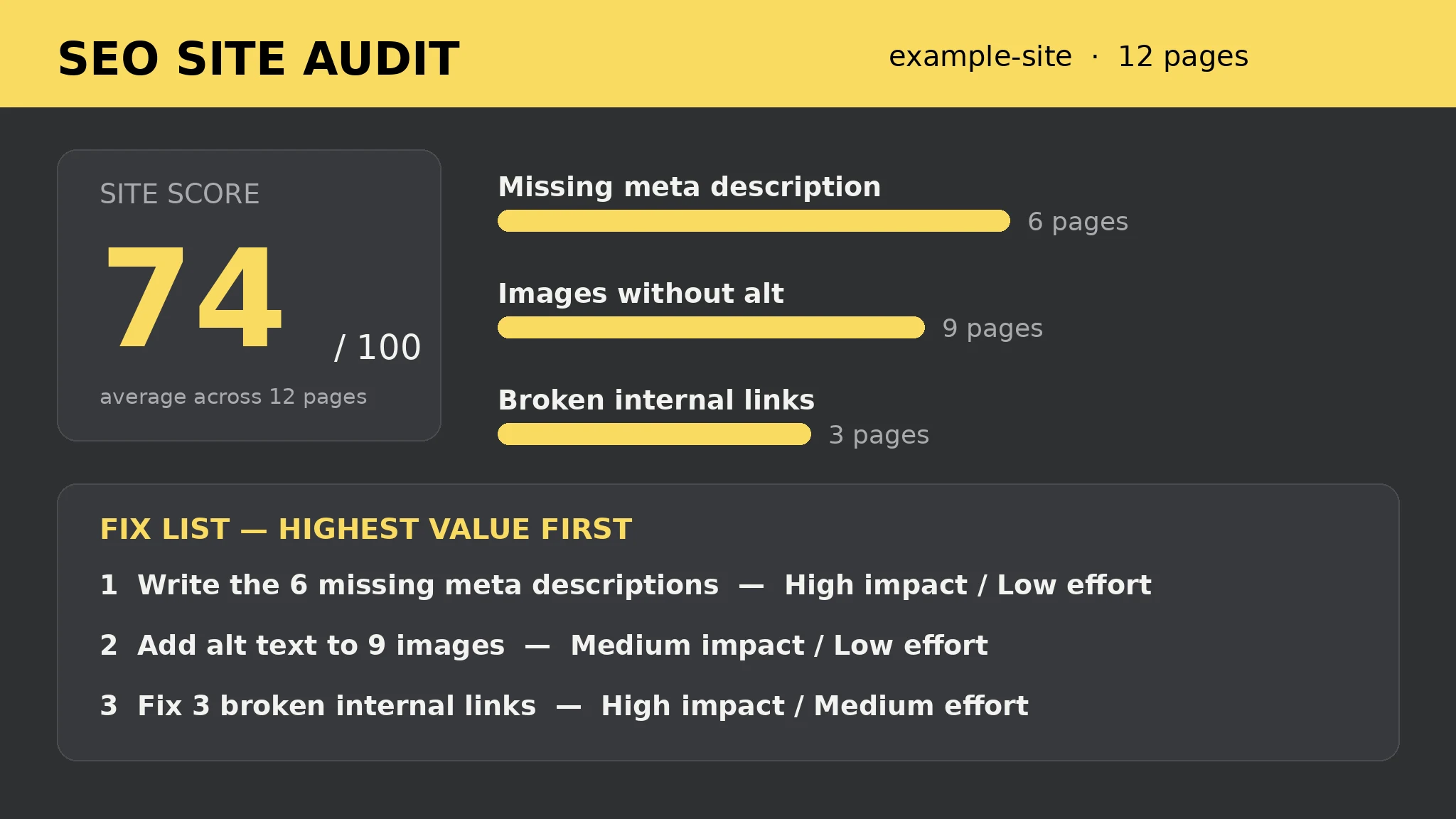 Premium
- Point it at your HTML folder
- Run the 13 per-page checks
- Score every page 0-100
- Work the fix list top-down
- Re-run after each batch
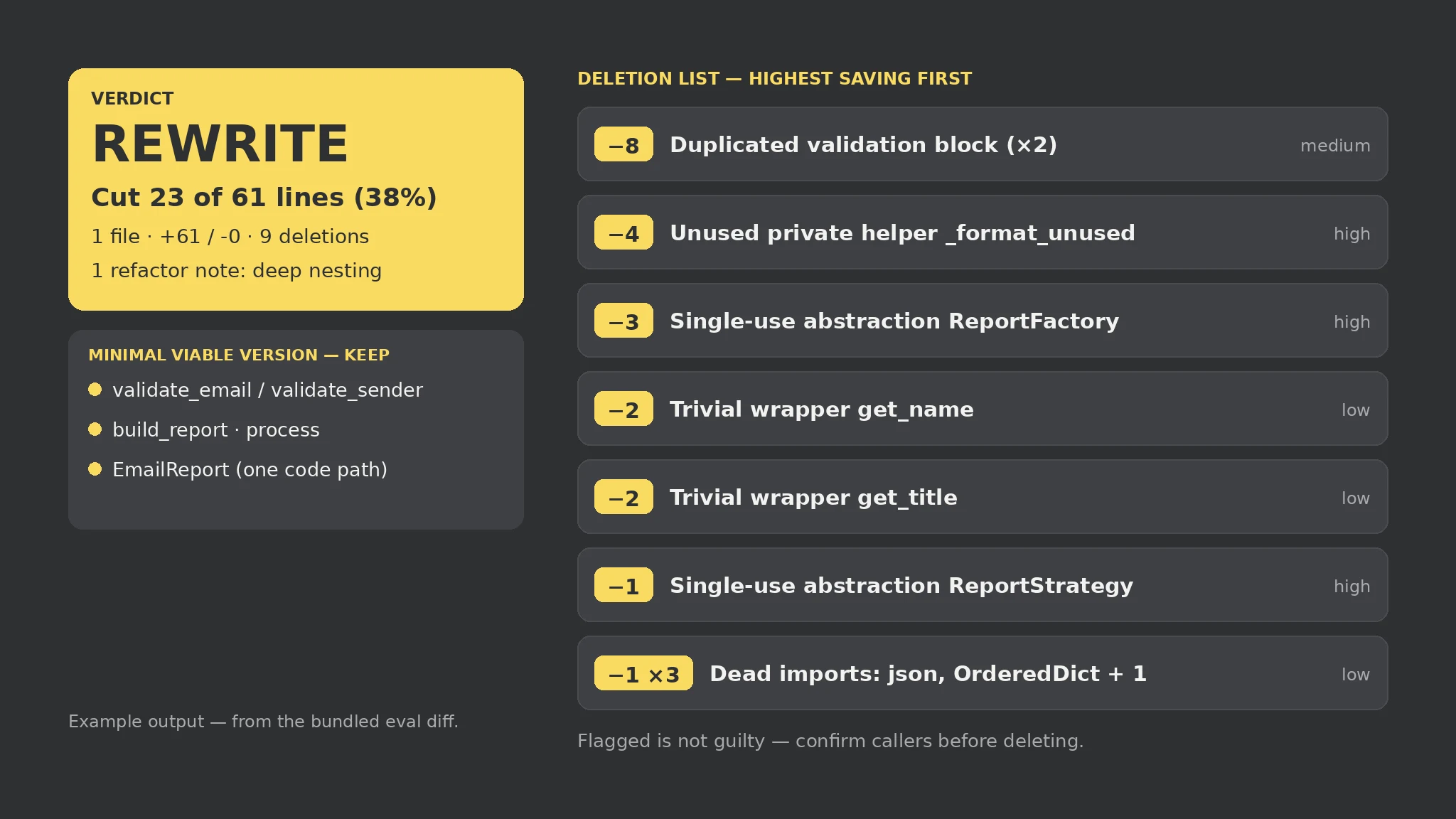 Premium
- Point it at the diff
- Run the seven mechanical checks
- Work the deletion list top-down
- Confirm callers before deleting
- Keep the minimal viable version
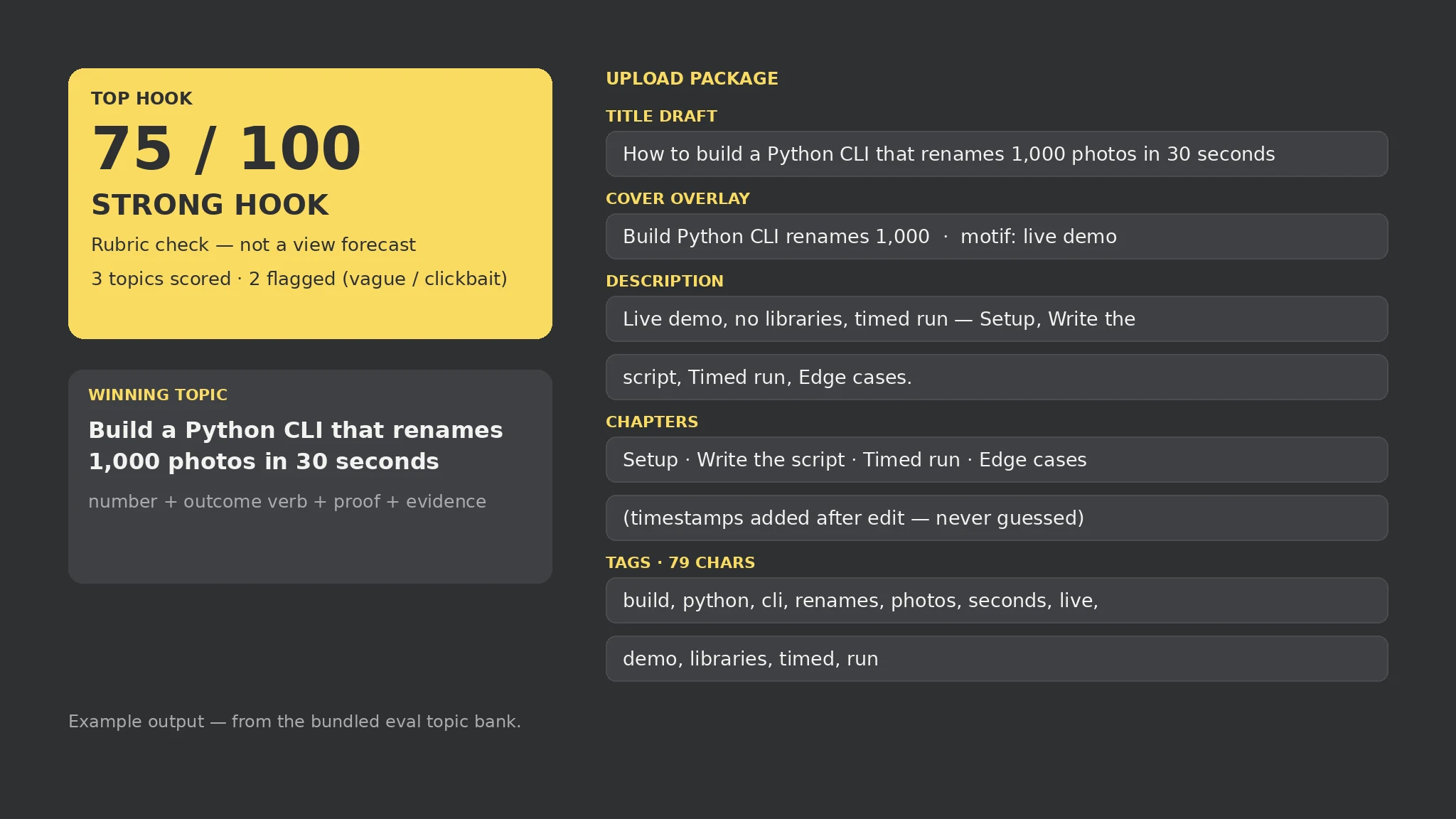 Premium
- Fill the topic bank and channel brief
- Score every hook on the fixed rubric
- Read the flags, not just the score
- Pick the winning topic's package
- Time the chapters after the edit
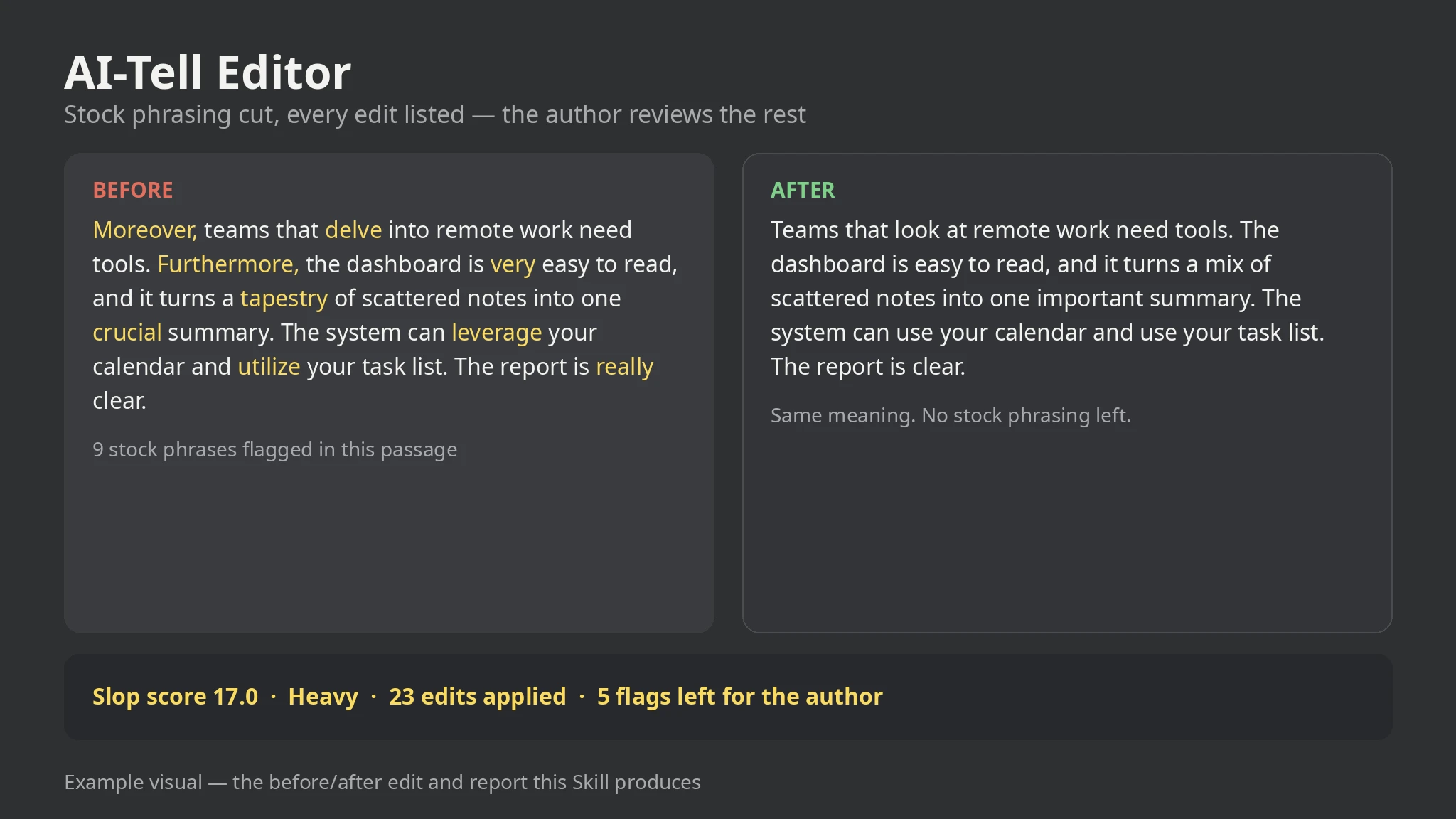 Premium
- Drop in the draft
- Run the plain-language pass
- Read the report, not just the score
- Rework the flagged sentences by hand
- Keep the report as the audit trail
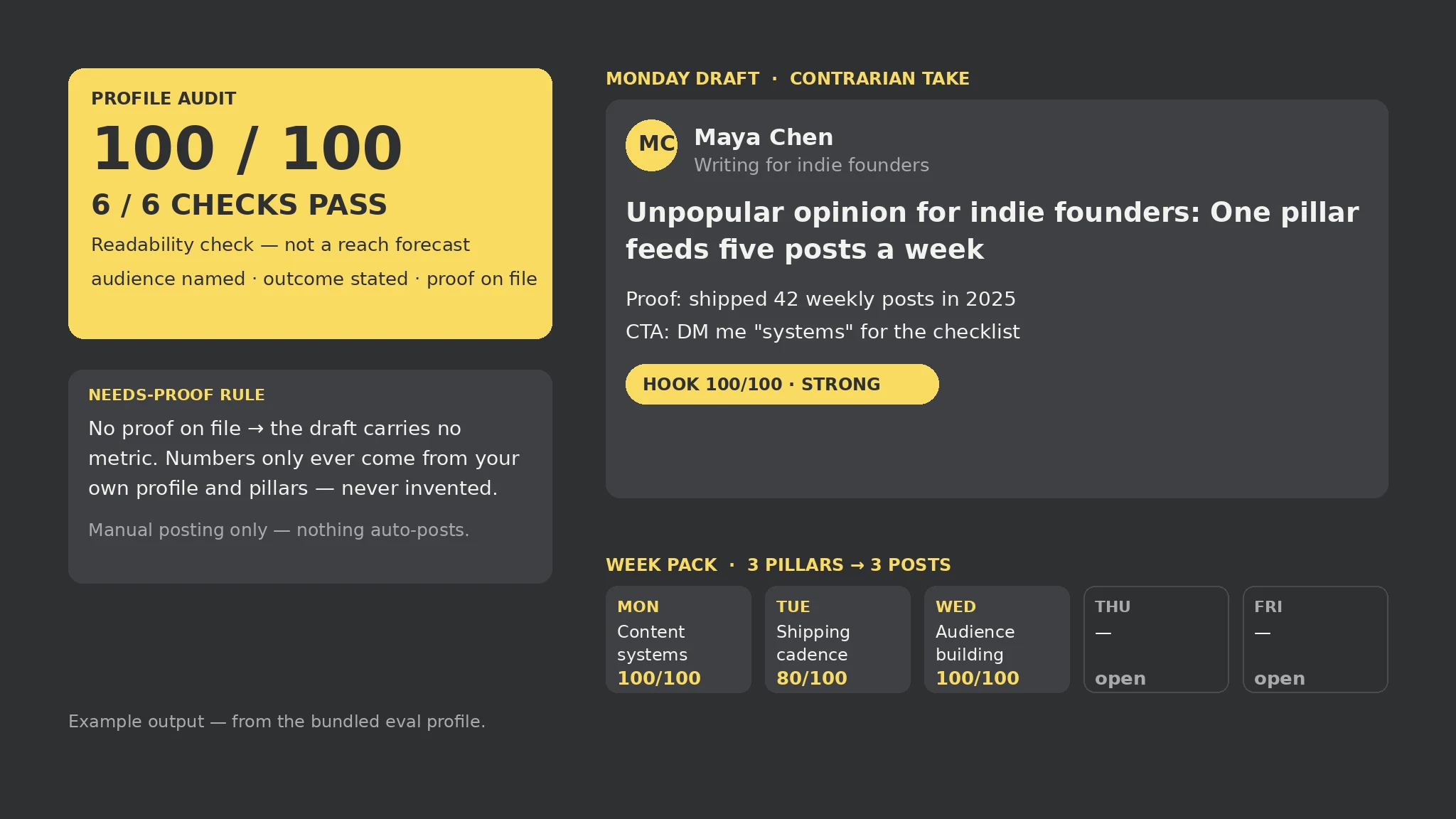 Premium
- Fill the profile brief and pillar bank
- Run the 6-point profile audit
- Read the flags, not just the scores
- Edit every draft in your own voice
- Post by hand through the week
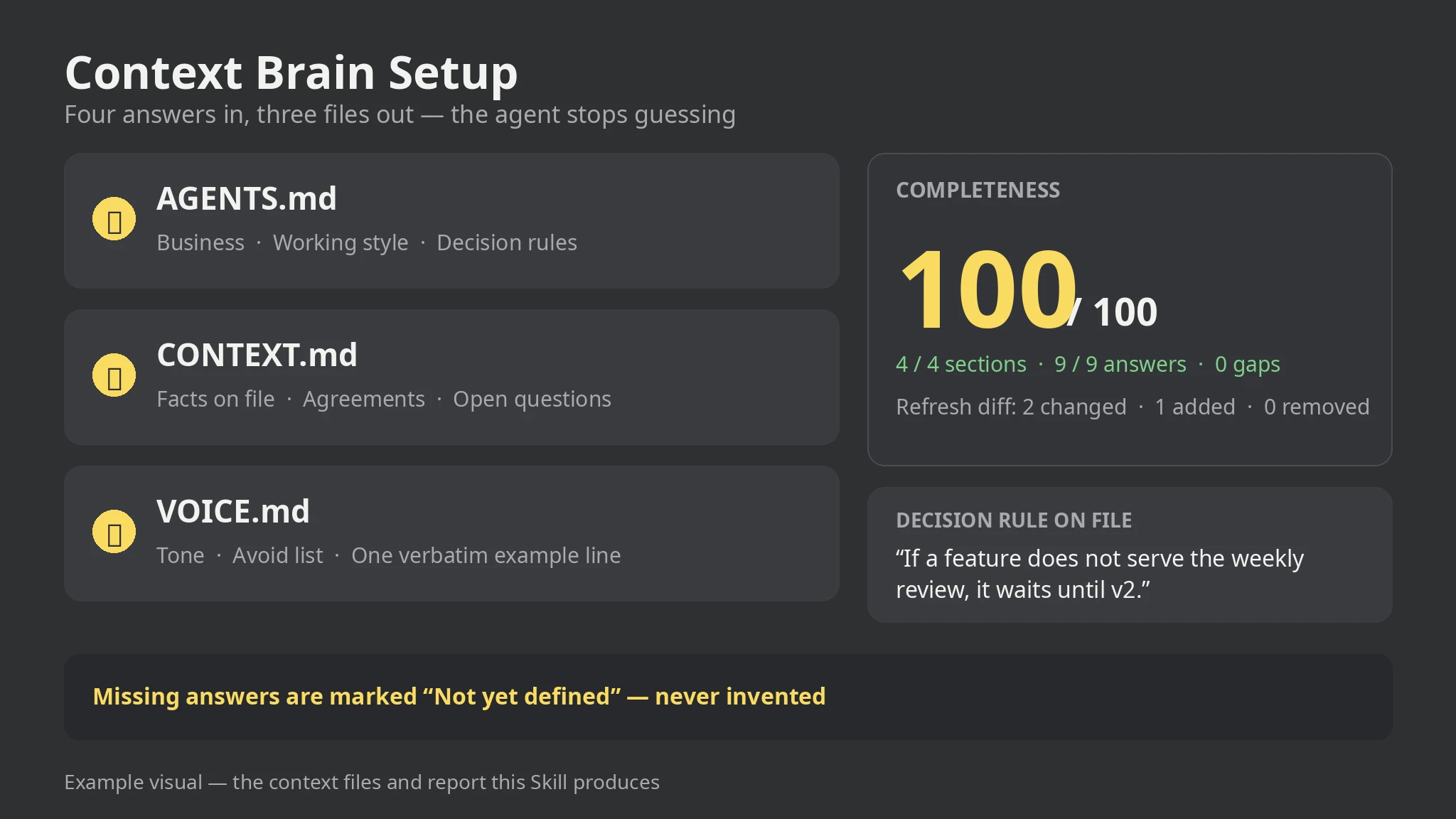 Premium
- Answer the four interview sections
- Run the generator on the brief
- Read the report and fill the gaps
- Copy the three files into the project
- Rerun with --previous when answers change
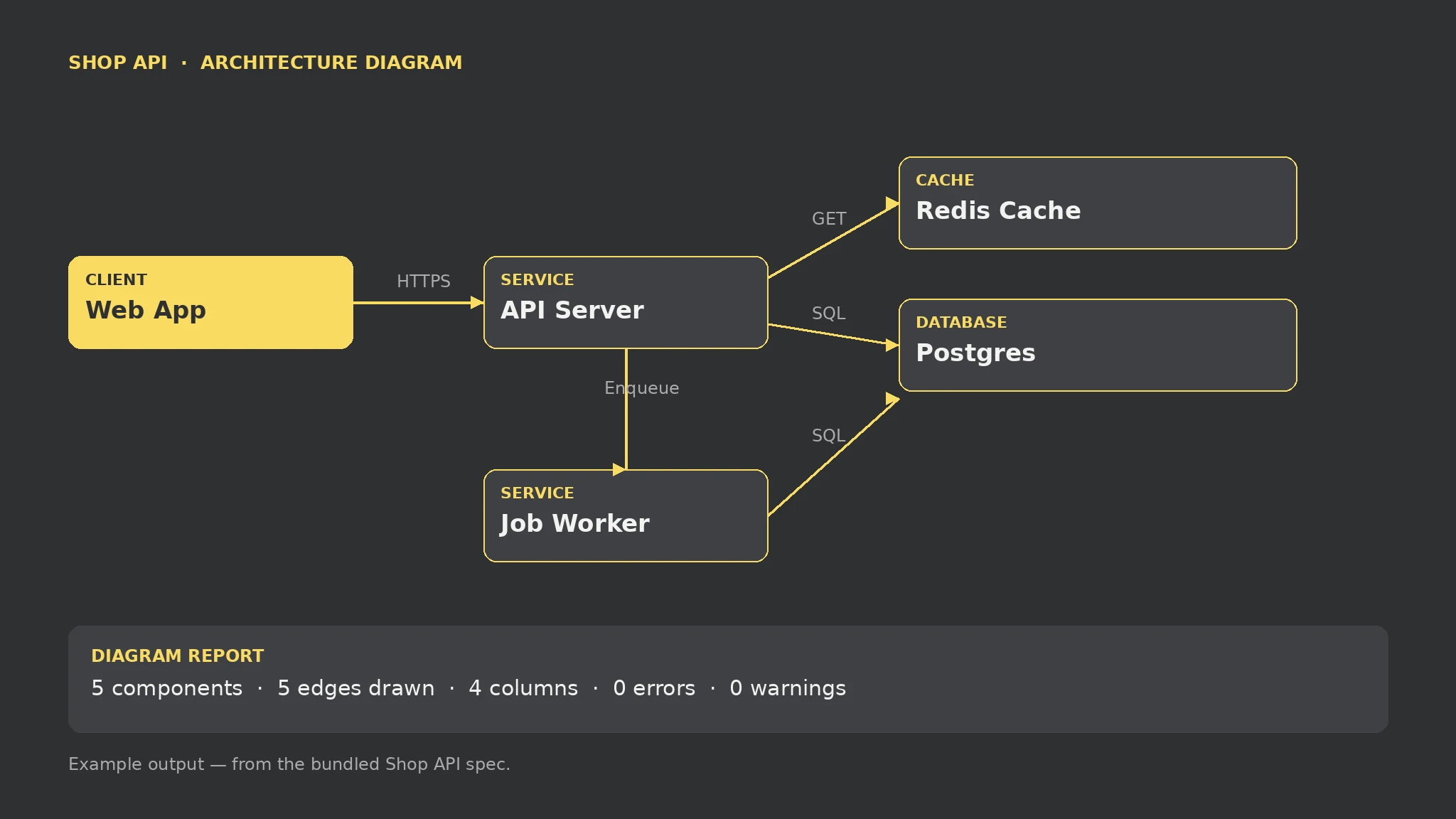 Premium
- List components and connections in the spec
- Run the renderer on the spec
- Read the report before sharing the diagram
- Fix errors and orphans, then rerun
- Ship the SVG with its report
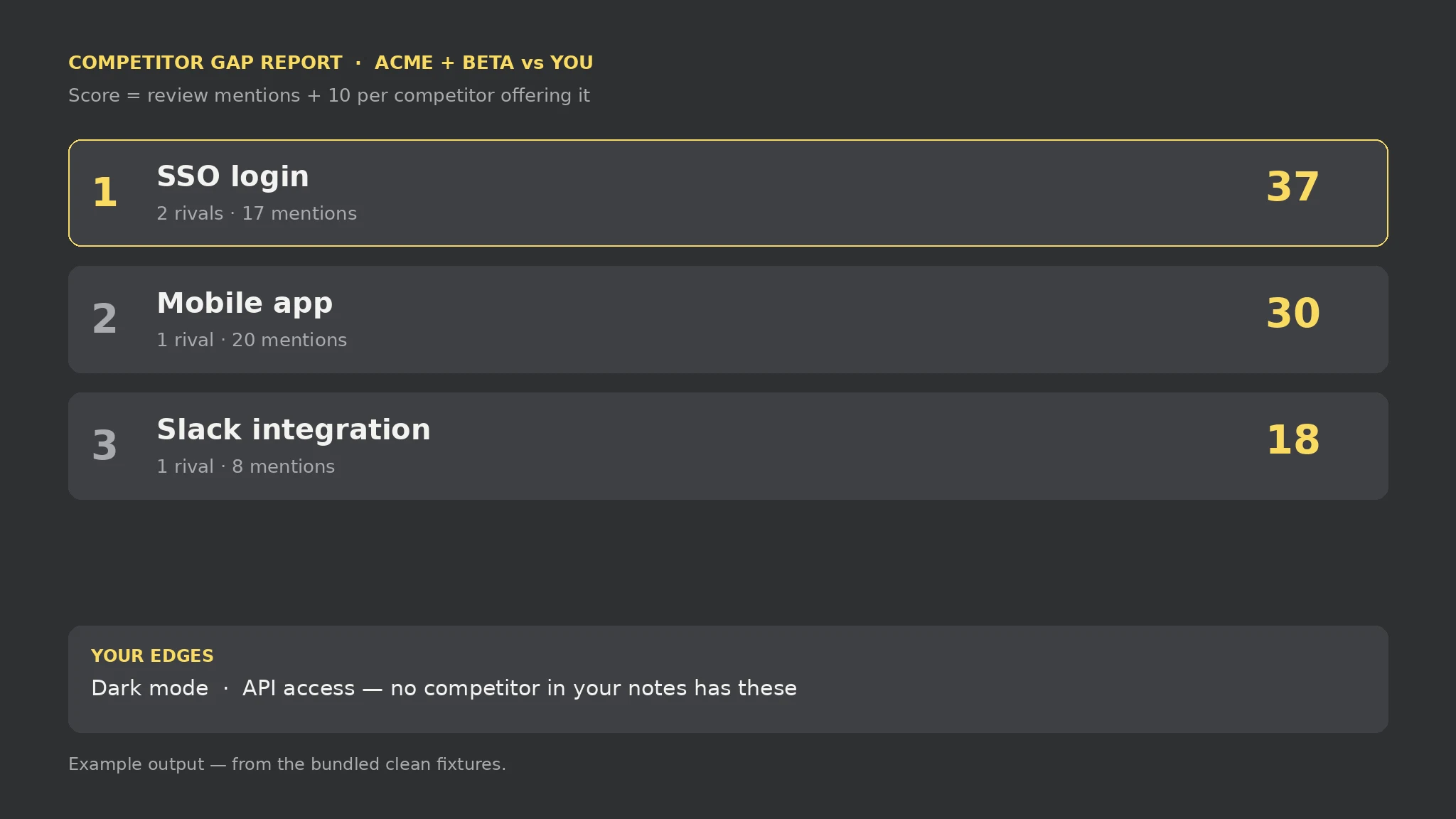 Premium
- List your features in mine.txt
- Write one [Competitor] block per rival with features and mention counts
- Run the auditor on both files
- Investigate the top gaps with your users before building
- Ship the report with your roadmap decision
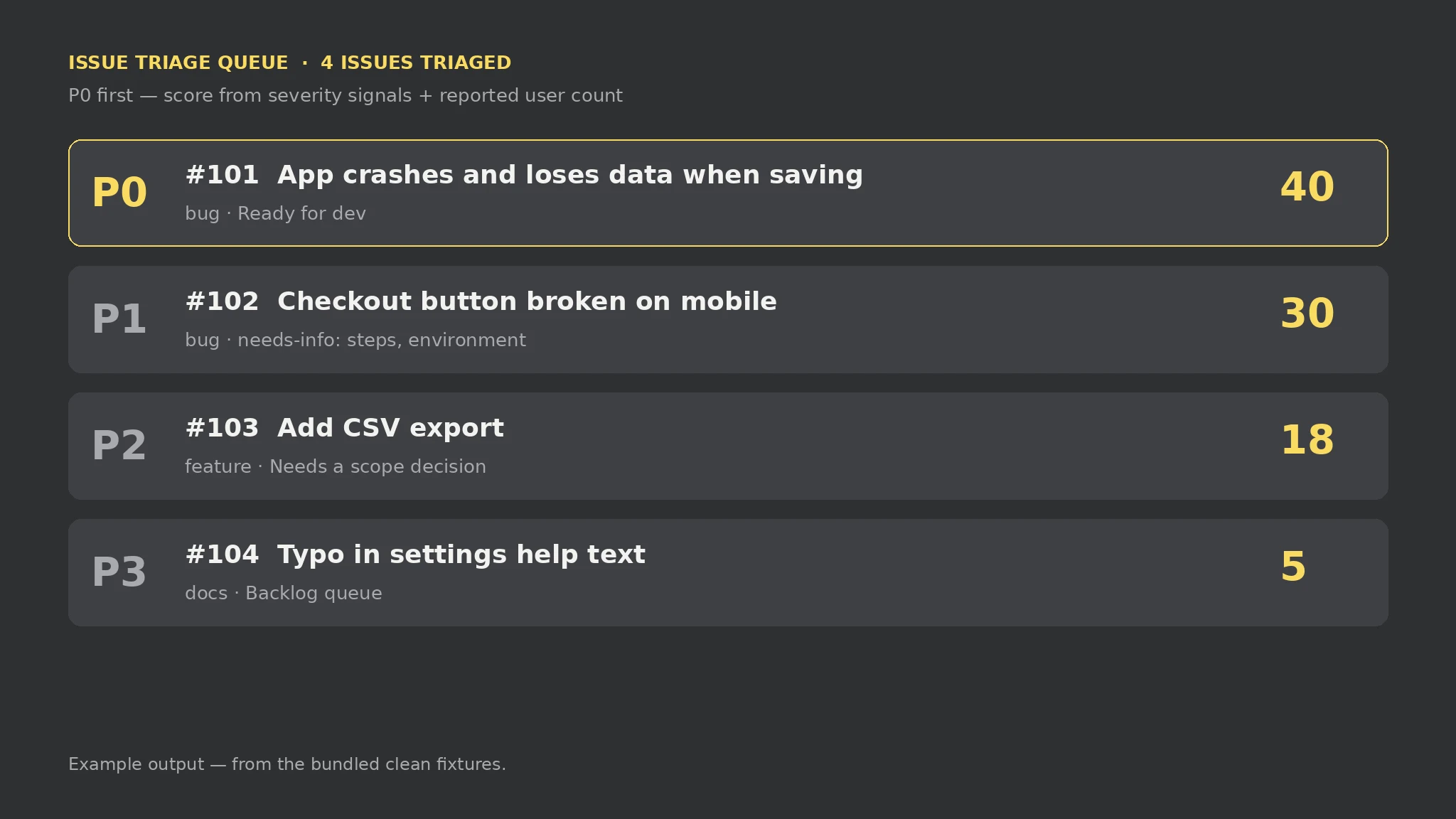 Premium
- Paste each report as one [#id] block in issues.txt
- Add symptoms, steps, environment, and user counts to the body lines
- Run the triage script on the file
- Answer the needs-info questions for P0 and P1 bugs
- Work the queue top-down, not inbox order
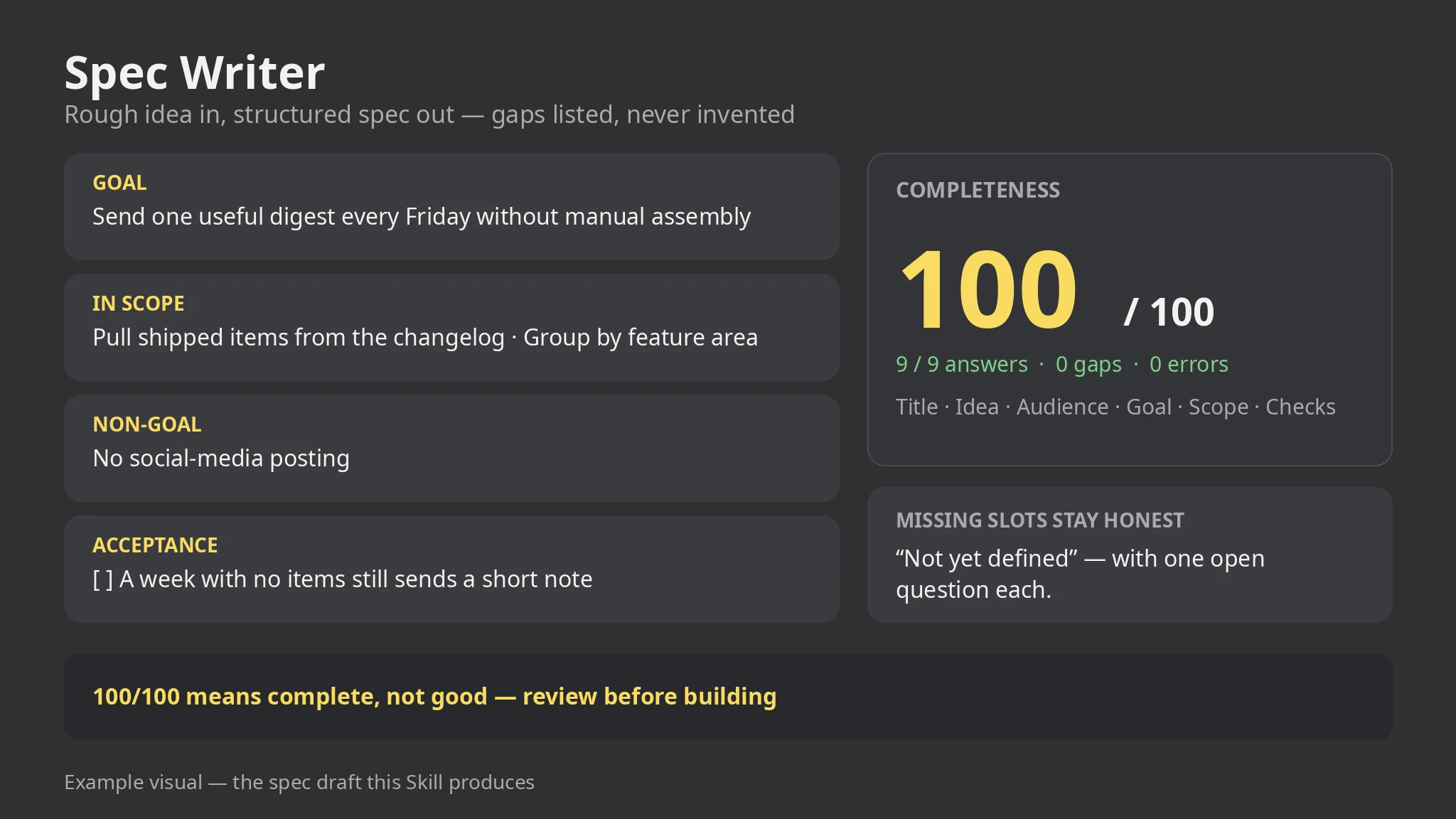 Premium
- Write each answer as one labelled line in brief.txt
- Add scope, non-goals, requirements, checks, and constraints as repeatable lines
- Run the spec script on the file
- Answer the open questions and re-run
- Review the draft end to end before anyone builds from it
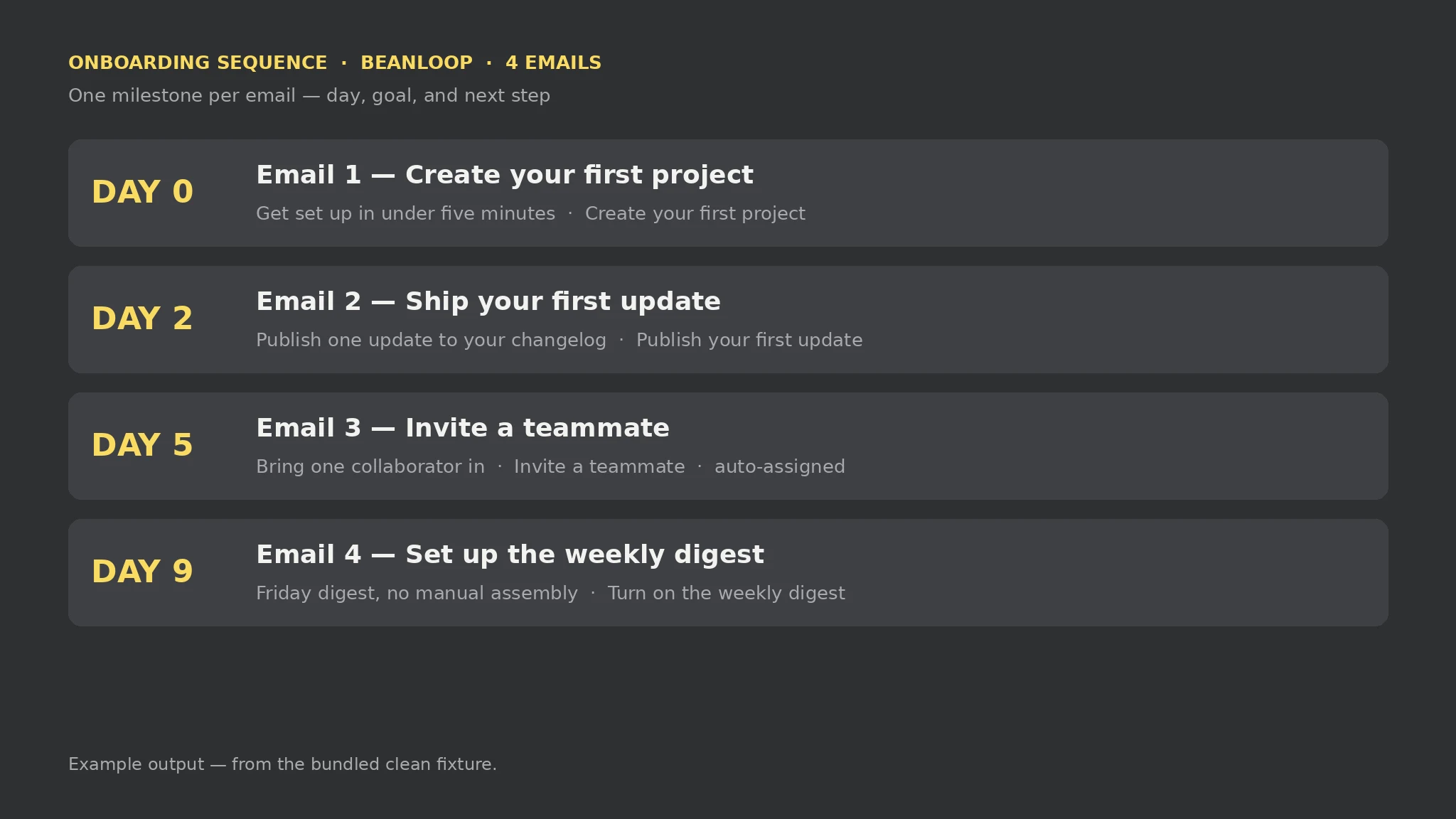 Premium
- Write each milestone as a block in onboarding.txt
- Add a day, a goal, and a call to action to each block
- Run the sequence script on the file
- Fill the gaps the report names and re-run
- Review the order, gaps between days, and wording before loading it into a sender
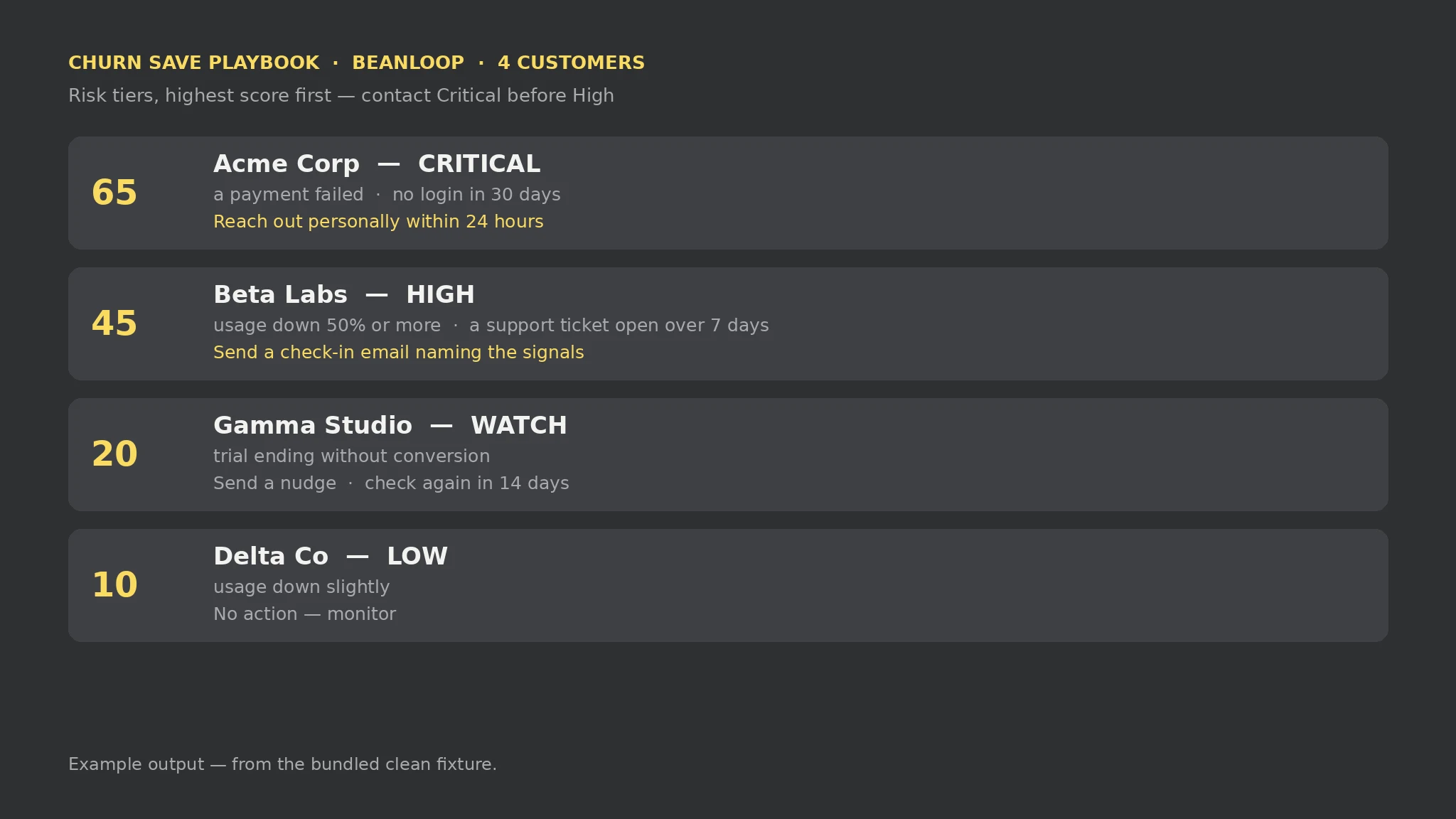 Premium
- List each customer as a block in churn.txt
- Add one Signal line per churn signal, from the fixed vocabulary
- Run the save script on the file
- Contact customers in tier order, Critical first
- Update the signals when a situation changes and re-run
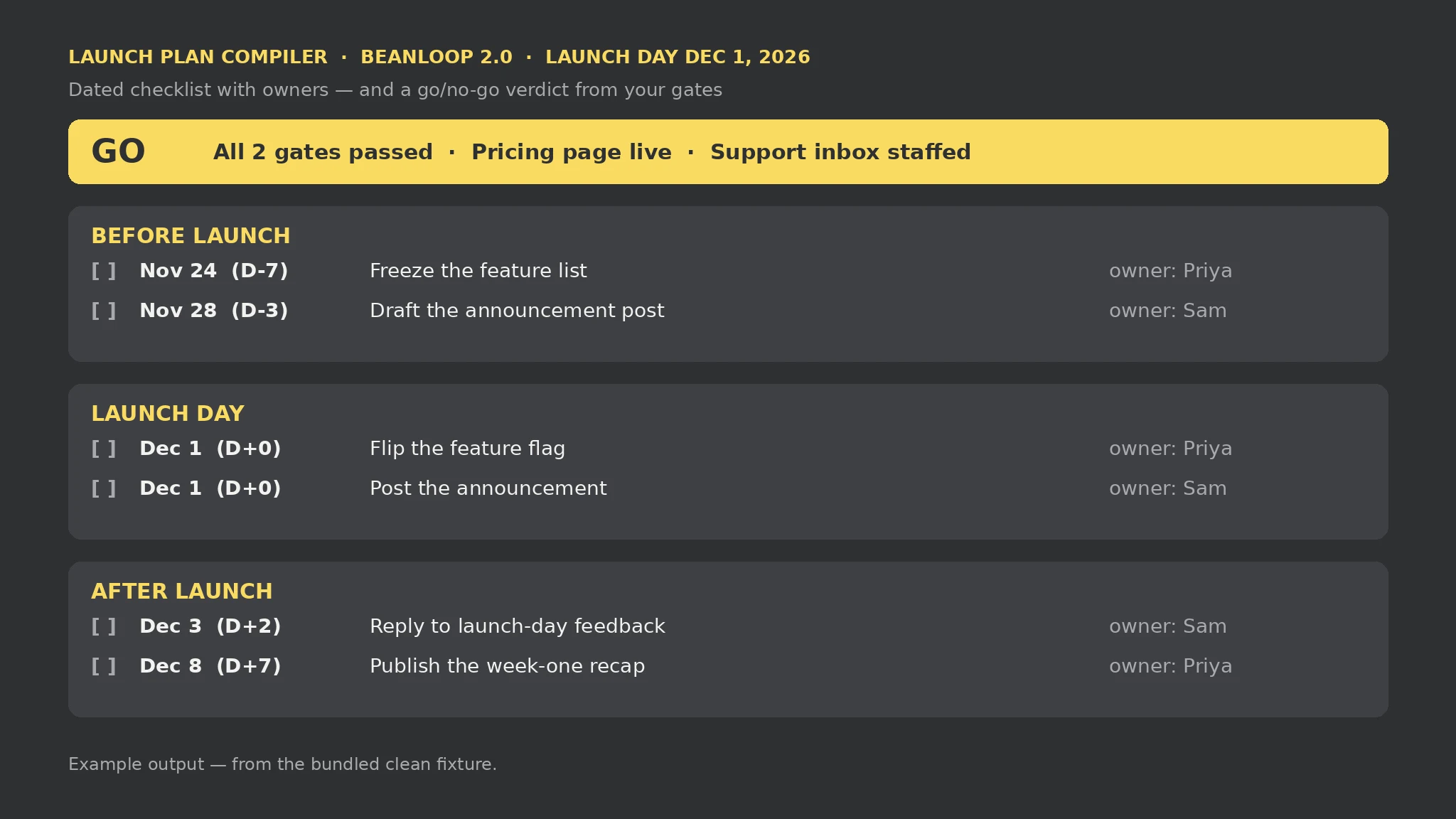 Premium
- Write the Launch and Date lines in launch.txt
- Add one Task line per job, with phase, title, owner, and when
- Add one Gate line per go/no-go check, with a criterion and a status
- Run the launch script on the file
- Work the checklist in date order and re-run as gates are checked
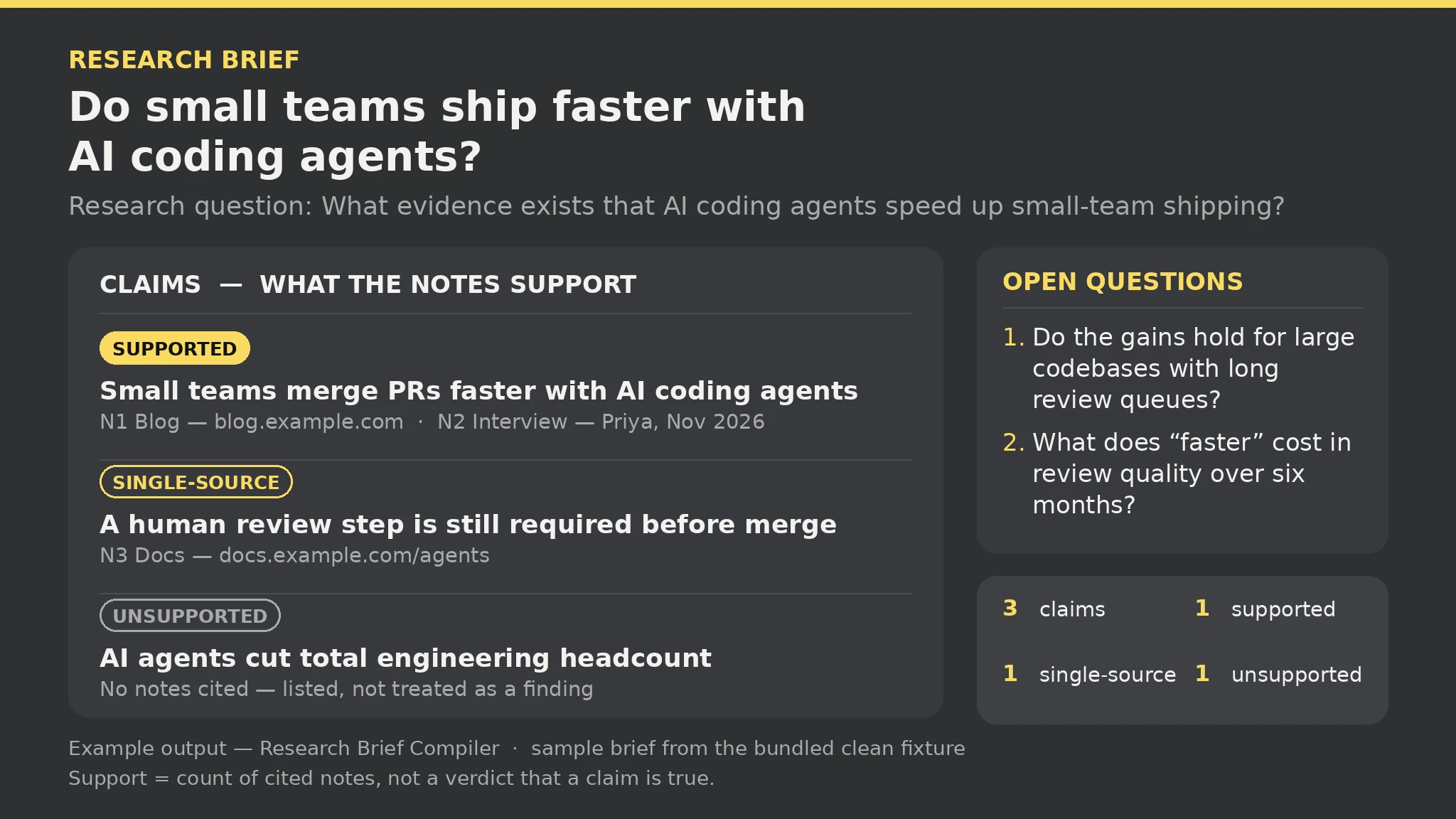 Premium
- Write the Topic and Question lines in research.txt
- Add one Note line per item you collected, with id, source pointer, and observation
- Add one Claim line per assertion, with the note ids that back it
- Add one Open line per question that is still unanswered
- Run the brief script on the file, then chase the open questions and re-run
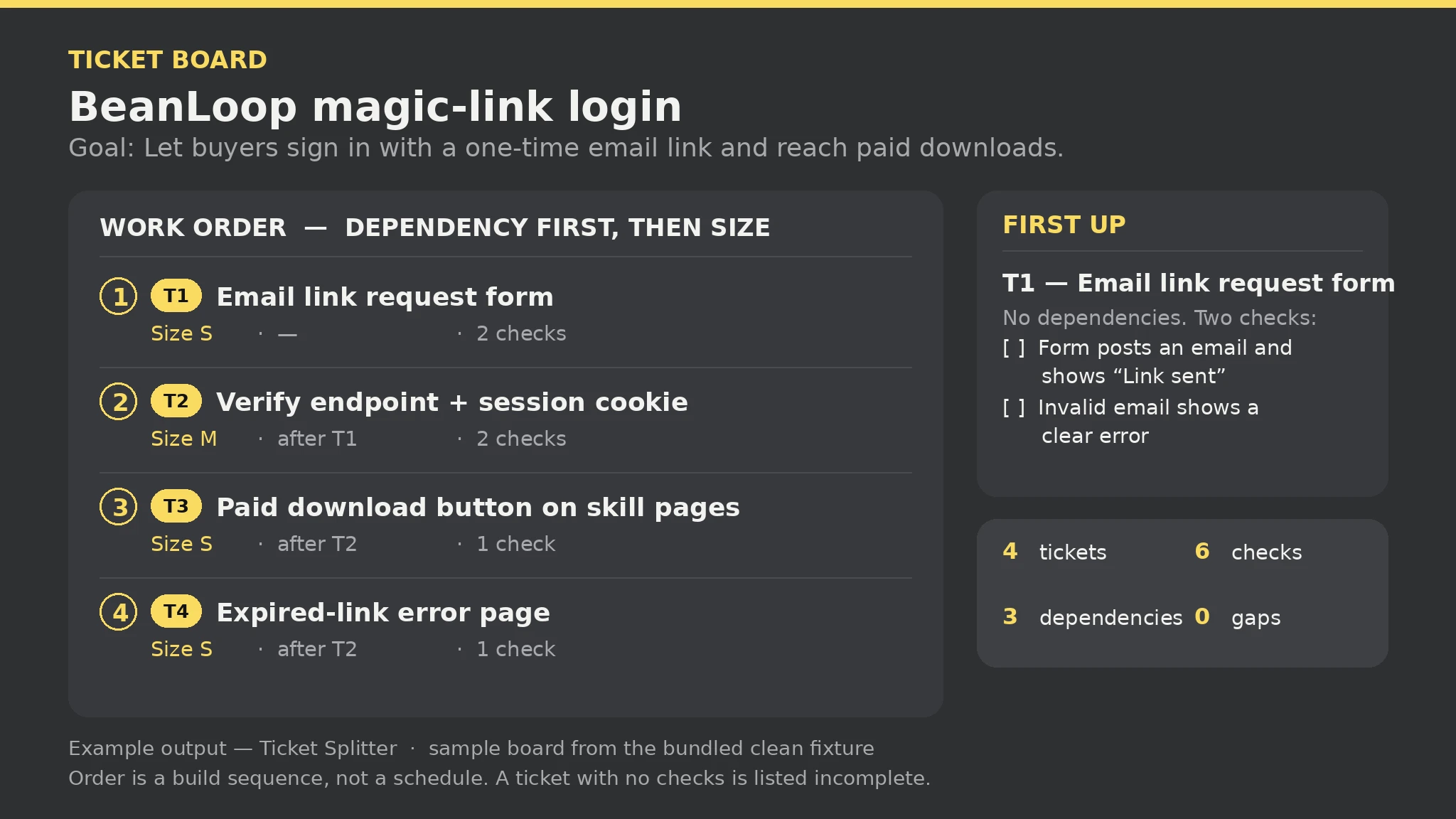 Premium
- Write the Spec and Goal lines in spec.txt
- Add one Item line per piece of work, with id, title, and size S, M, or L
- Add one Check line per acceptance check, tied to its item id
- Add one After line per dependency, naming the ticket and what it waits for
- Run the splitter script on the file, then work the board top-down
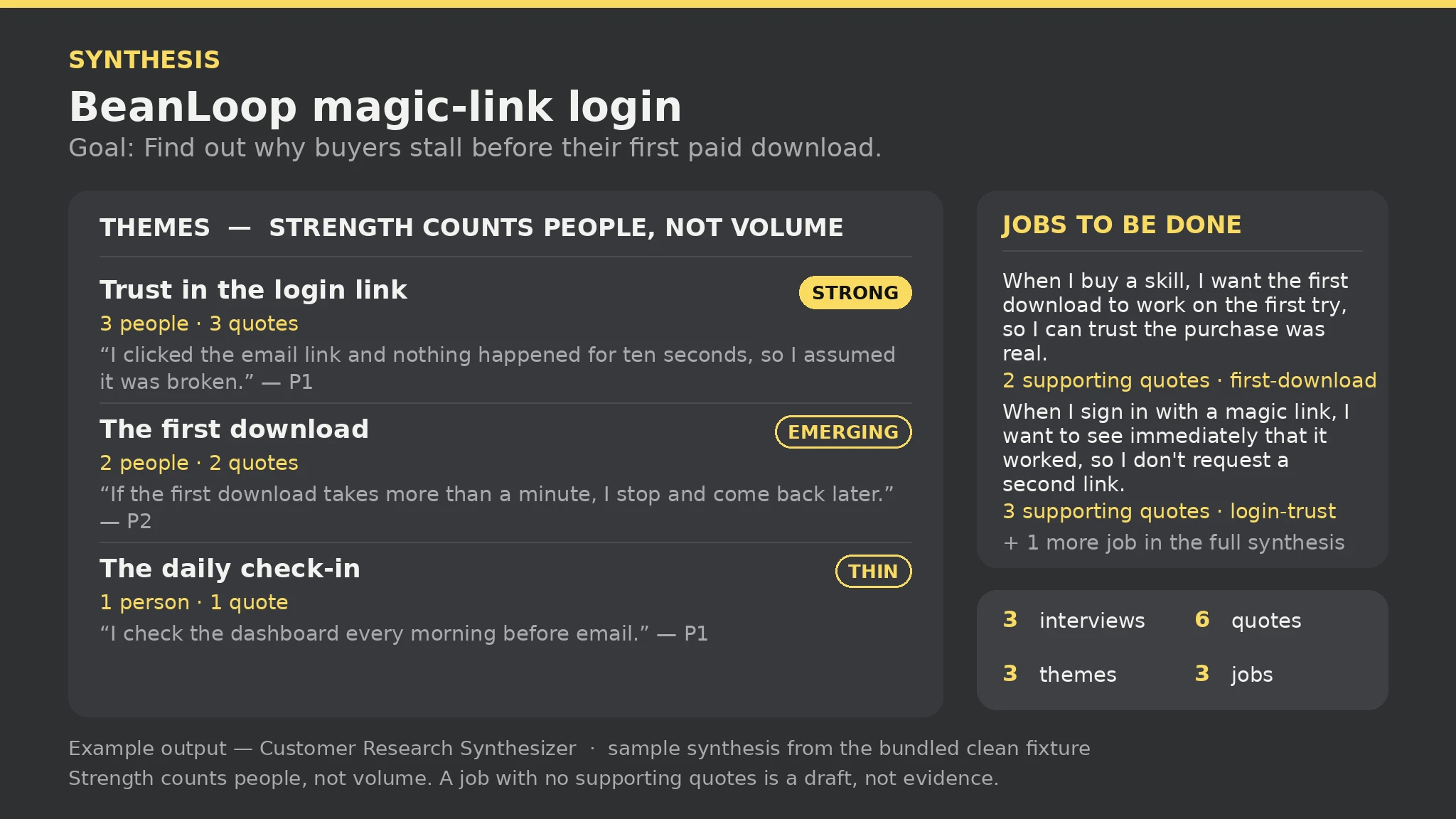 Premium
- Write the Project and Goal lines in research.txt
- Add one Interview line per participant: id, who they are
- Add one Quote line per verbatim quote: participant id, exact words, theme tag
- Add one Job line per jobs-to-be-done statement: statement + theme tag
- Run the synthesizer script on the file, then work the Strong themes first and interview the Thin ones
 Free
- Write the scene brief in plain text
- Run the generator on the brief
- Read the report before trusting the scene
- Render in Blender, headless or in the viewport
- Fix errors and rerun
 Free
- Write the scene brief in plain text
- Run the generator on the brief
- Read the report before trusting the scene
- Open scene.html in a browser and orbit it
- Fix errors and rerun
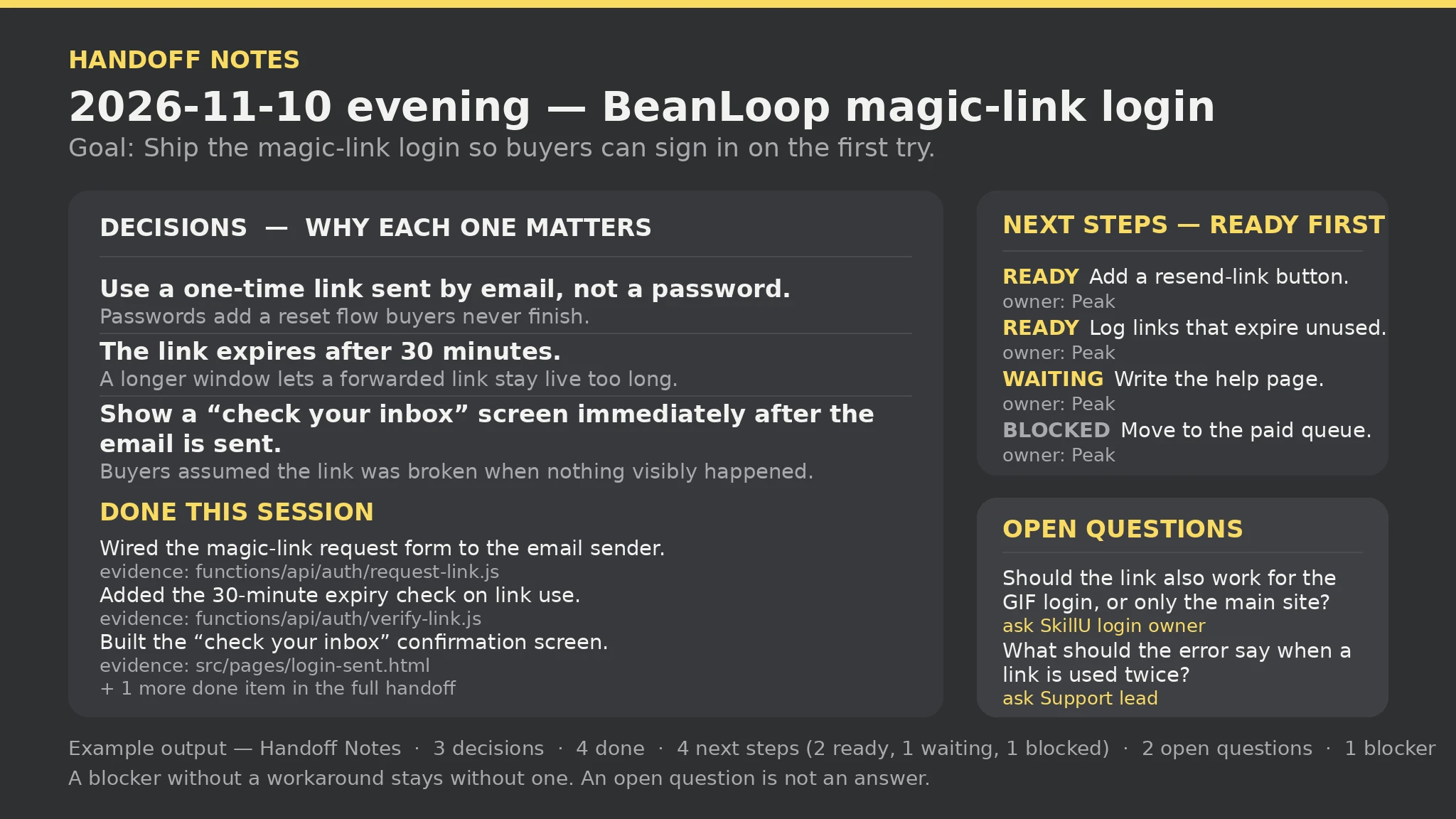 Premium
- Write the Session and Goal lines in handoff.txt
- Add one Decision line per decision: decision, why it matters
- Add one Done line per completed item: what was completed, evidence or file
- Add one Next line per next step: step, owner, status (ready, waiting, or blocked)
- Run the handoff script on the file, then start the next session from the handoff — ready steps first
FAQ
Do all SkillU skills work in Grok Bot?
The catalog targets the shared SKILL.md format Grok Bot reads. Each skill page lists the agents it supports, and anything a skill needs (an account, a key, a connected app) is stated on its page before you install it.
How do I install a SkillU skill in Grok Bot?
Open Grok Bot at grok.com/bot or in the Grok Bot app (Mac, Windows, iPhone, Android). Give your Bot the Skill — share the SKILL.md file, or point it to https://skillu.dev/install/agent.md and ask it to load the skill. Let the Bot sign into the apps it needs; it finishes jobs end to end and only comes back when something needs your approval.
Are SkillU skills free?
Skills marked Free are free. Premium skills are included in a SkillU plan — Monthly, Yearly or Founding Lifetime — and free skills remain a good way to feel the format before upgrading.
Get Premium access Browse automation skills
 Skill